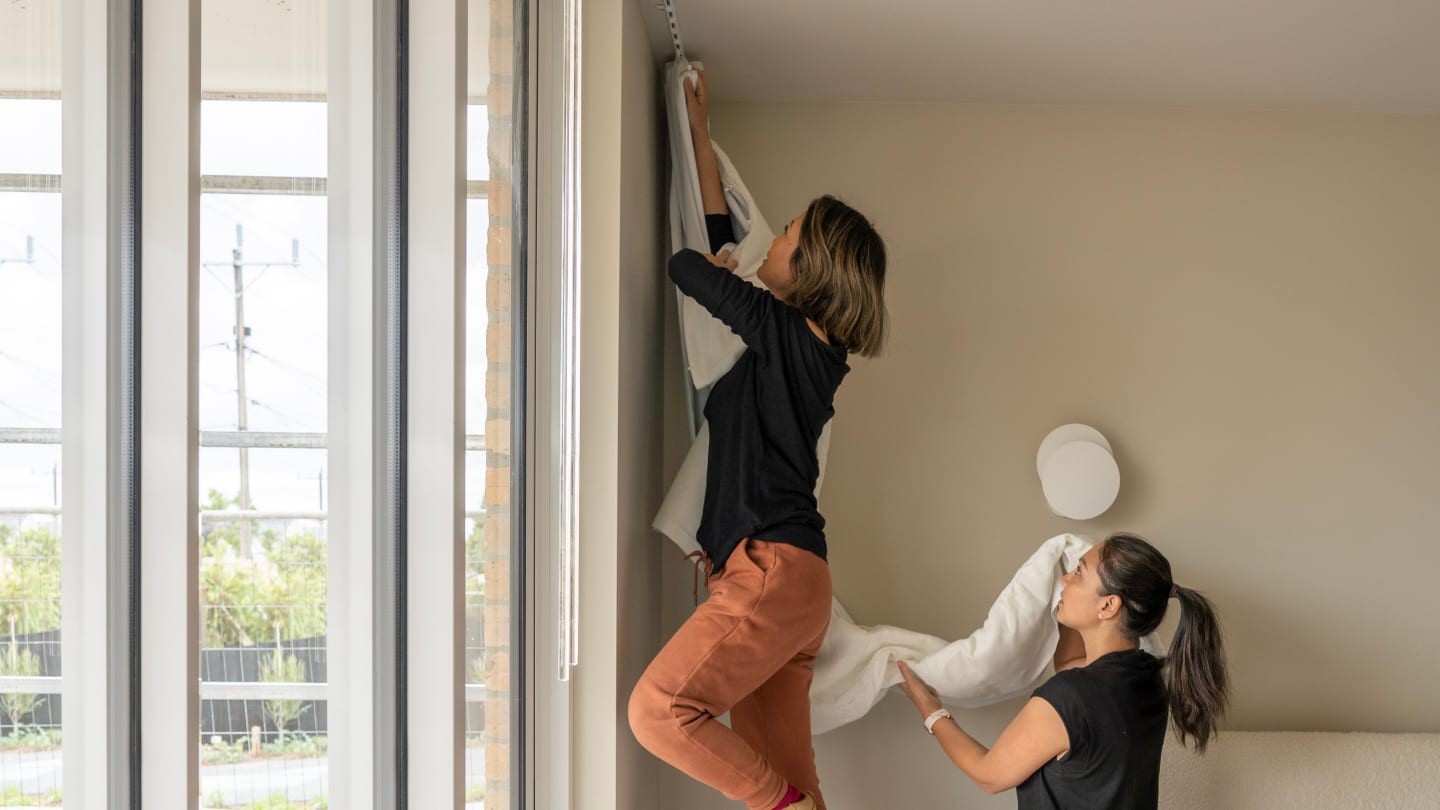
What you’ll need to install

1 person

5-10 minutes per curtain
Tools
- a paper clip or pin
- a step ladder
Before you get going
You'll need to install your motorised curtains, before you set up your remote control.
For battery powered motors that are brand new, you'll need to fully charge the motor before you start. See I need some extra help at the bottom of this page. For wired motors you don't need to worry about charging the motor.
Your custom kit

B
Your Somfy remote (1 or 5 channel)
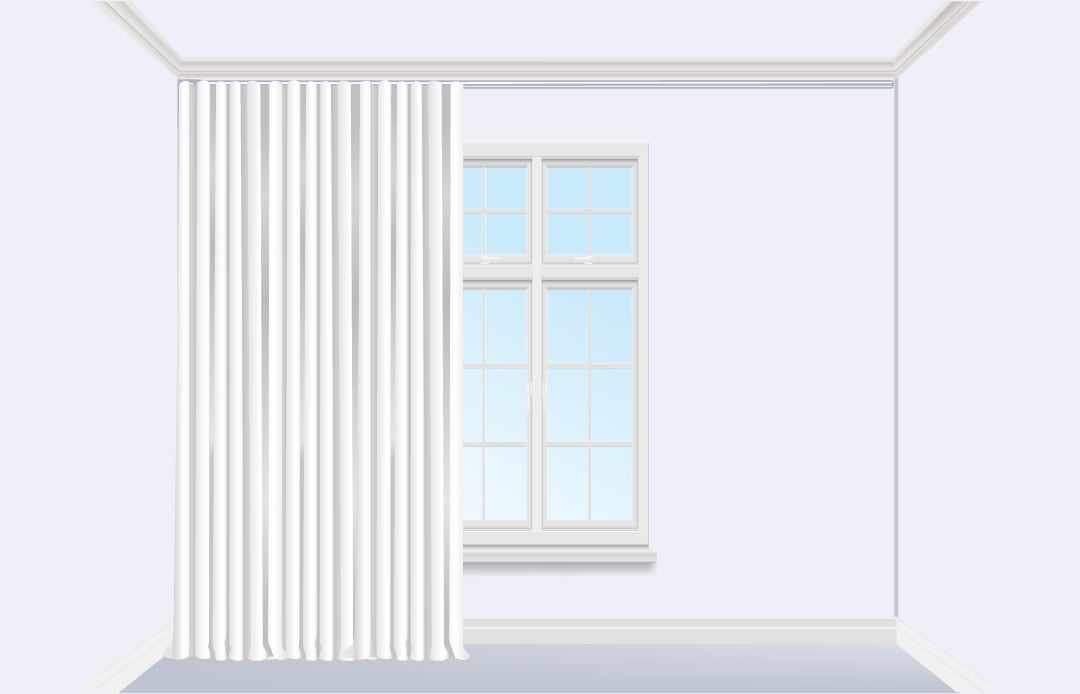
A
Your installed motorised curtains
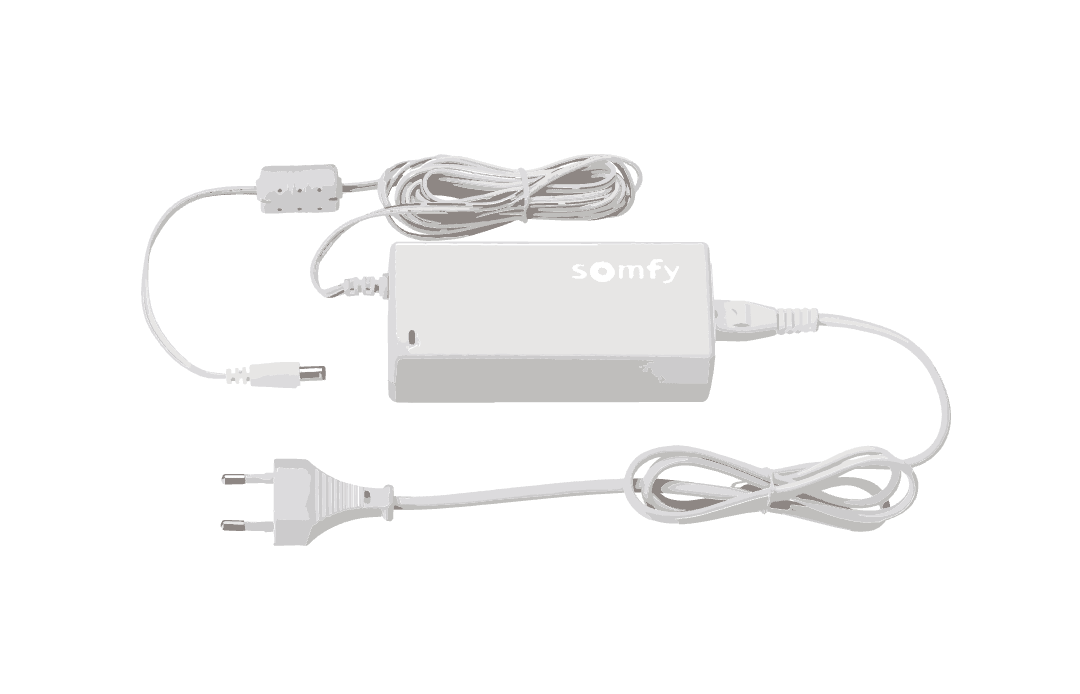
C
Your Somfy battery charger (only for battery powered motors, in case they need charging)
OK it's time to start setting up, let's take it step by step.

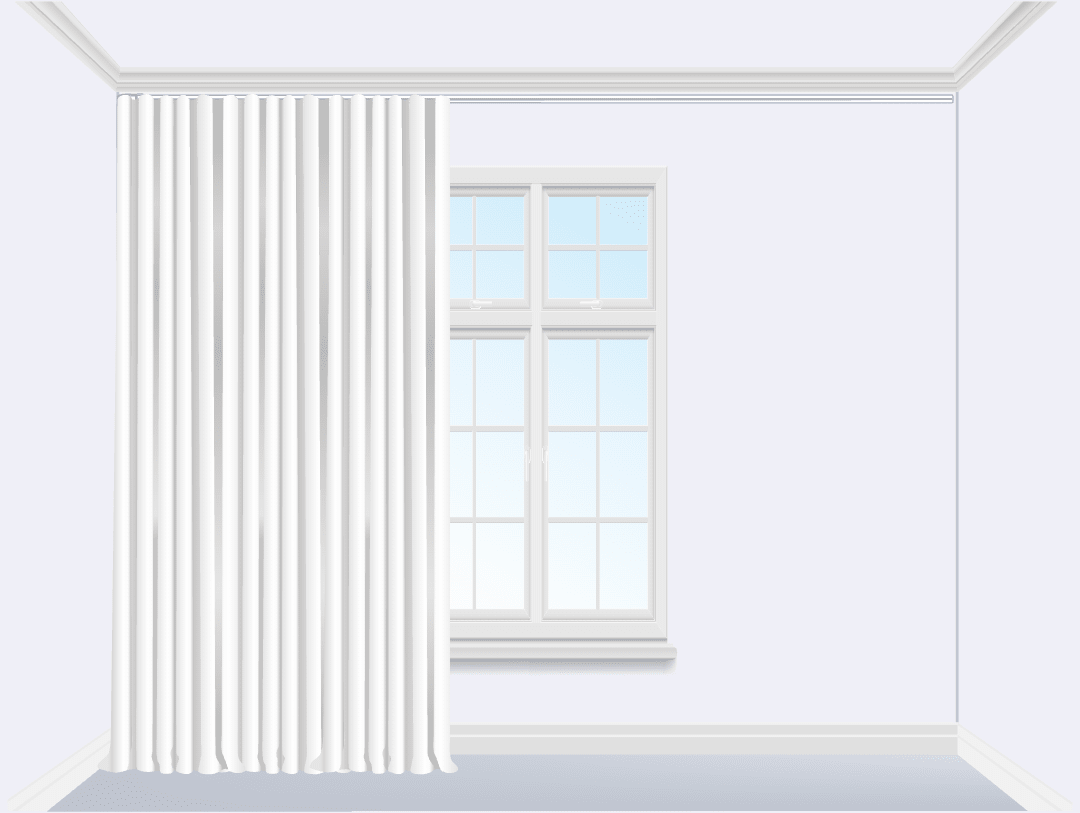
Get your curtains ready
Move your curtains manually to a middle or half open position, so when you start programming your remote your motor can move in both directions.
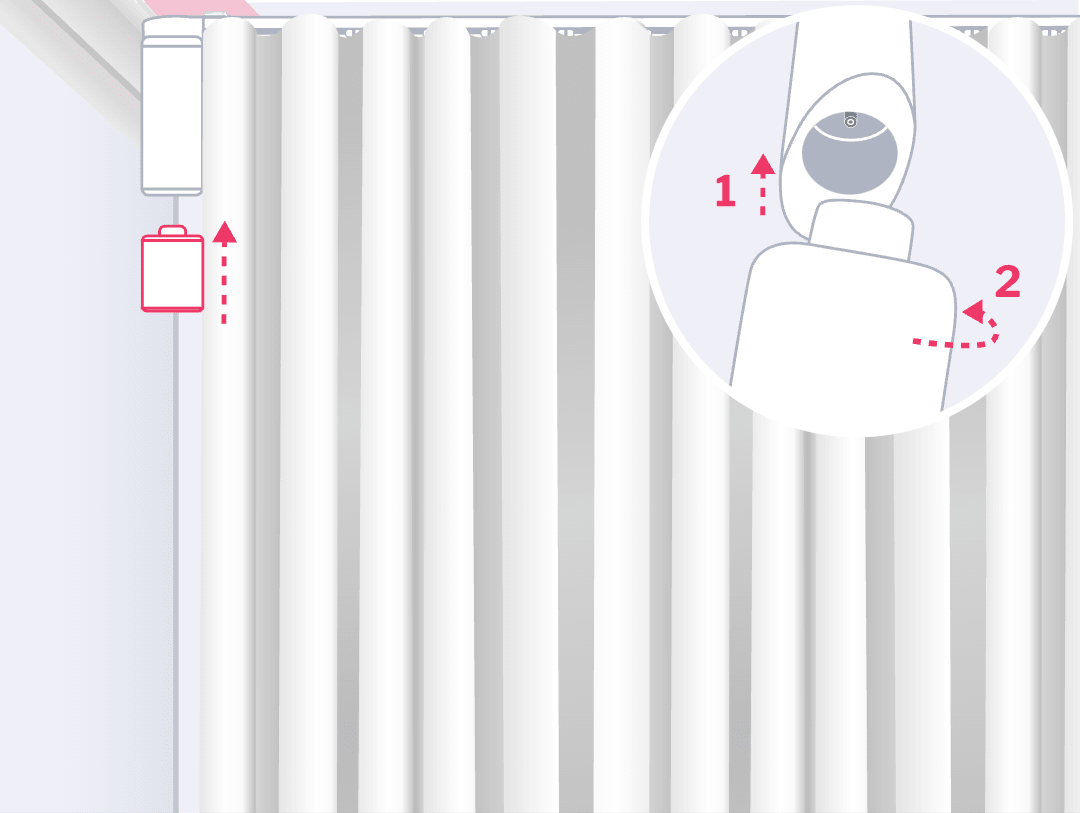
Connect your battery pack to your motor
Grab your fully charged, Somfy battery pack and connect it to your motor. Hold up the battery to your motor with the Somfy logo on your battery facing left. Twist the battery to the right until it clicks into place. A green LED at the bottom of your motor will blink for a few seconds and your motor will beep to let you know it's ready to go.
Remember your battery needs to be charged before you start. See I need some extra help at the bottom of this page.
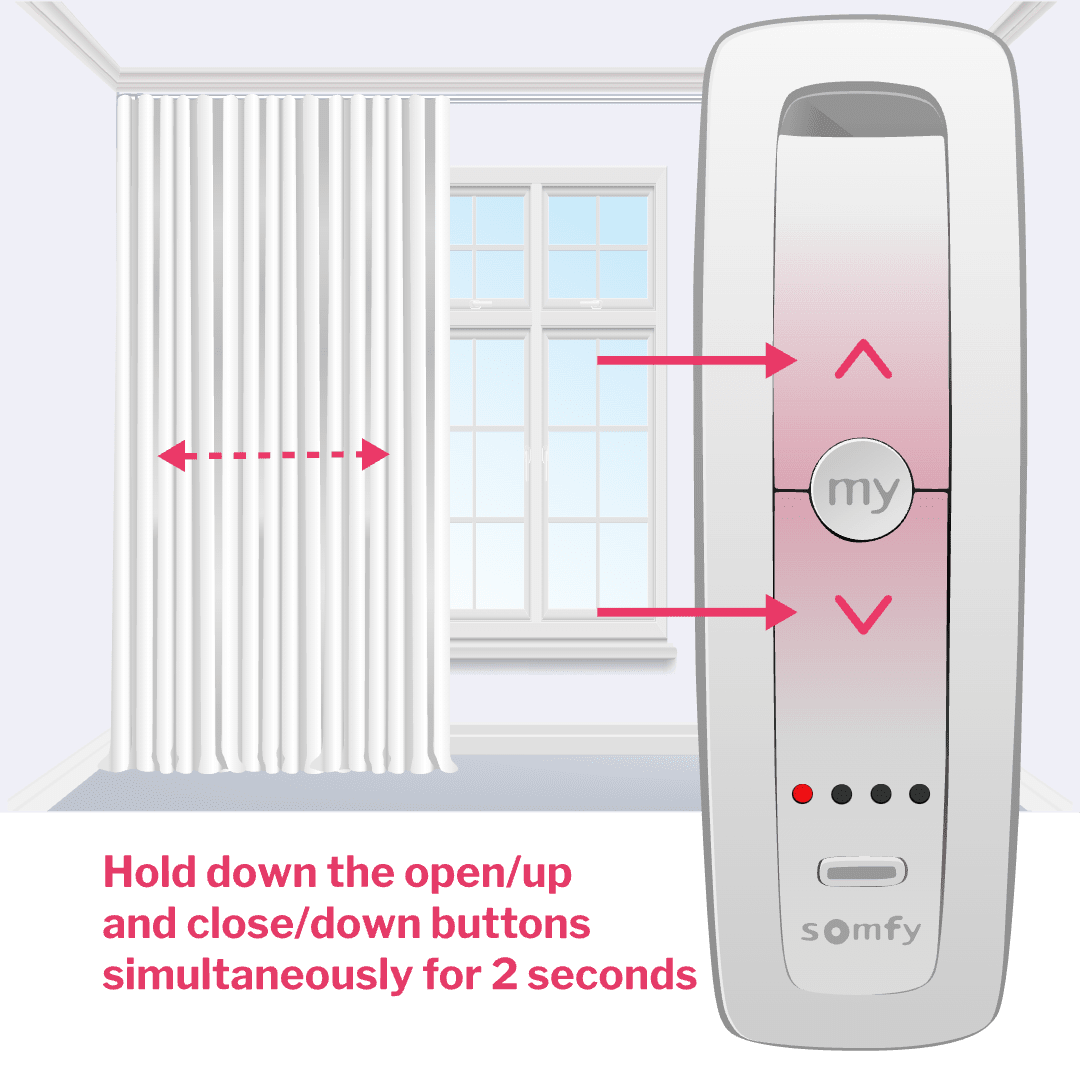
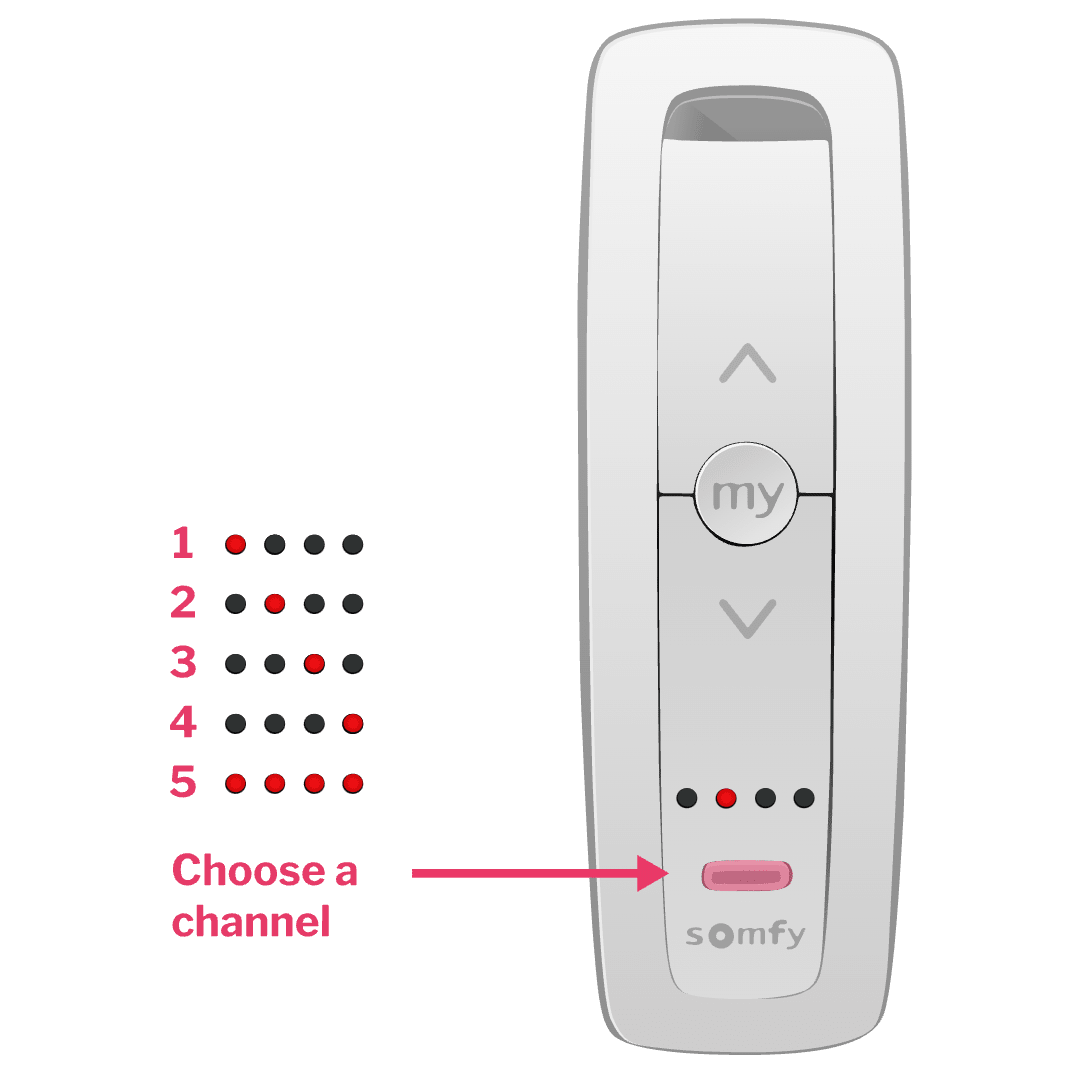
Pick your channel
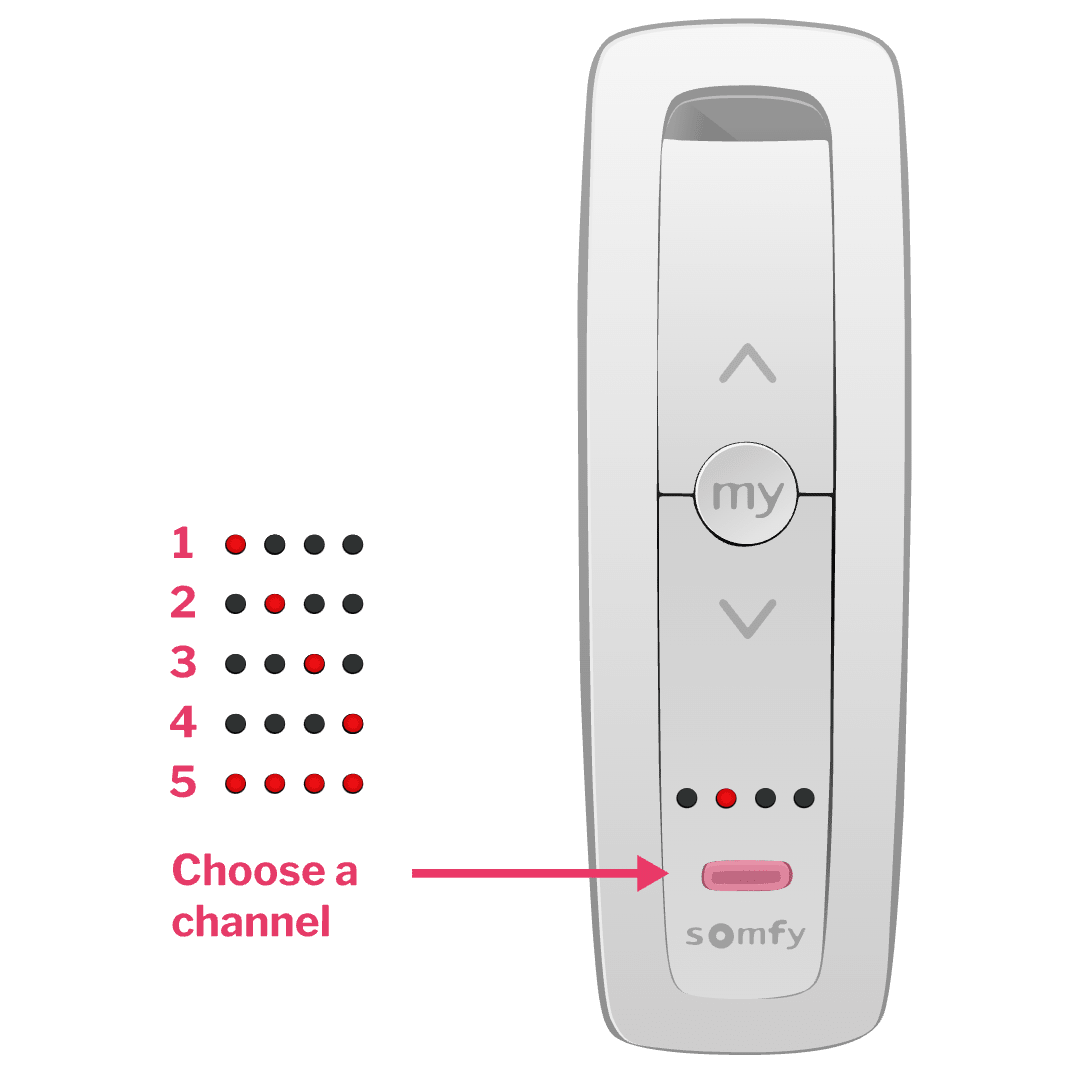
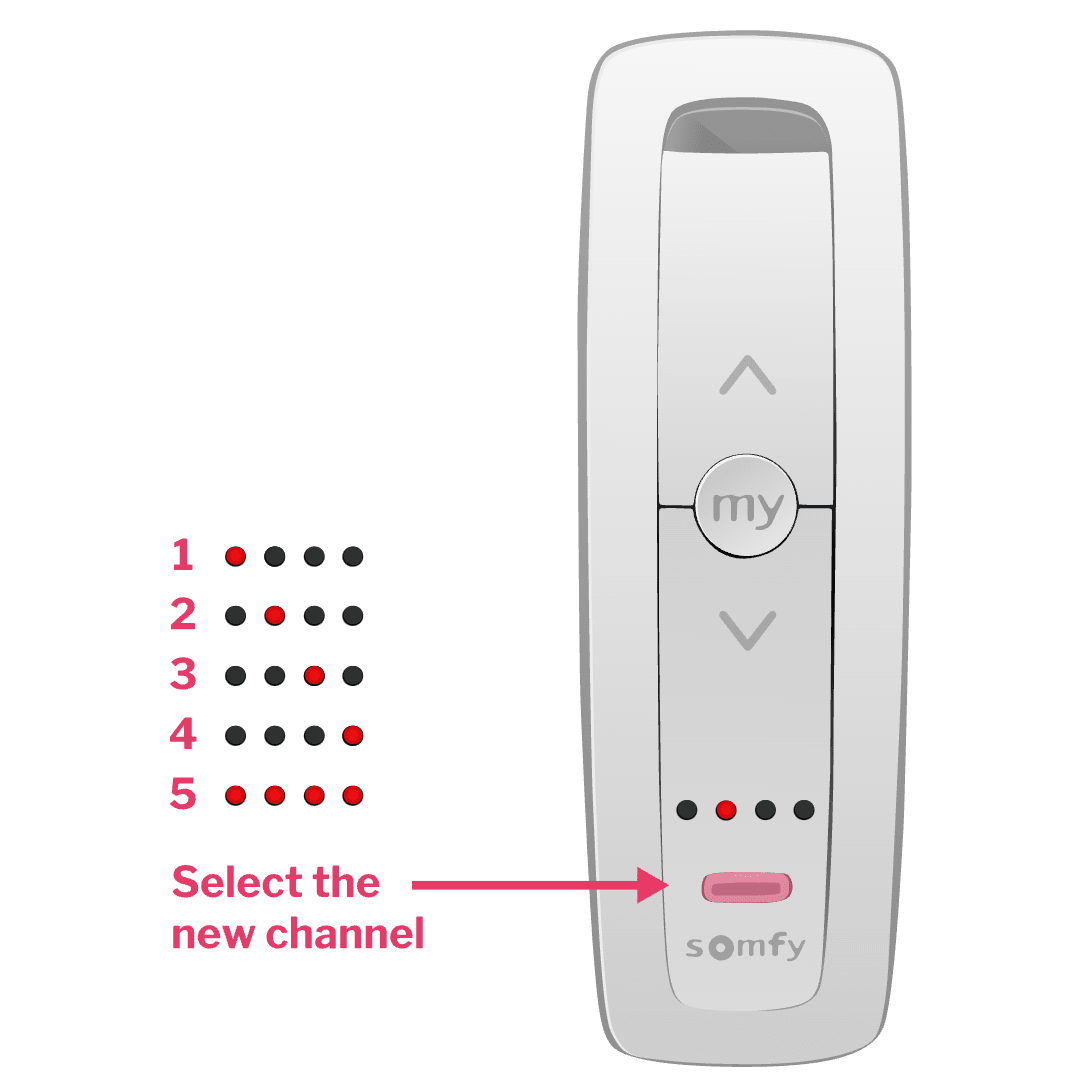
For 5 channel remotes click the channel button at the bottom of your remote to choose which channel will control your curtain.
The red light displays which channel you're on.
For 1 channel remotes, you can skip this step.
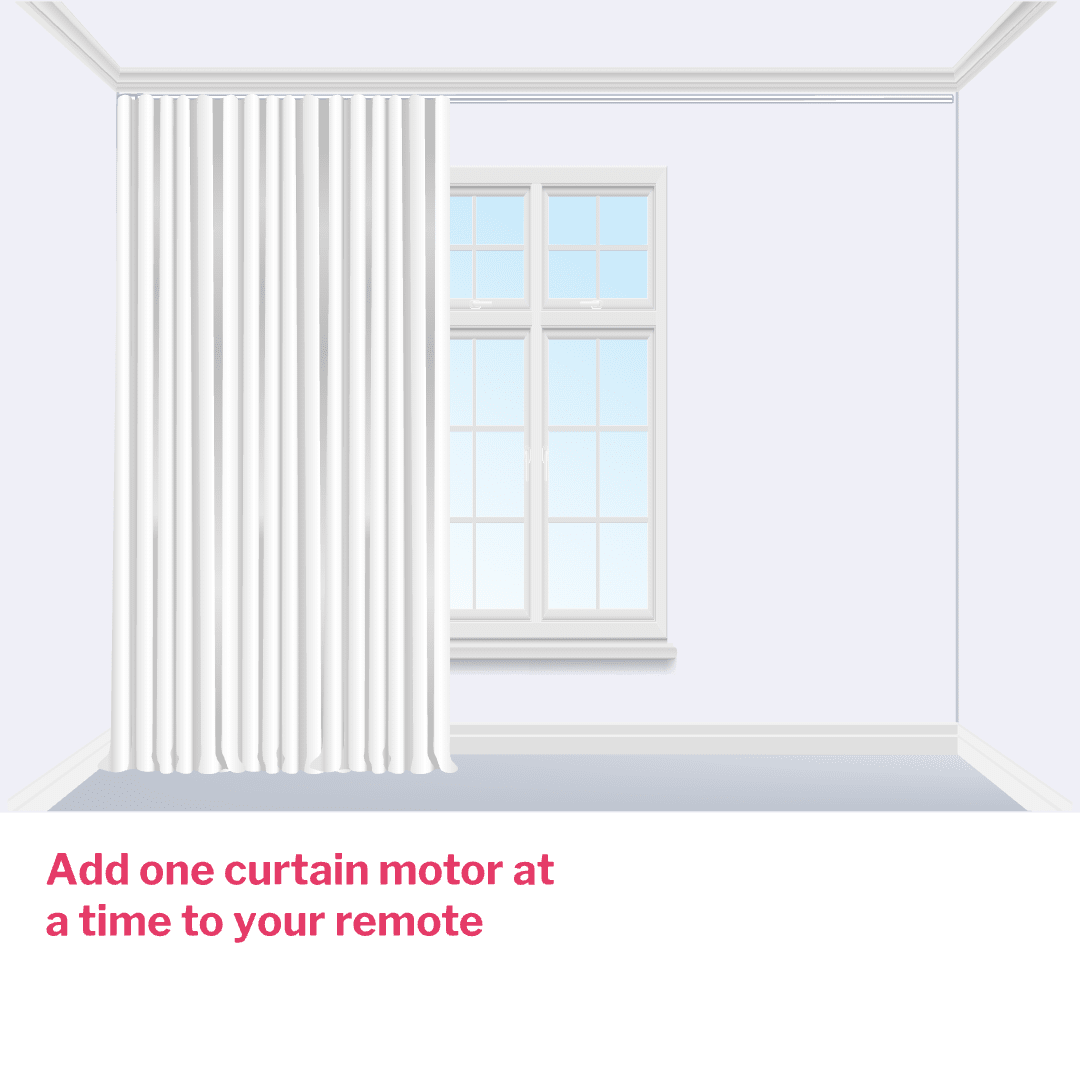
For multiple curtains add one curtain at a time to your remote by following steps 1 to 8. Don't try to set them up simultaneously. Once you've added every curtain to your remote you can group them.
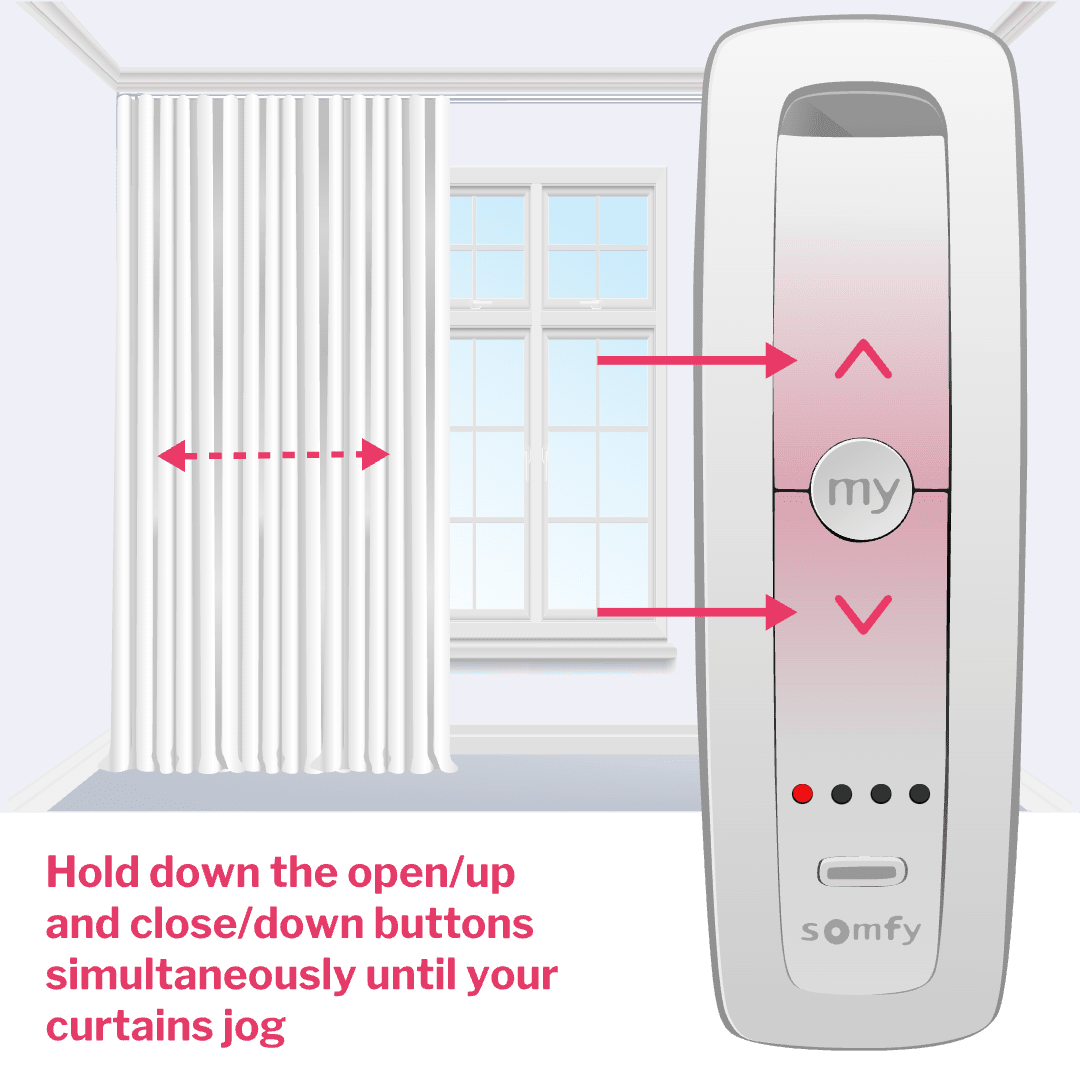
Assign your curtain to the channel
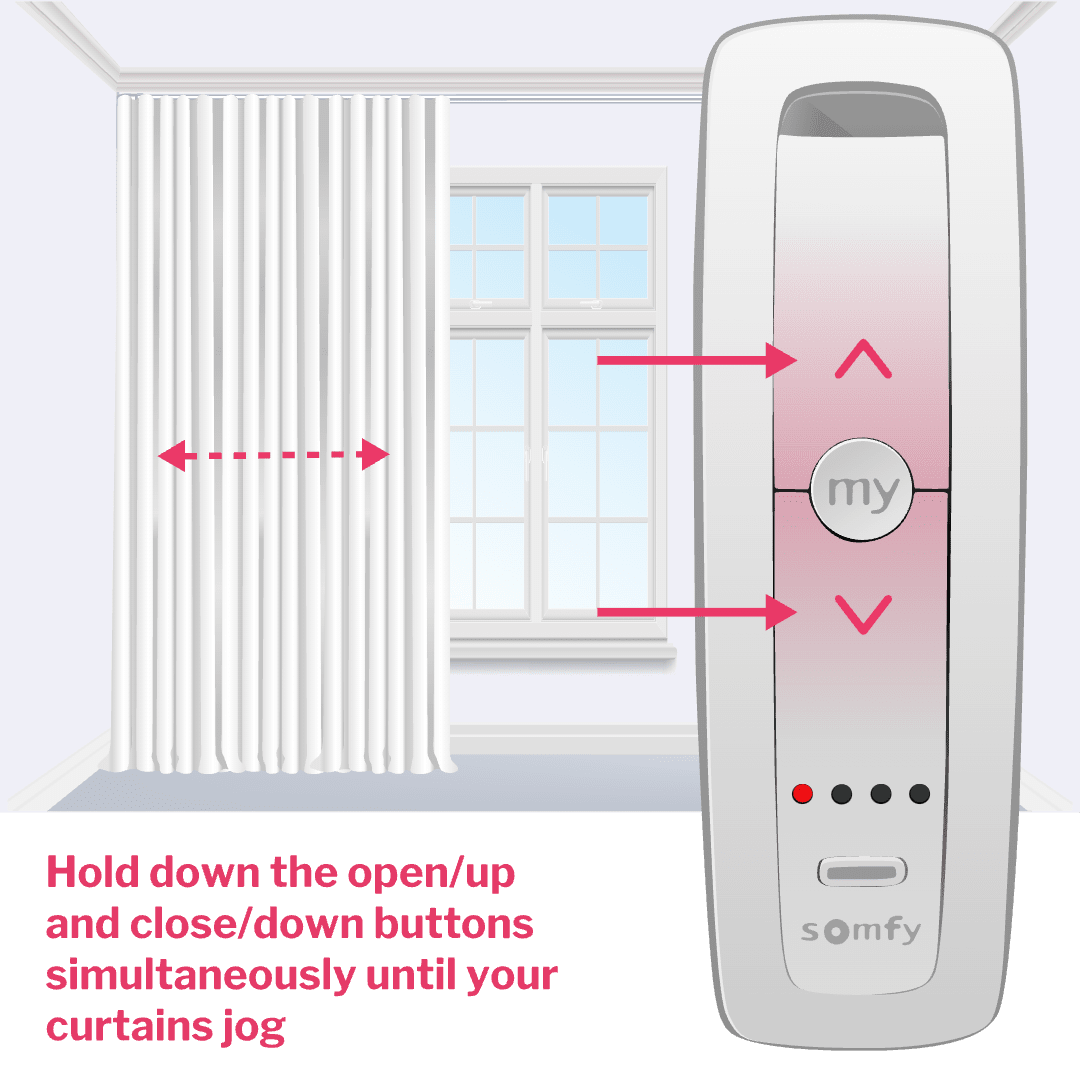
Hold down the open/up and close/down buttons simultaneously until your curtains jog. This means they have been assigned to the channel. Curtains won't jog? See I need some extra help at the bottom of this page.
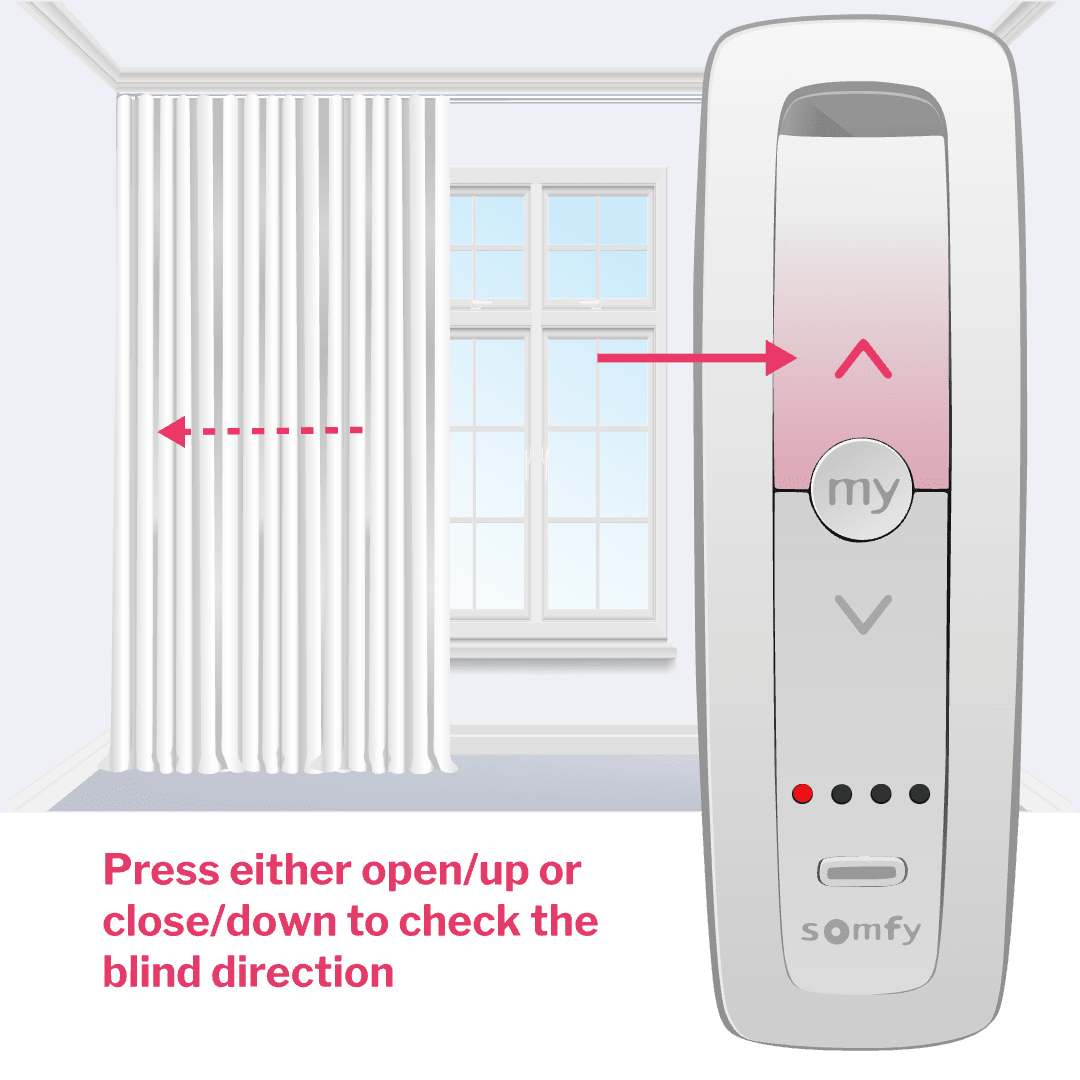
Let the motor set your end limits
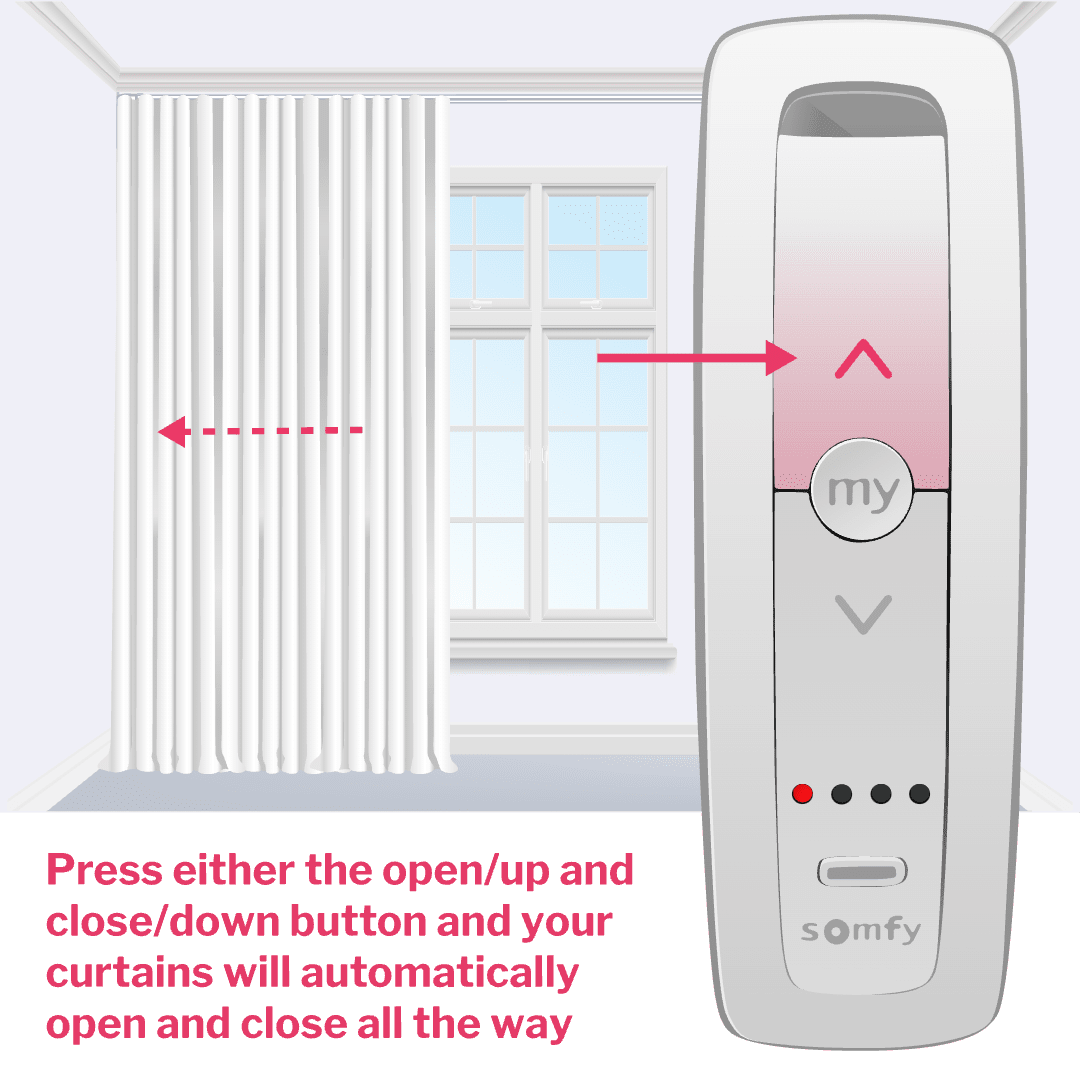
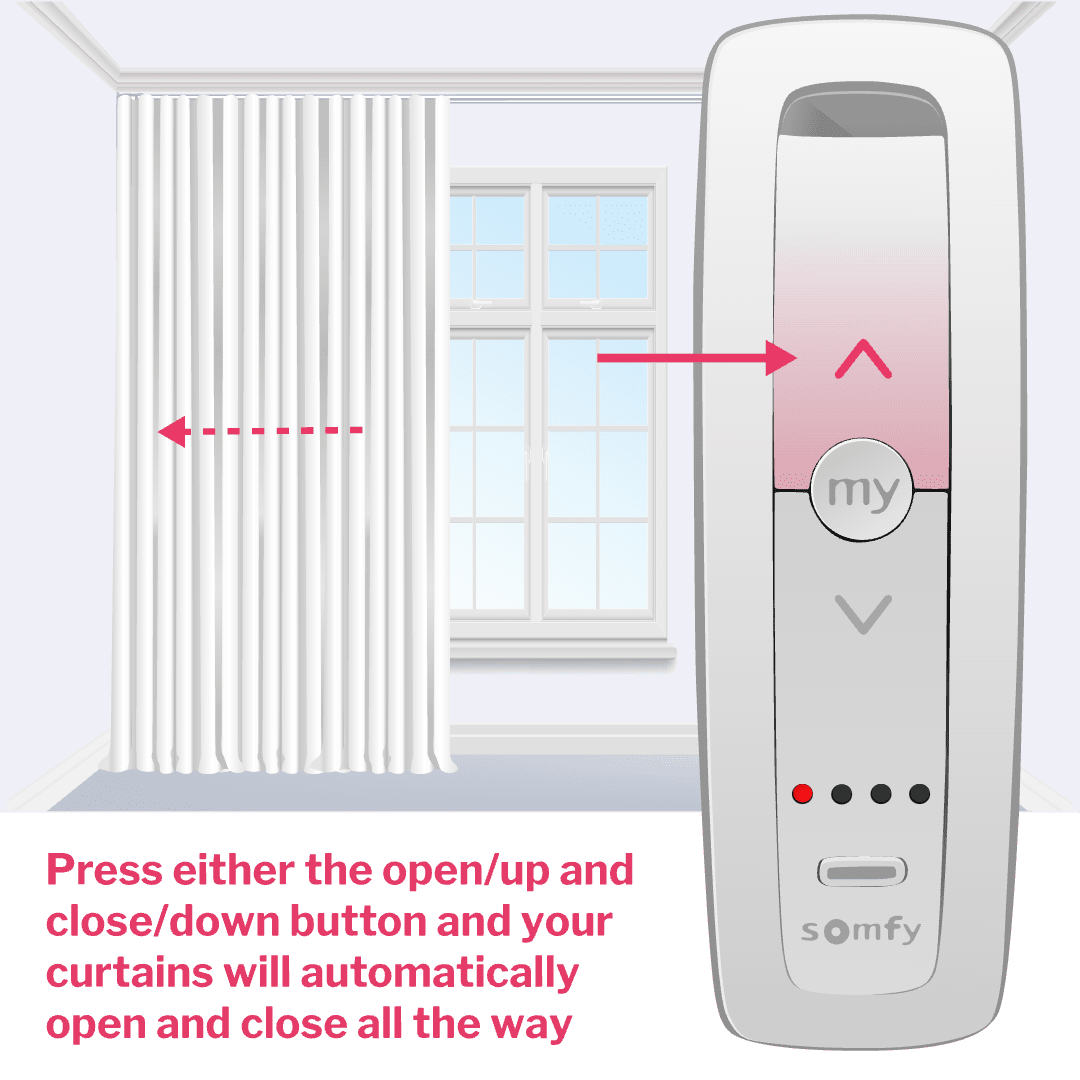
Quickly press either the open/up or close/down button and your curtains will automatically open and close all the way. This lets your remote record the end limits of your curtains.
Check your directions
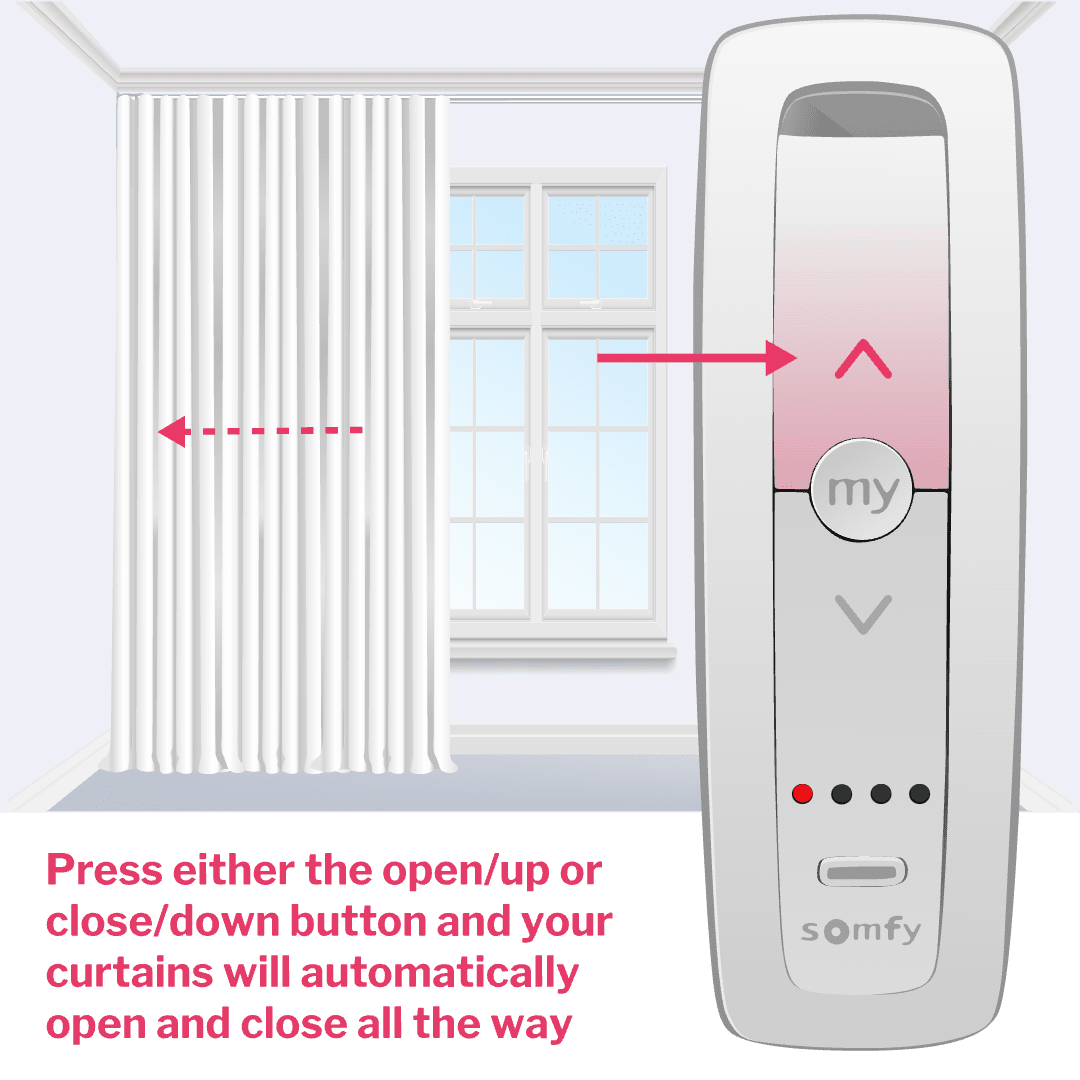
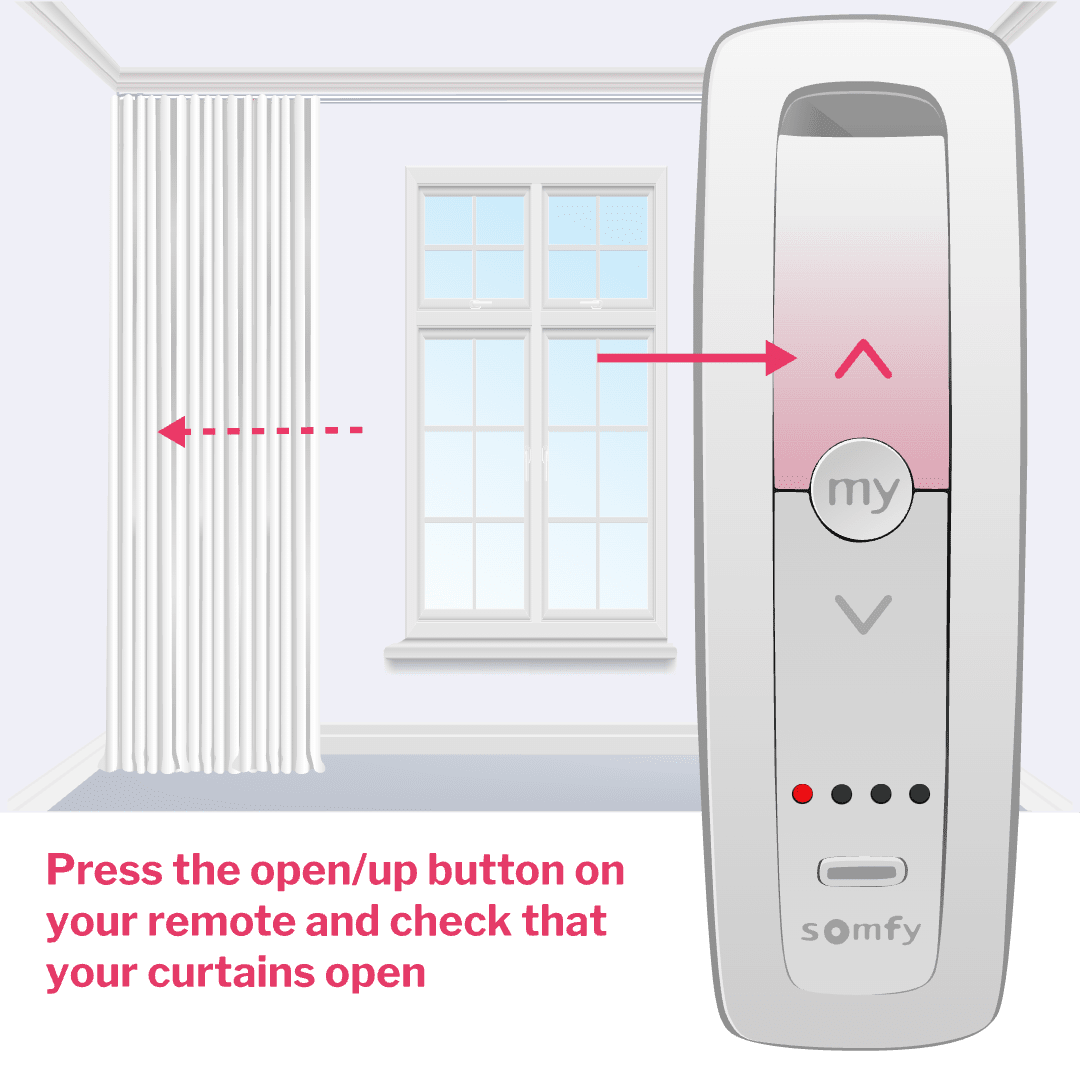
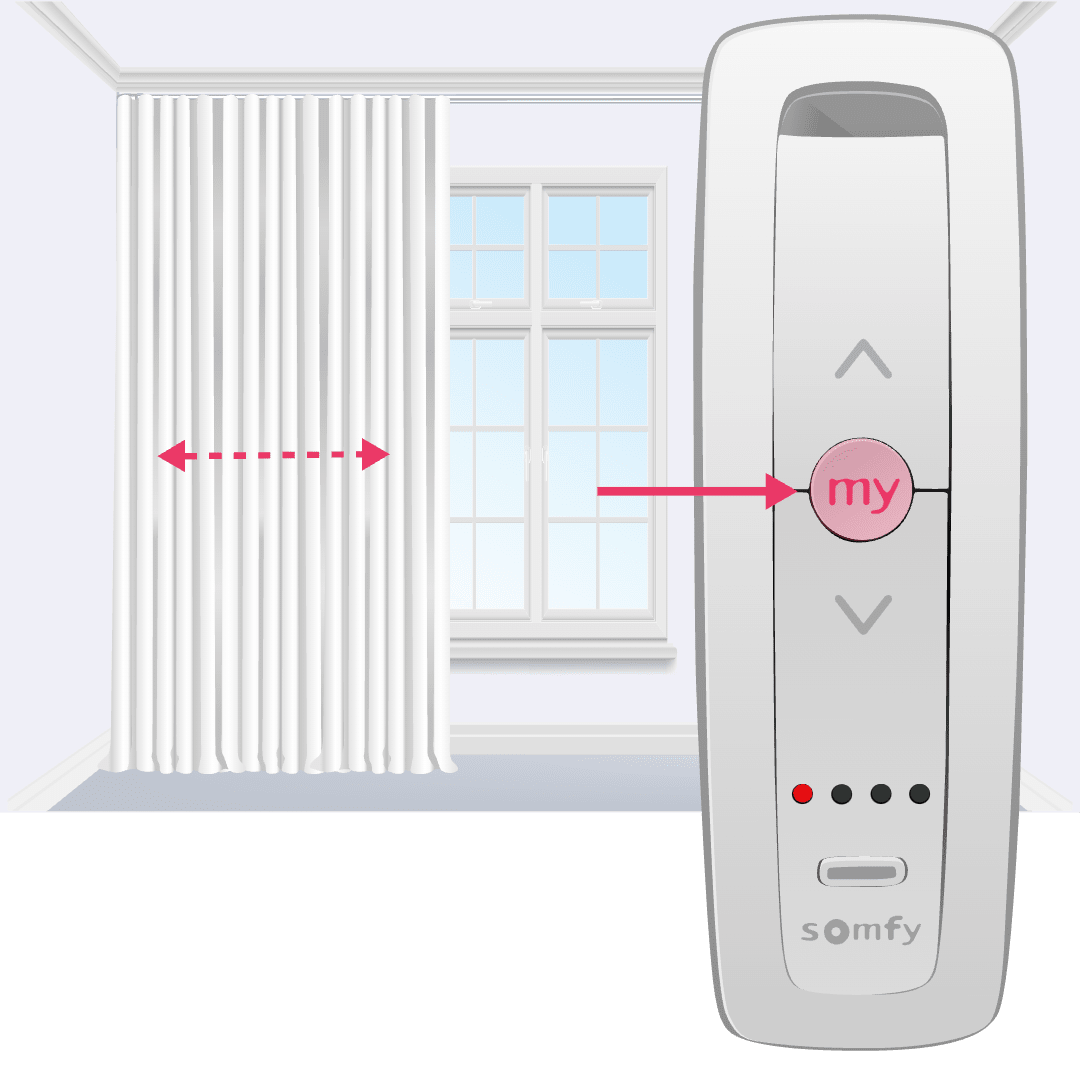
Press the open/up button on your remote and check that your curtains open. If your curtains don't open, hold down the my button until your curtains jog. Check again and your curtains should now open when you press the open/up button.
Finish your remote set up
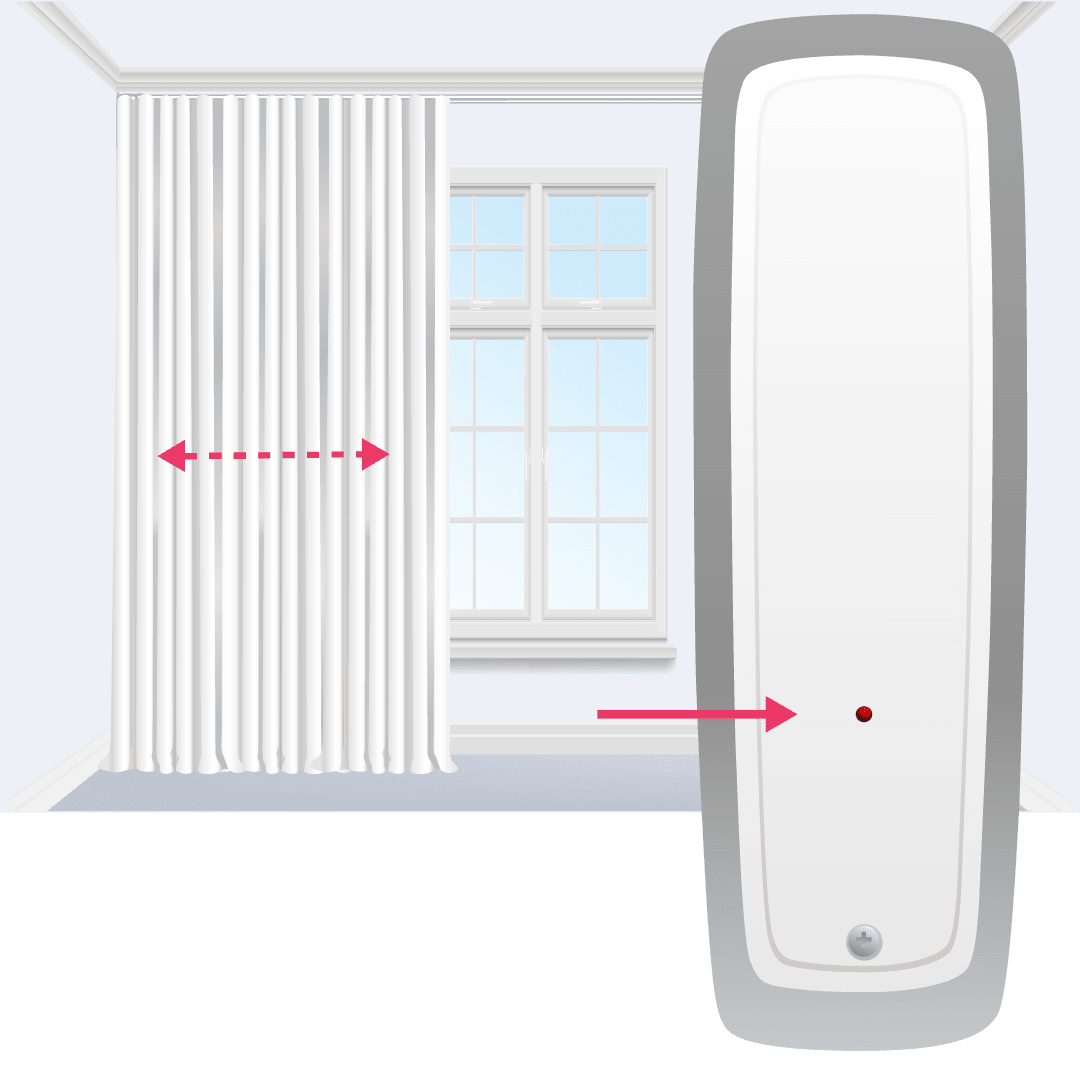
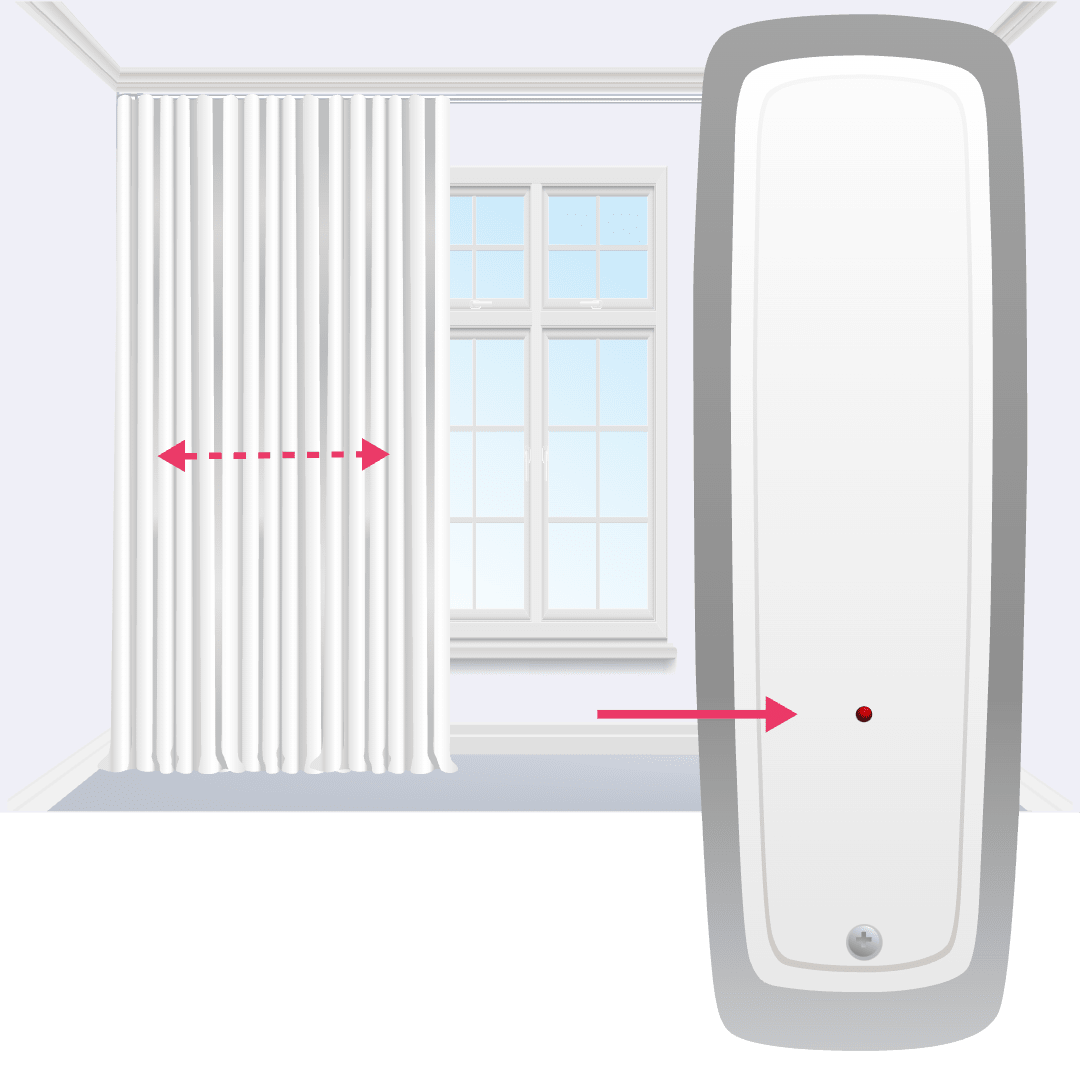
Grab a paperclip or pin and press the program button on the back of the remote for less than a second, which will make your curtains jog.
You're all set to start using your Somfy remote! Use the open/up and close/down buttons to control your curtain and the my button to stop your curtain moving. A gentle tug will also open and close your curtains using touch motion. Your motor is set to standard touch motion sensitivity, refer to the Somfy guide that came in your kit if you want to change this setting.
If you want to change the motor speed to make your curtains open and close faster or slower, refer to your printed Somfy guide.
To set up your remote for multiple curtains remember to follow steps 1 to 8 for each additional curtain, one by one. Then group them by following the steps in the Grouping your curtains tab of this guide.
Optional step to set your favourite position
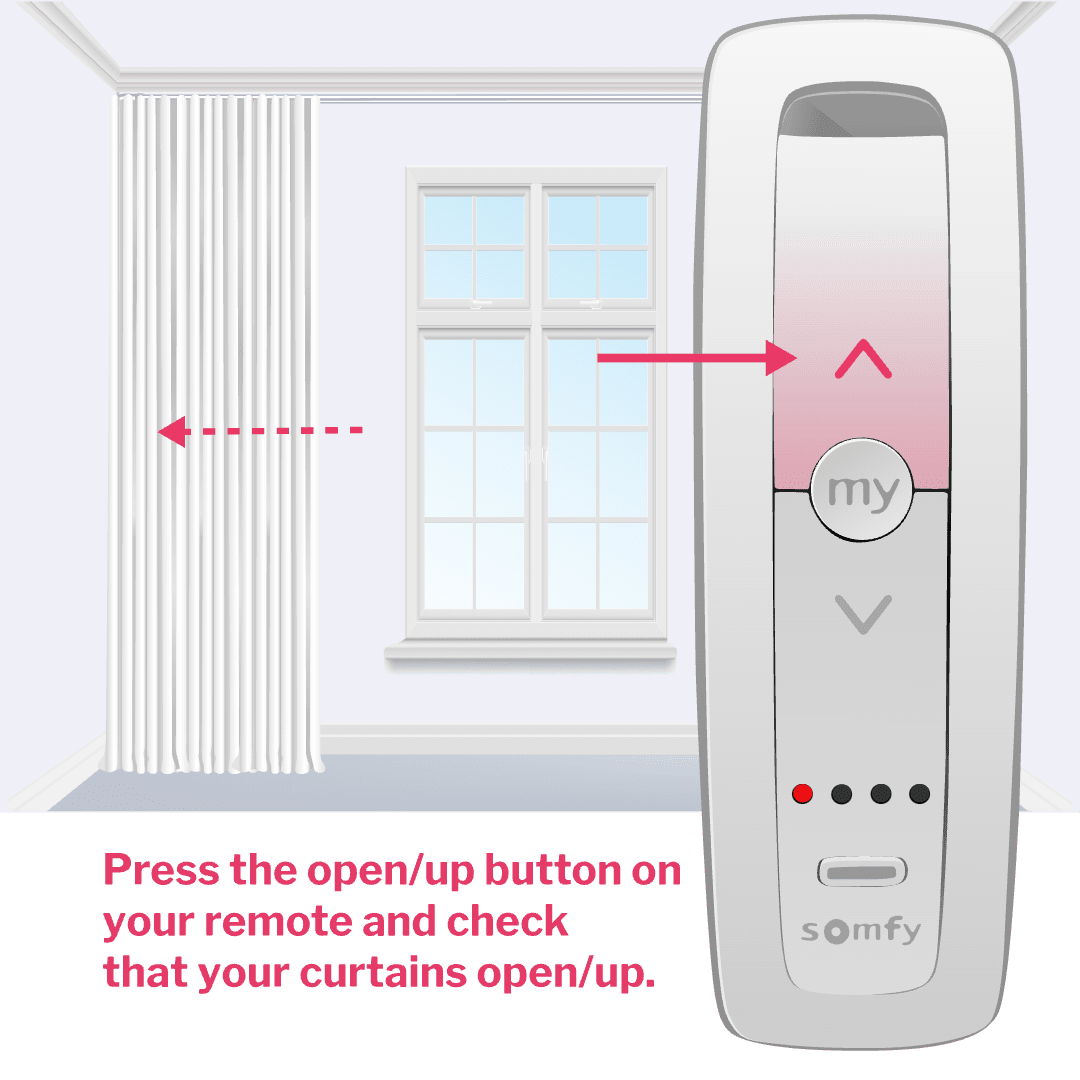
You can program the my button to move your curtains to your favourite position e.g. half open. To set your favourite position, first use your control to move your curtains into your favourite position e.g. half open.
Hold down the my button until your curtains jog. Now your favourite position is set!
I need some extra help
New, battery powered motors need to be fully charged before you use them.Grab your Somfy power charger and connect it to your motor cable, making sure the other end of the cable is plugged into your motor.When the LED on the charger turns green, it's ready to go and you can disconnect the charger.
If your curtain doesn't jog it's an easy, one step process to reset your motor.
Press and hold the button labelled S on your motor head until your curtains jog. You can find the button by unscrewing the battery pack (Somfy Movelite) or by taking off the white plastic cap at the bottom of your motor (Somfy Glydea).
Now you're good to start setting up your Somfy remote.
Mistakes happen! No need to worry, you can easily start over if you miss a step during set up.
To erase any settings you added, press and hold the button labelled S on your motor head until your curtains jog. Now you can start the set up again. You can find the button by unscrewing the battery pack (Somfy Movelite) or by taking off the white plastic cap at the bottom of your motor (Somfy Glydea).