

Upgrade your blinds
Your blinds, just smarter
The smartest blinds for your dream home
Motorisation is the ultimate choice for effortless, luxury blinds and curtains, and it doesn’t get any better than DIYblinds with Orbis or Somfy. We outshine the rest of the market with our high-performing, designer-quality roller blinds, curtains and motors. They are quick to install, easy to use and competitively priced.
Find the right motorisation solution for you.
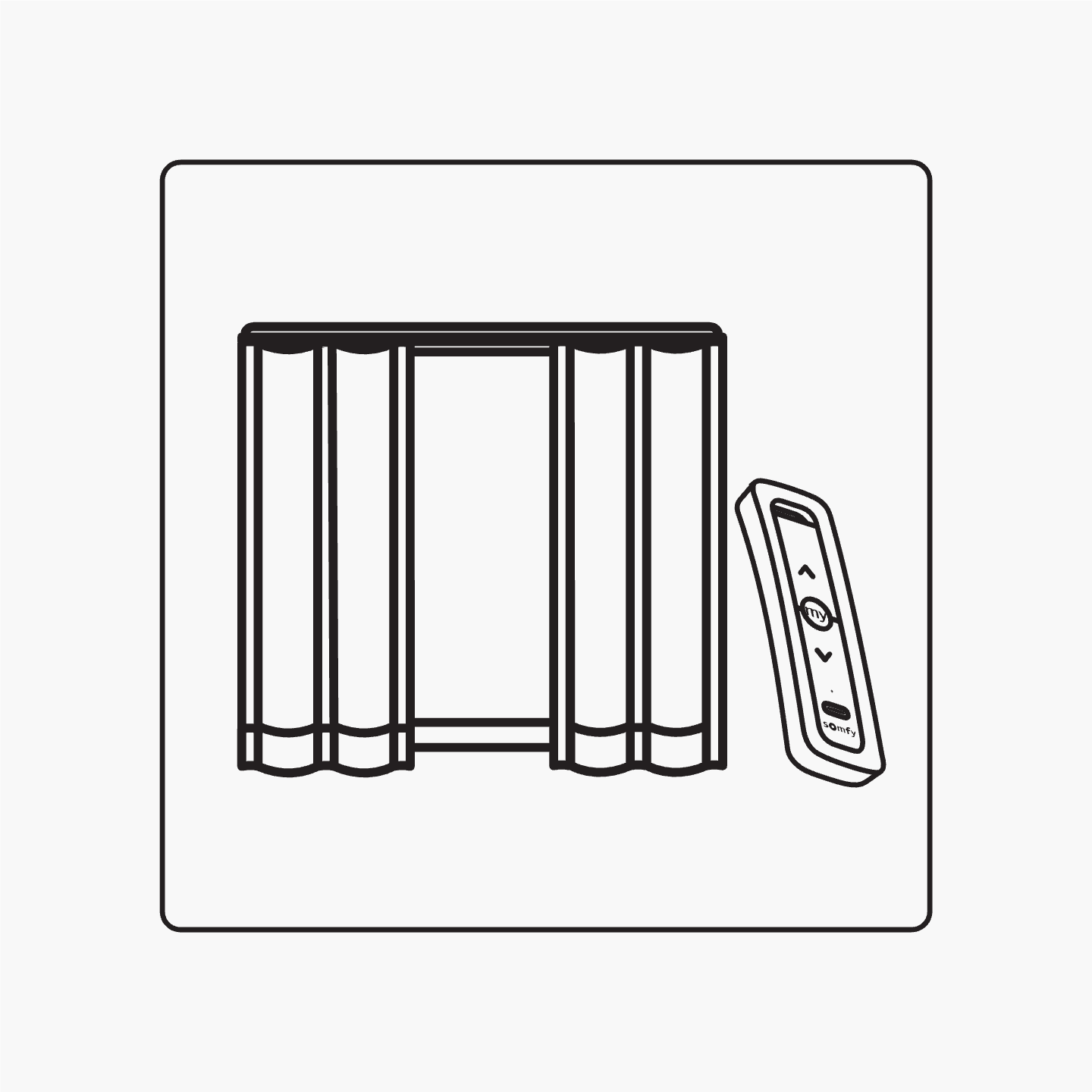
Order ready-to-install motor with your new DIYblinds motorised curtains or blinds.
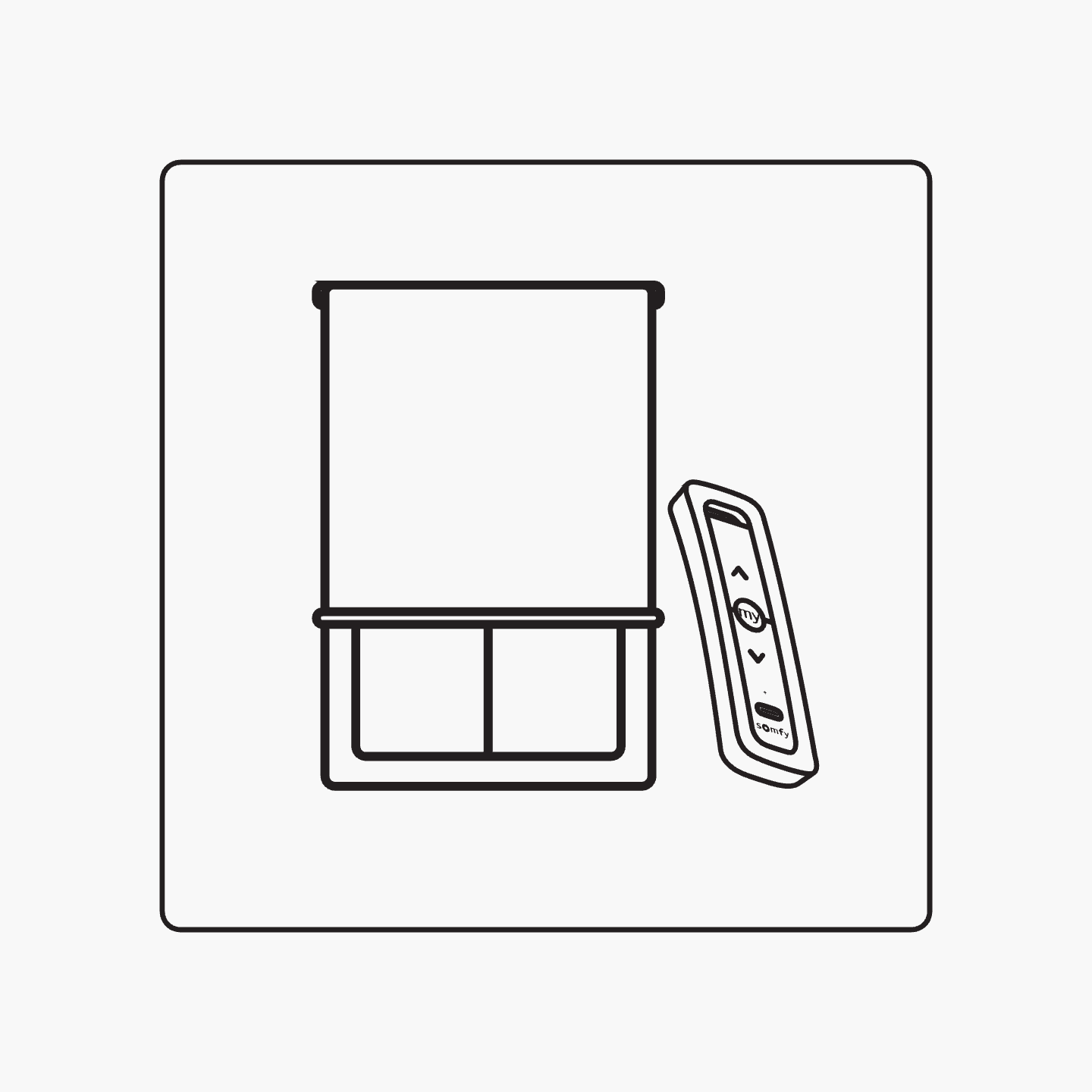
Add motorisation to your current roller blinds.
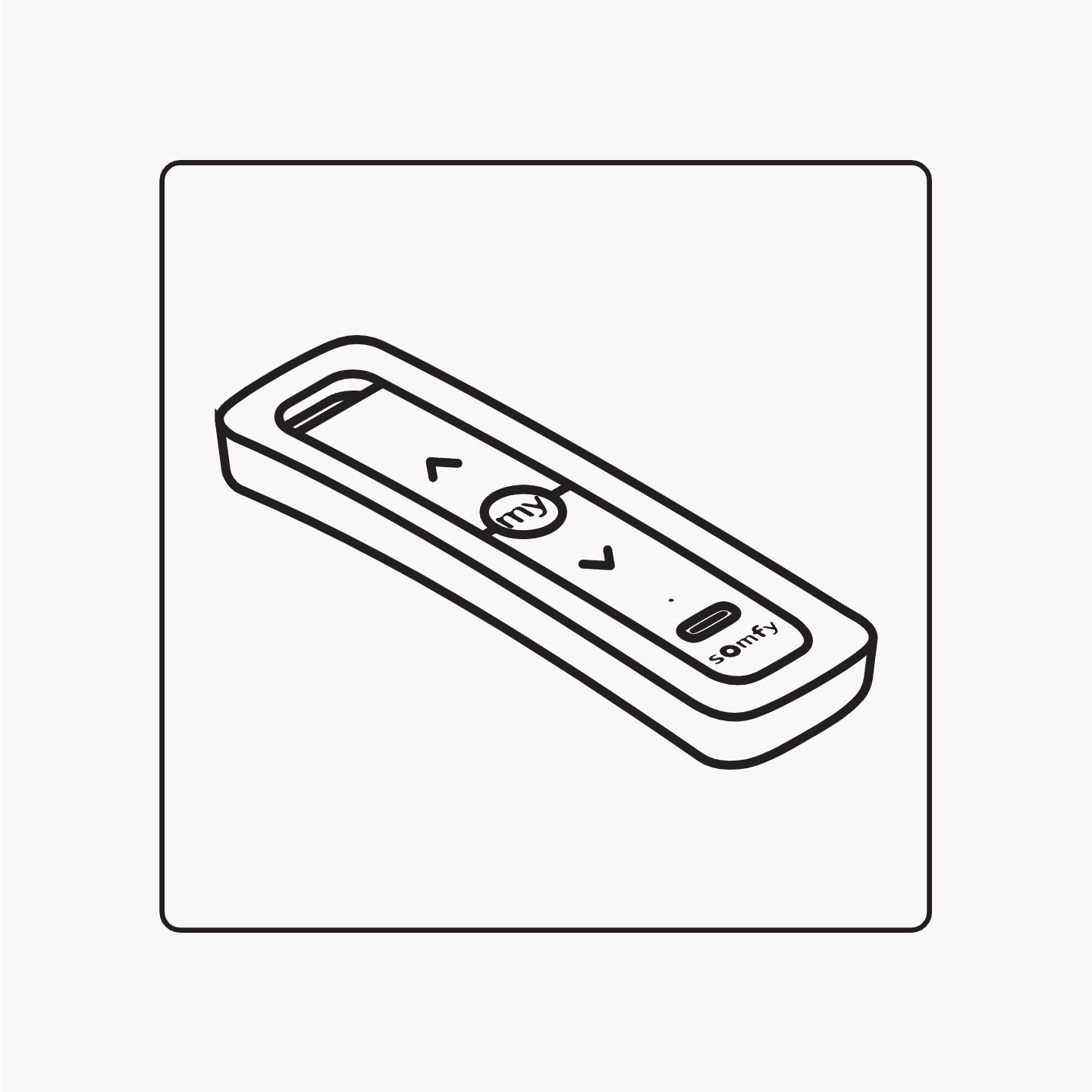
Remotes, chargers, and other smart control add-ons.
Need help comparing motors?
We've made retrofitting motorisation so easy.
Add motorisation to your current window furnishings to enjoy more precious time at home and take the hassle out of your everyday. You'll feel like a rockstar every time you open your blinds.
Which motor is right for me?
| Motor Type | Orbis 1NmBest value | Orbis 2Nm | Somfy Sonesse 30 |
|---|---|---|---|
Specifications | |||
Best for Standard blinds up to 2400mm or larger blinds above 2400mm in width | Standard | Large | Large |
Product Compatibility Orbis is compatible with blinds only. If motorising both curtains and blinds, choose Somfy for full compatibility and single control. | Blinds | Blinds | Blinds & Curtains |
Sound Level | 36 dBA | 36 dBA | 44 dBA |
Warranty | 5 years | 5 years | 5 years |
Smart Integration | |||
Compatible connecting device Connect your blinds to your smart home devices | Bond Bridge Hub | Bond Bridge Hub | Bond Bridge Hub & Somfy Tahoma Switch |
Compatible home systems Connect your motorised blinds to your home smart system | Google Home & Alexa | Google Home & Alexa | Google Home, Alexa & IFTTT |
Install in 3 easy steps
It really is so quick to retrofit your blinds with a Somfy Sonesse motor.
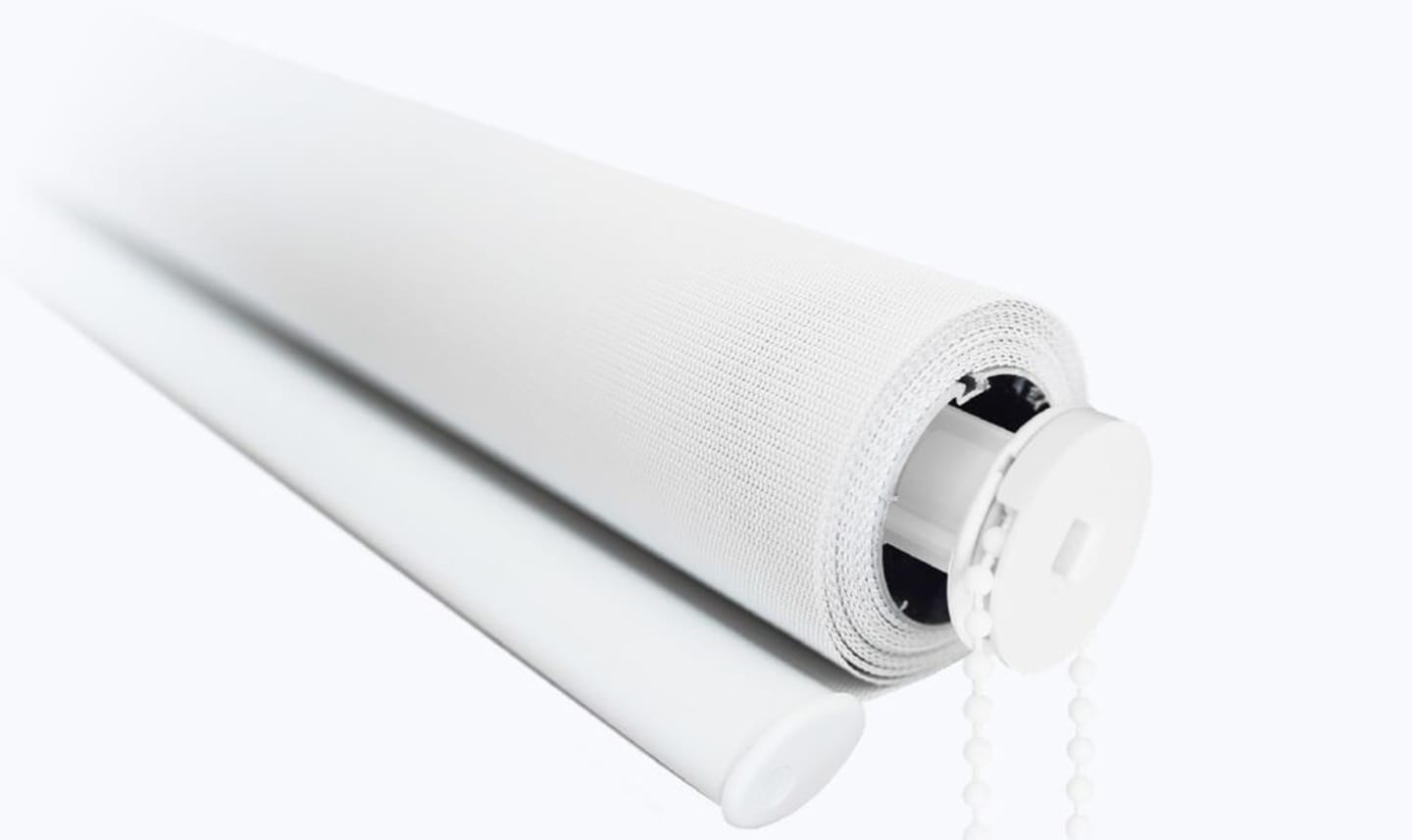
Step 1: Remove your chain drive
Unclip your roller blind and remove the chain drive with a gentle tug.
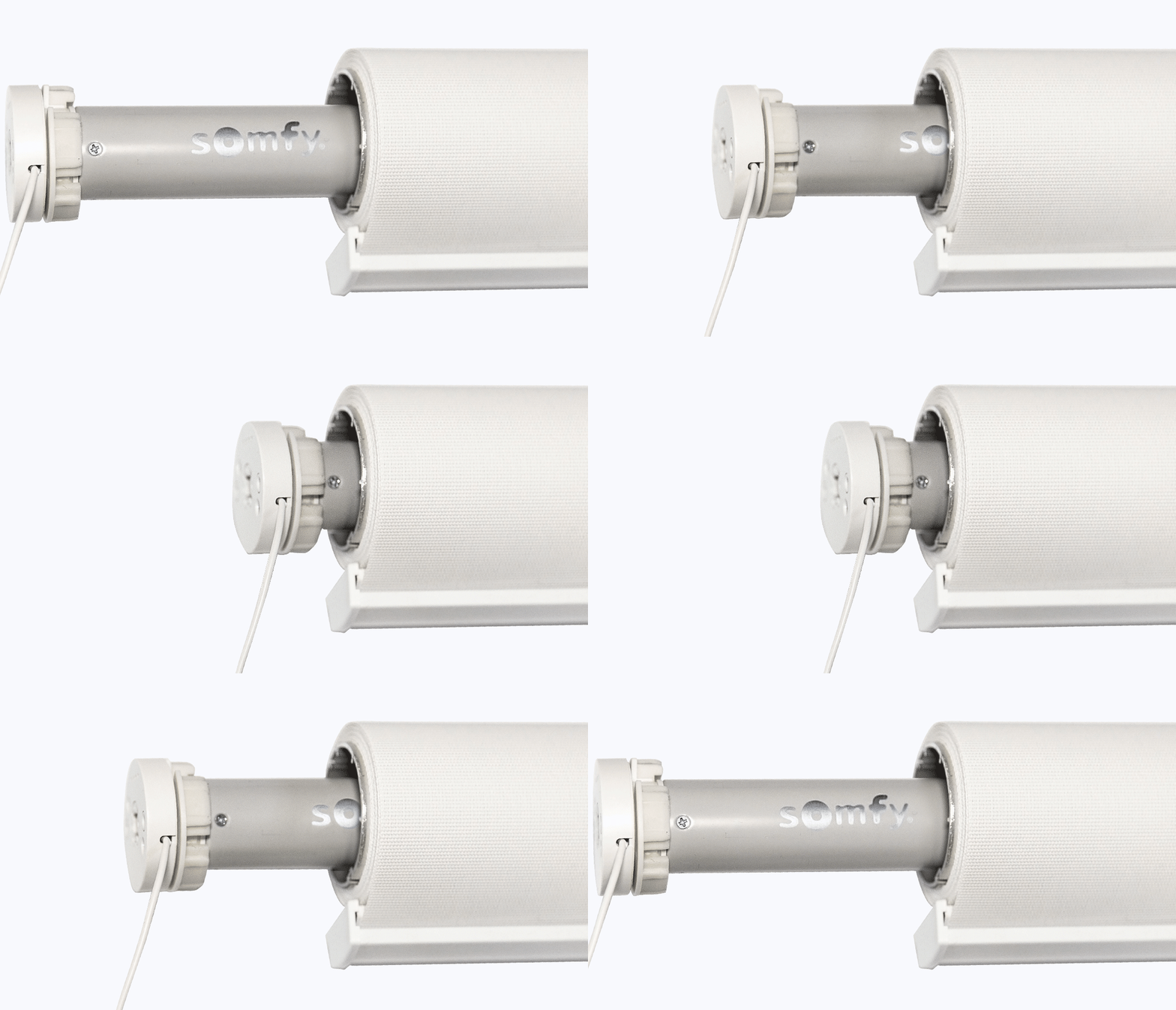
Step 2: Insert the motor
Grab your Somfy motor and slide it into the chain drive end of your roller blind. Be sure to line up your adapter and the tube profile so it slides in easily.
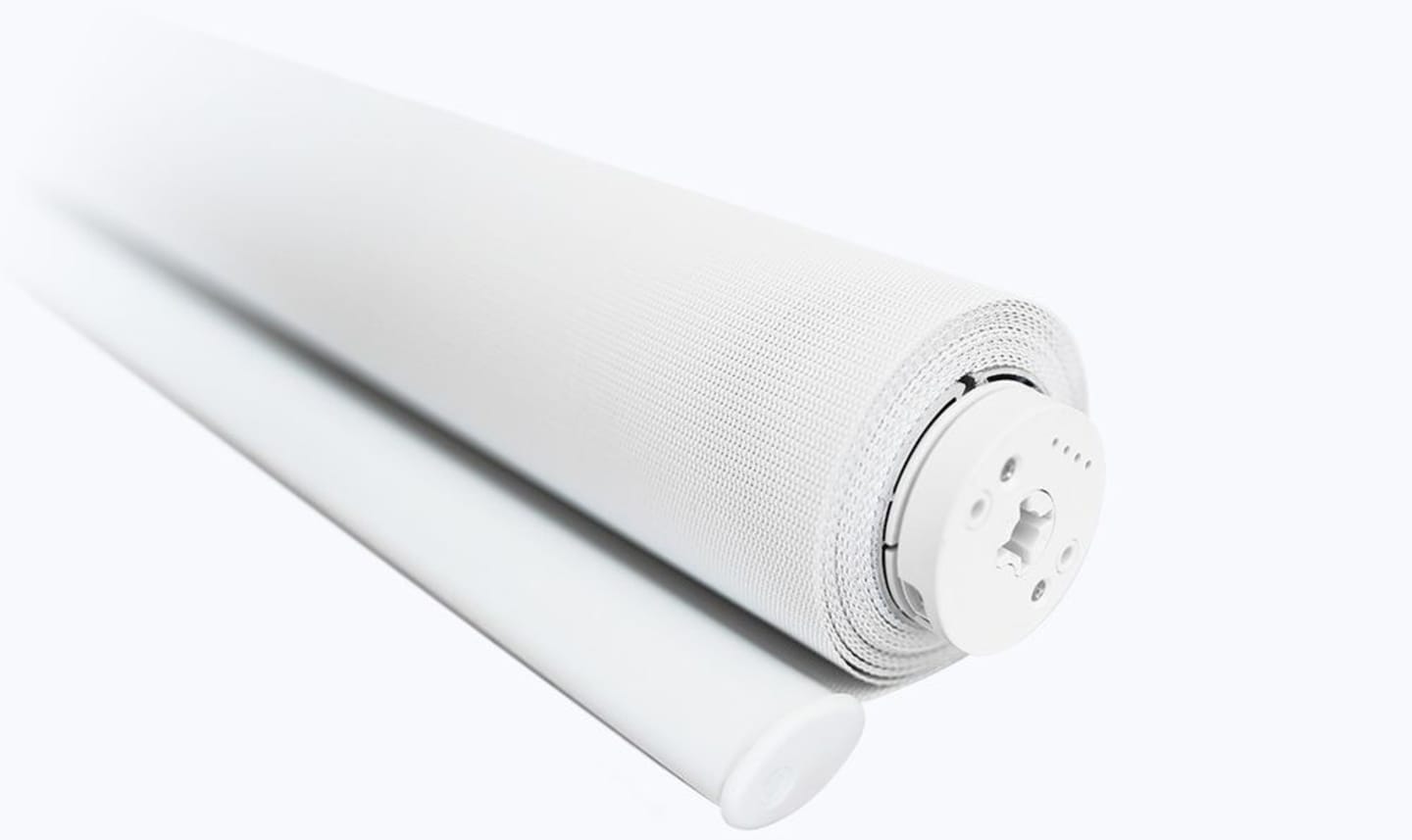
Step 3: Get ready to use your motorised blinds
Click your roller blind back into your brackets and you're ready to go! Use our easy, online guide to set up your Somfy remote.

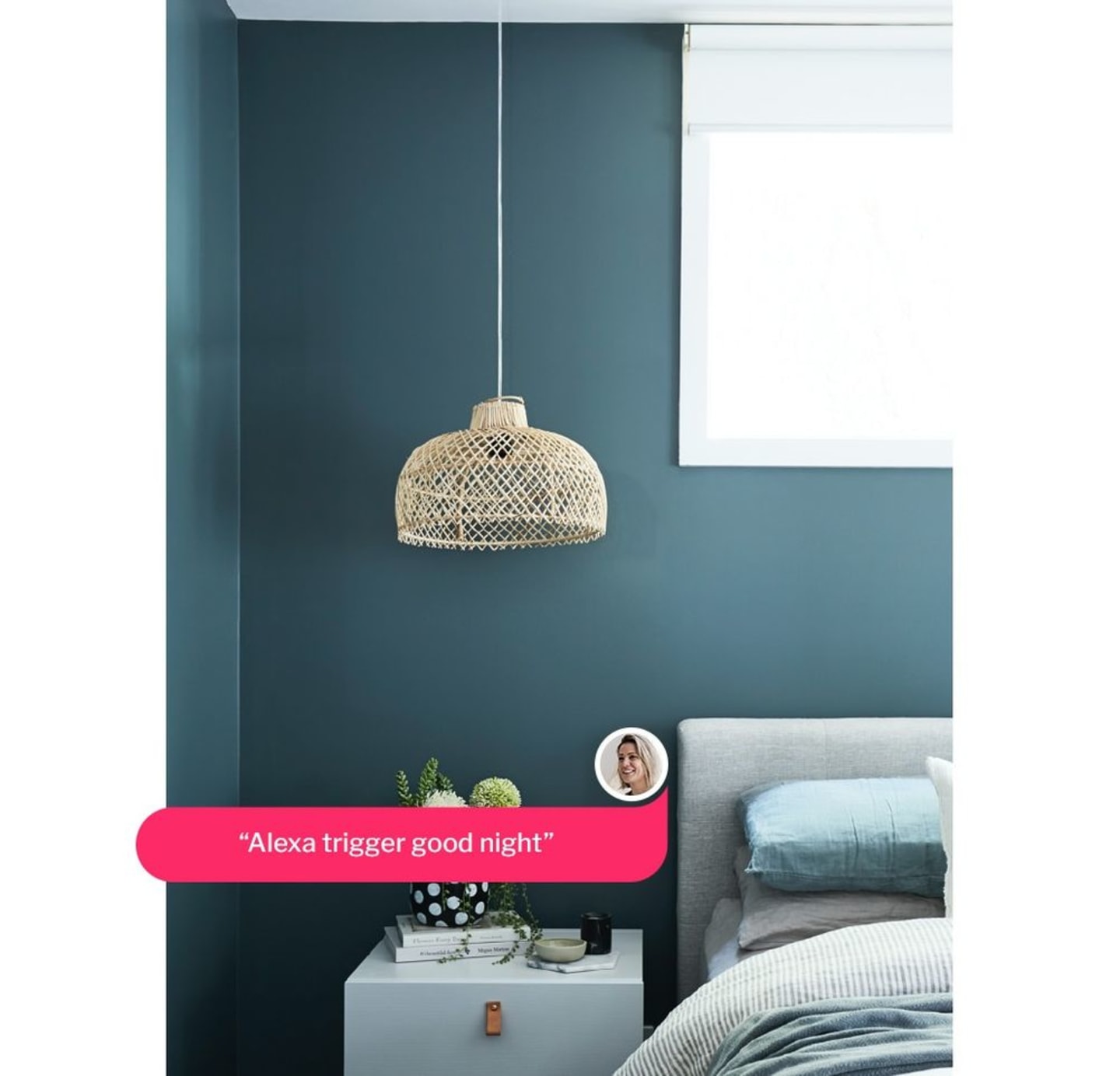
It doesn't get more effortless than using your voice to open and close your blinds, with a Somfy Connexoon hub connected to your voice assistant.
Dani, Red Door Projects
Voice activated
Pair your motorised blinds with the Somfy TaHoma switch for hands-free control using Alexa, Google Home or IFTTT. Create and launch personalised scenes with a single touch or voice command, and enjoy a smarter, more comfortable home that works around your routine.
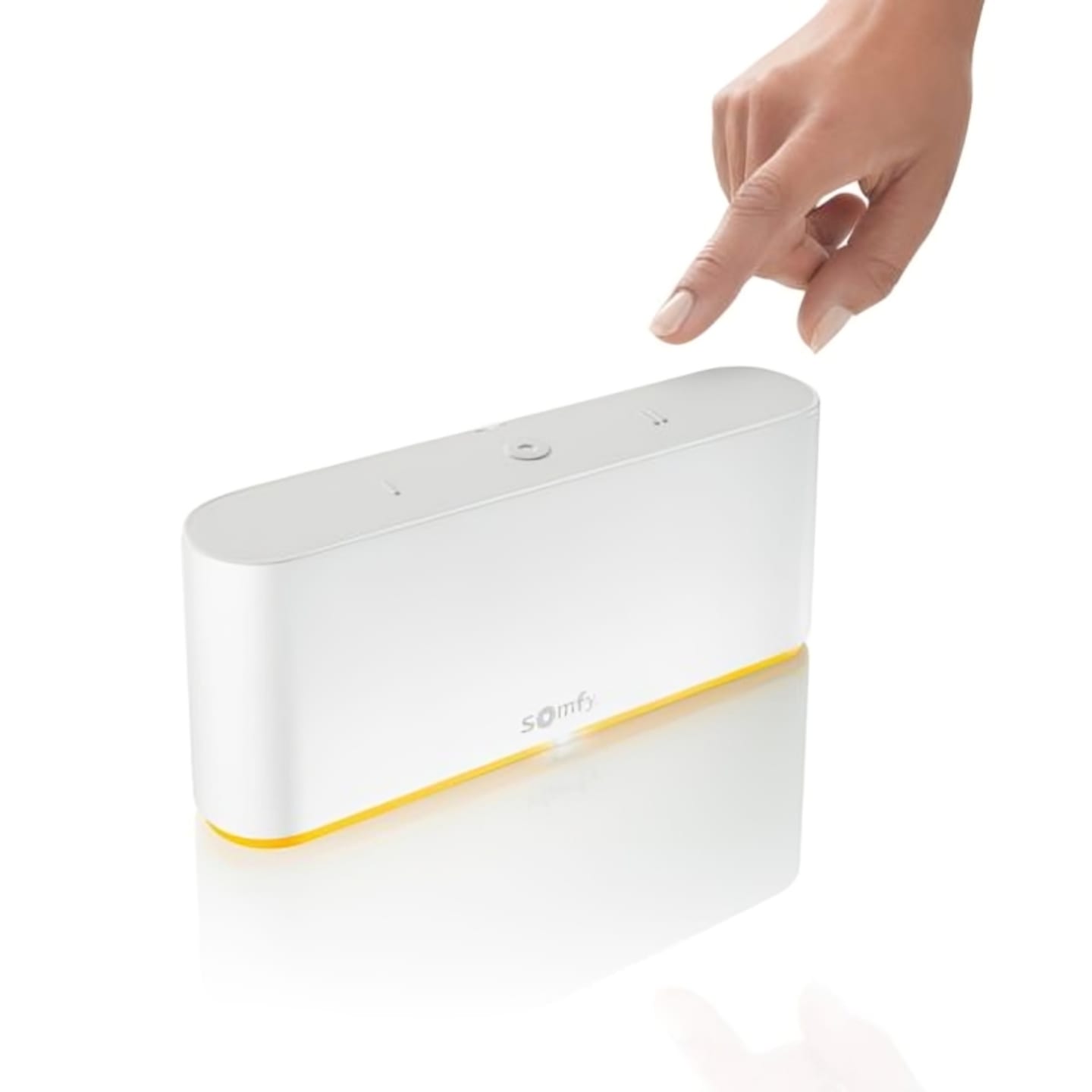
Smart phone Integration with Somfy Tahoma Switch
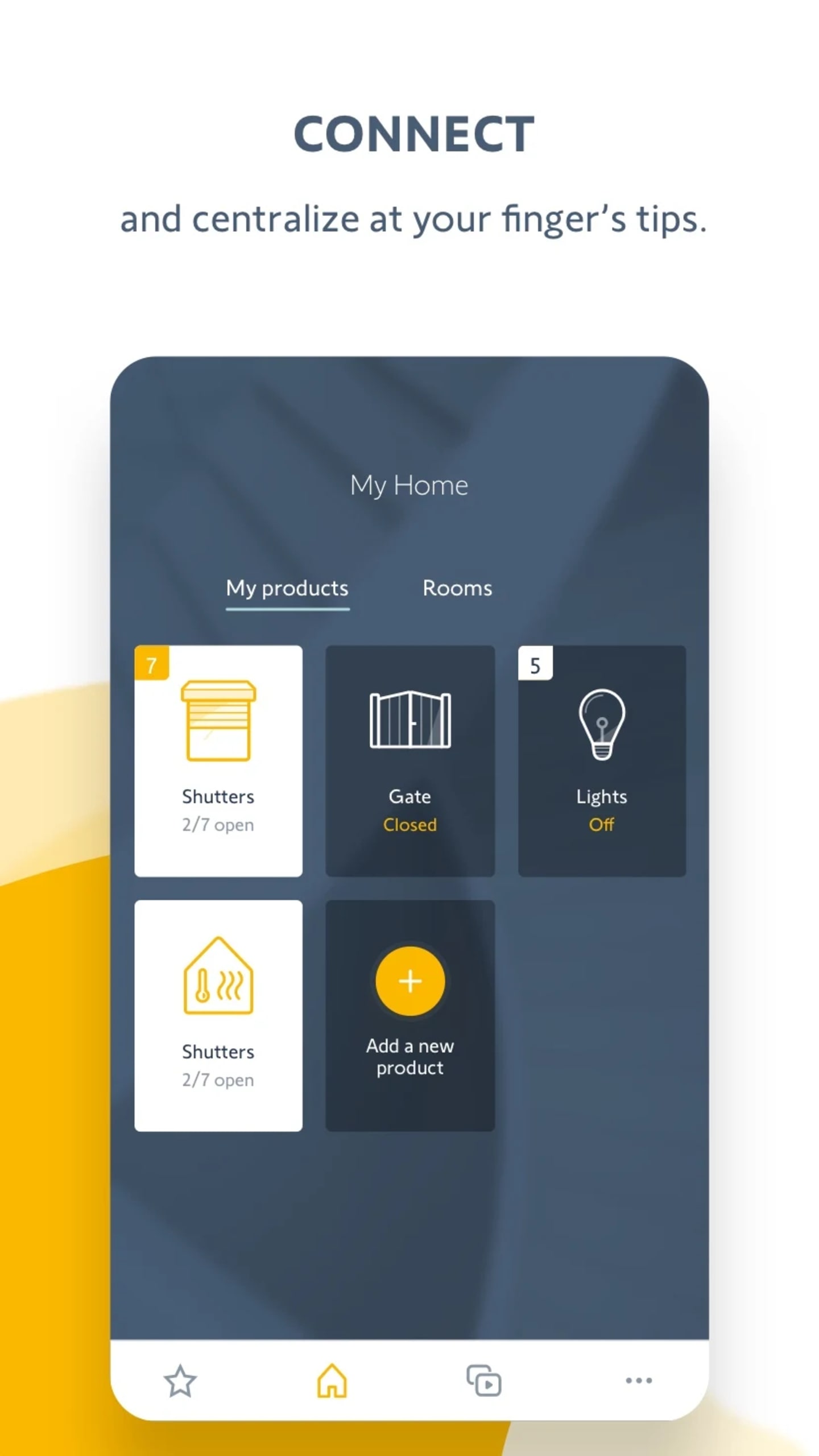
Take control of your motorised blinds, curtains and Zigbee 3.0 devices with the TaHoma app. You can manage up to 105 products directly from your smartphone, whether you are at home or away. Compatible with RTS, Alexa and Google Assistant, TaHoma makes smart automation simple and convenient.
Move your blinds, even when you're away from home
Control your blinds, even when you are away from home. With the Somfy TaHoma® switch and TaHoma® app, you can schedule your blinds to open and close at set times, creating the impression that someone is home. It is a simple way to enhance comfort, privacy and home security.
Let's get real about child safety
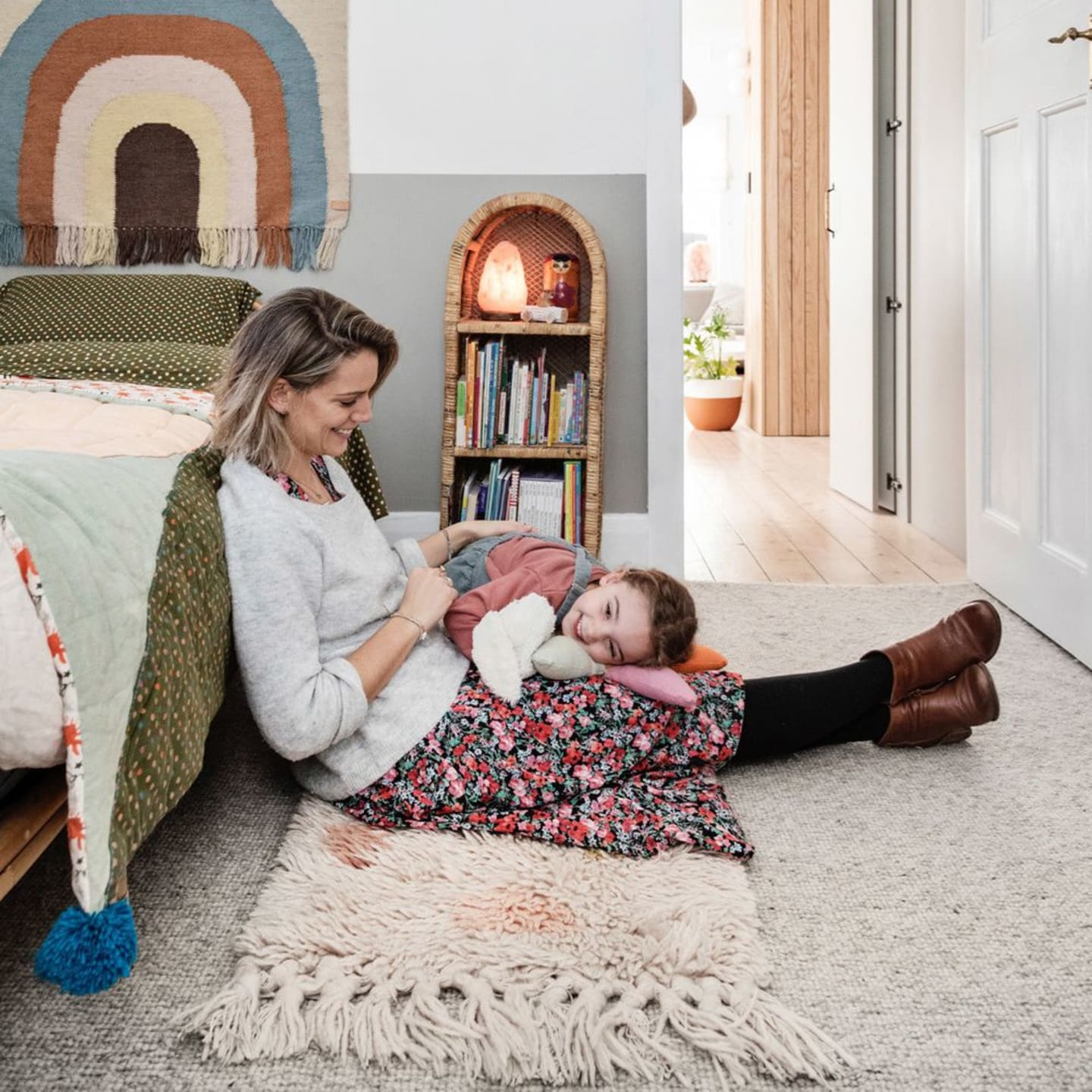
Children love to climb and play, and don't understand the dangers of curtain cords and chains. Thanks to the sleek and minimal design of our motorised blinds, they are safe for kids to roam at home.
Having motorised blinds at home means more time for what matters. They are a beautiful solution
Lucy, Hunting for George