Regional? Order by 11 Nov for XMAS

Check

Need design support? We're here.

Get help

On this page

The easy way to retrofit your roller blinds with motorisation.

Welcome to our easy step-by-step guide to retrofitting your existing roller blinds with DIYblinds motors. You’ll be surprised at just how quick and simple it is to remove your chains and install your motors. Let’s get started!

Before you begin installing and retrofitting your blinds, we recommend reviewing our pre-installation checklist.
Pre-Installation Check
Retrofit Install Steps

Step 1: Check compatibility Have you checked whether your blinds can be retrofitted with motorisation? Different manufacturers use different tubes and components, so we can only retrofit certain models—and only blinds wider than 700mm.

Step 2: Tell us where your blinds were purchased To confirm compatibility, please select where you purchased your blinds:
DIYblinds
DIYblinds
Somewhere else
Somewhere else
Your existing blinds are compatible with all motors we offer at DIYblinds. Explore the motorisation range below to upgrade your blinds.

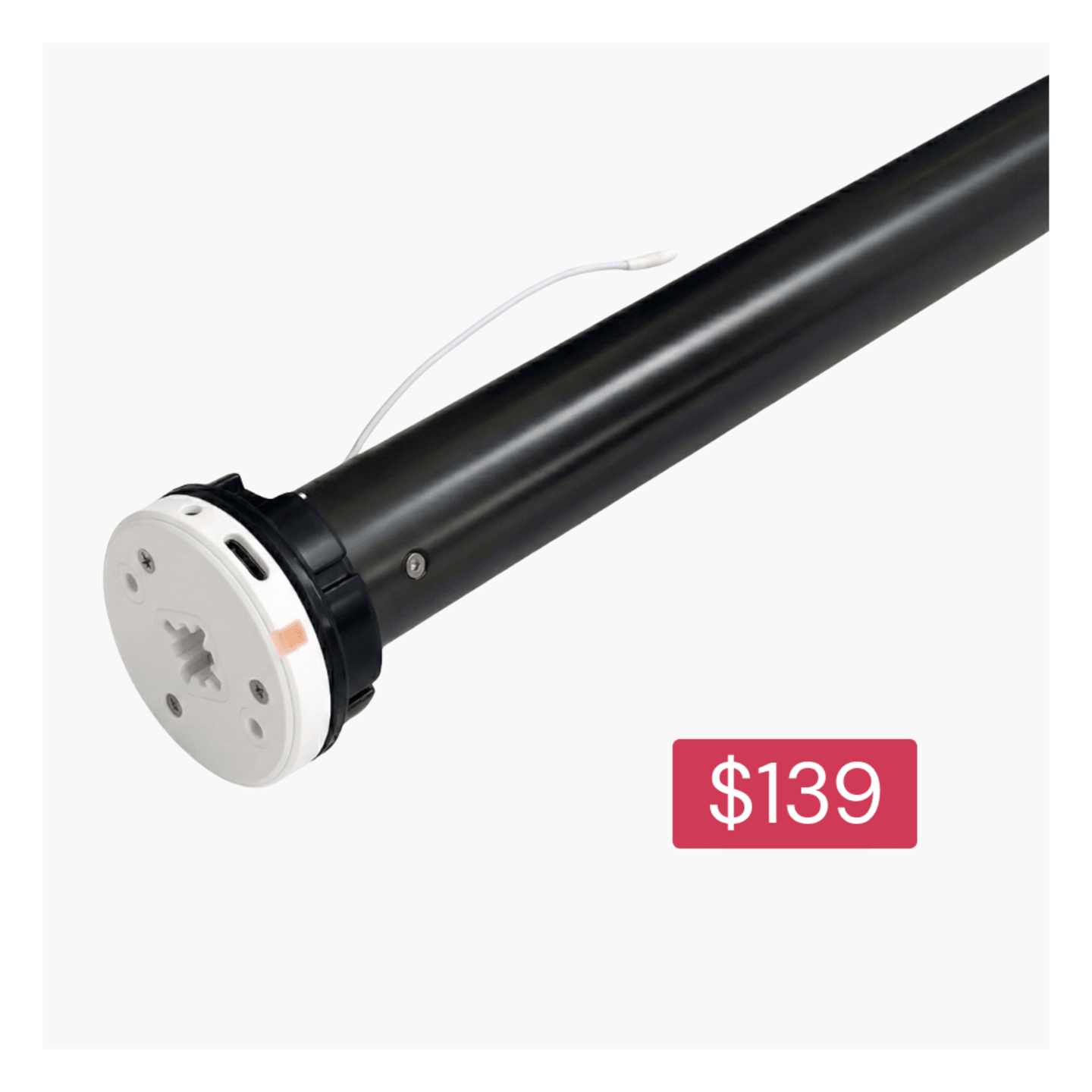
Orbis 1.1/20 (1.1nM) battery motor

Orbis 1.1/20 (1.1nM) battery motor

Choose your setup: your motor is compatible with both DIYblinds options:

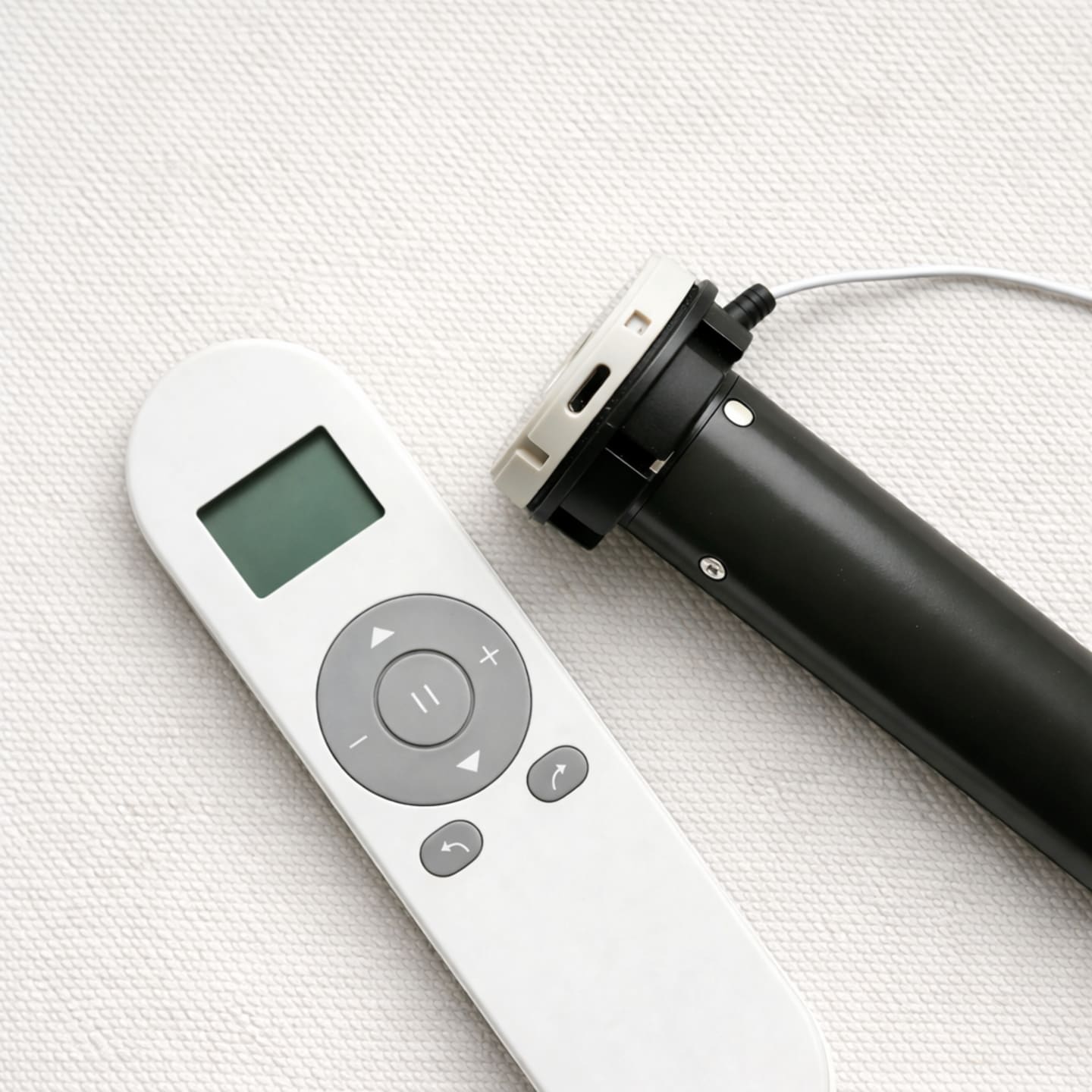
The Orbis 1.1/20 (1.1nM) battery motor is a rechargeable battery-powered motor for simple, quiet automation for smaller roller blinds.
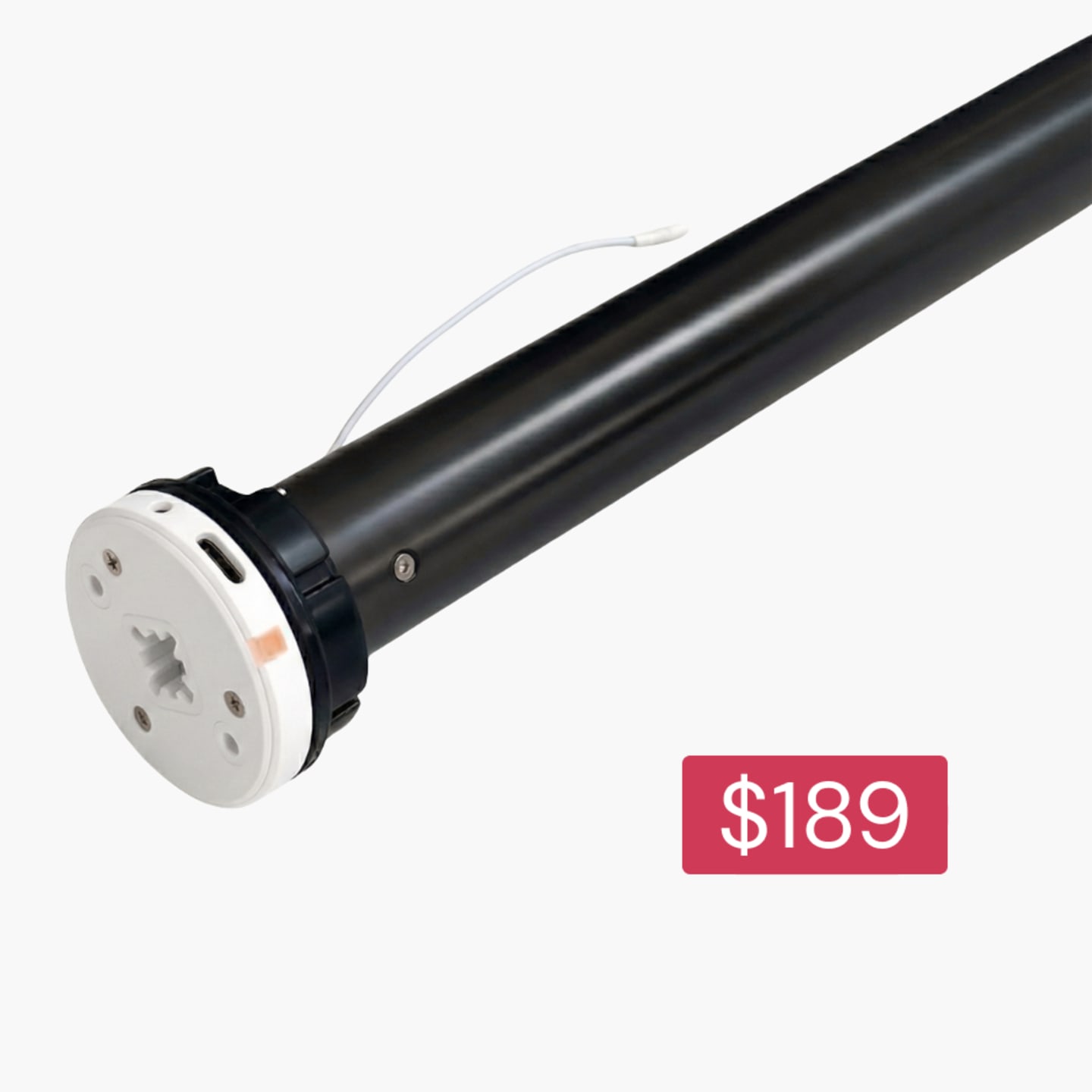
Orbis 2/20 (2.0nM) battery motor

Orbis 2/20 (2.0nM) battery motor

Choose your setup: your motor is compatible with both DIYblinds options:

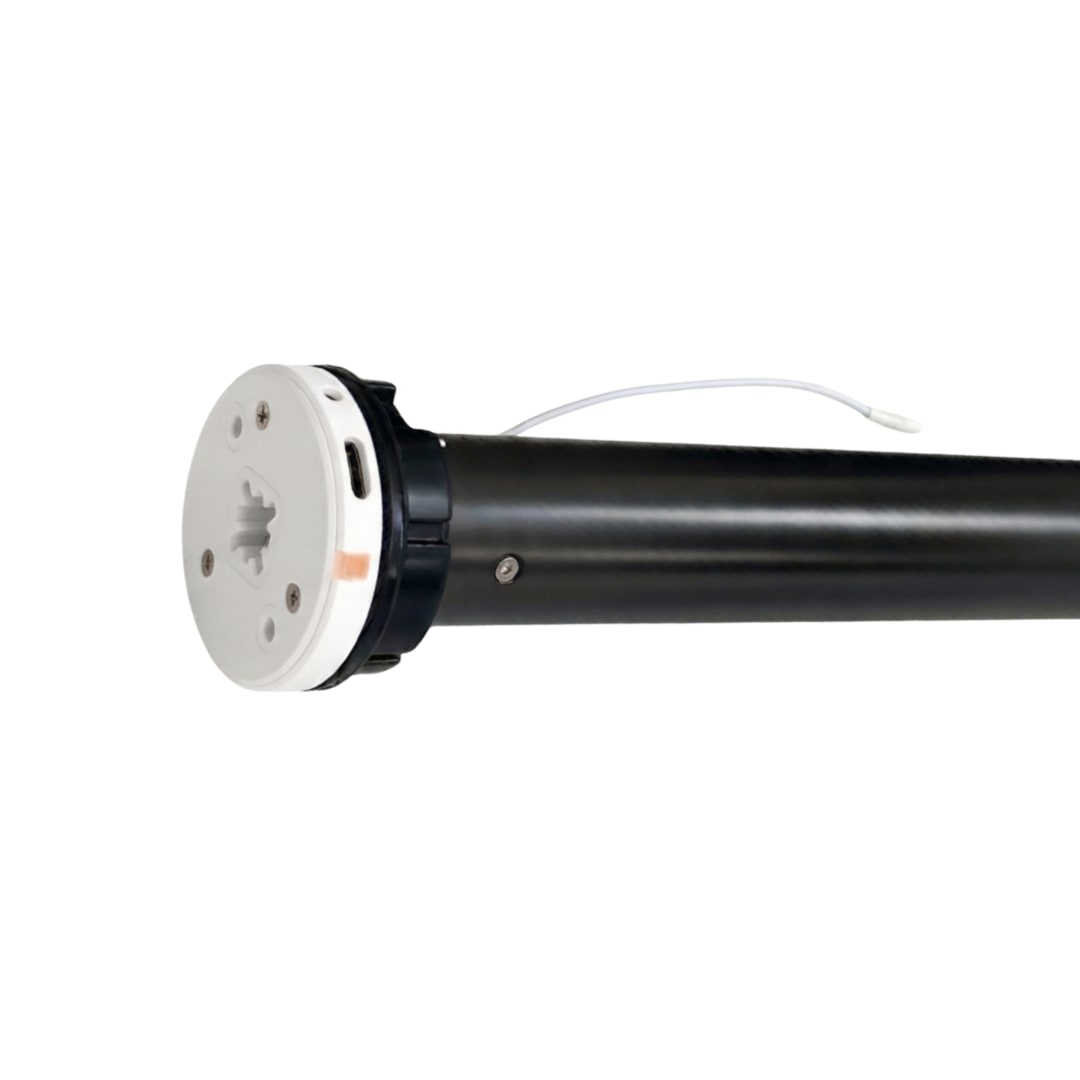
The Orbis 2/20 (2.0nM) battery motor is a rechargeable battery-powered motor for smooth, quiet automation of medium-sized roller blinds.
Somfy Sonesse 30 2.0 Nm battery motor

Somfy Sonesse 30 2.0 Nm battery motor

Choose your setup: your motor is compatible with both DIYblinds options:

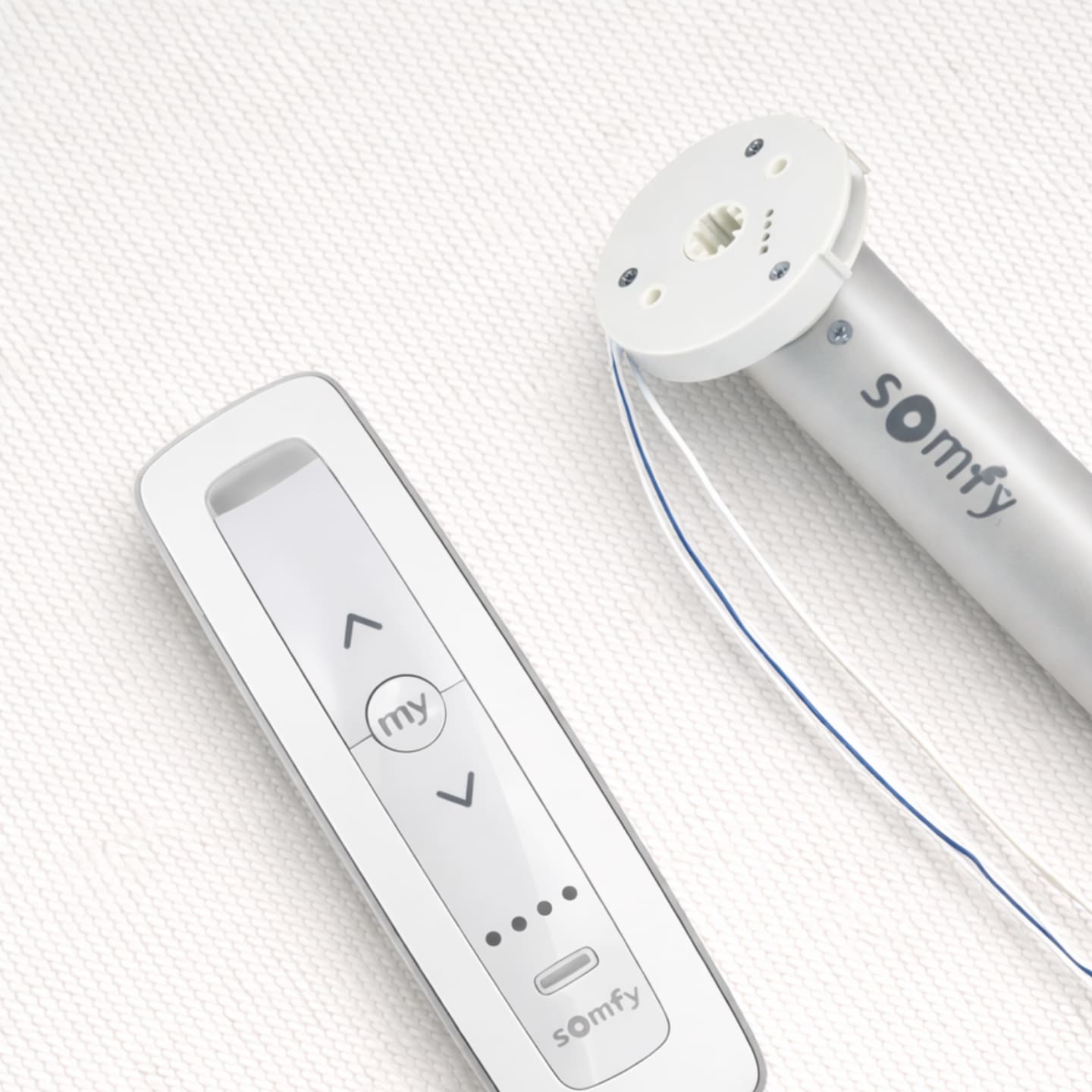
The Somfy Sonesse 30 WireFree RTS 2/20 Li-ion is smooth and quiet operation at 44 dBA. Fits blinds 710mm wide and above. Backed by a 5-year warranty.
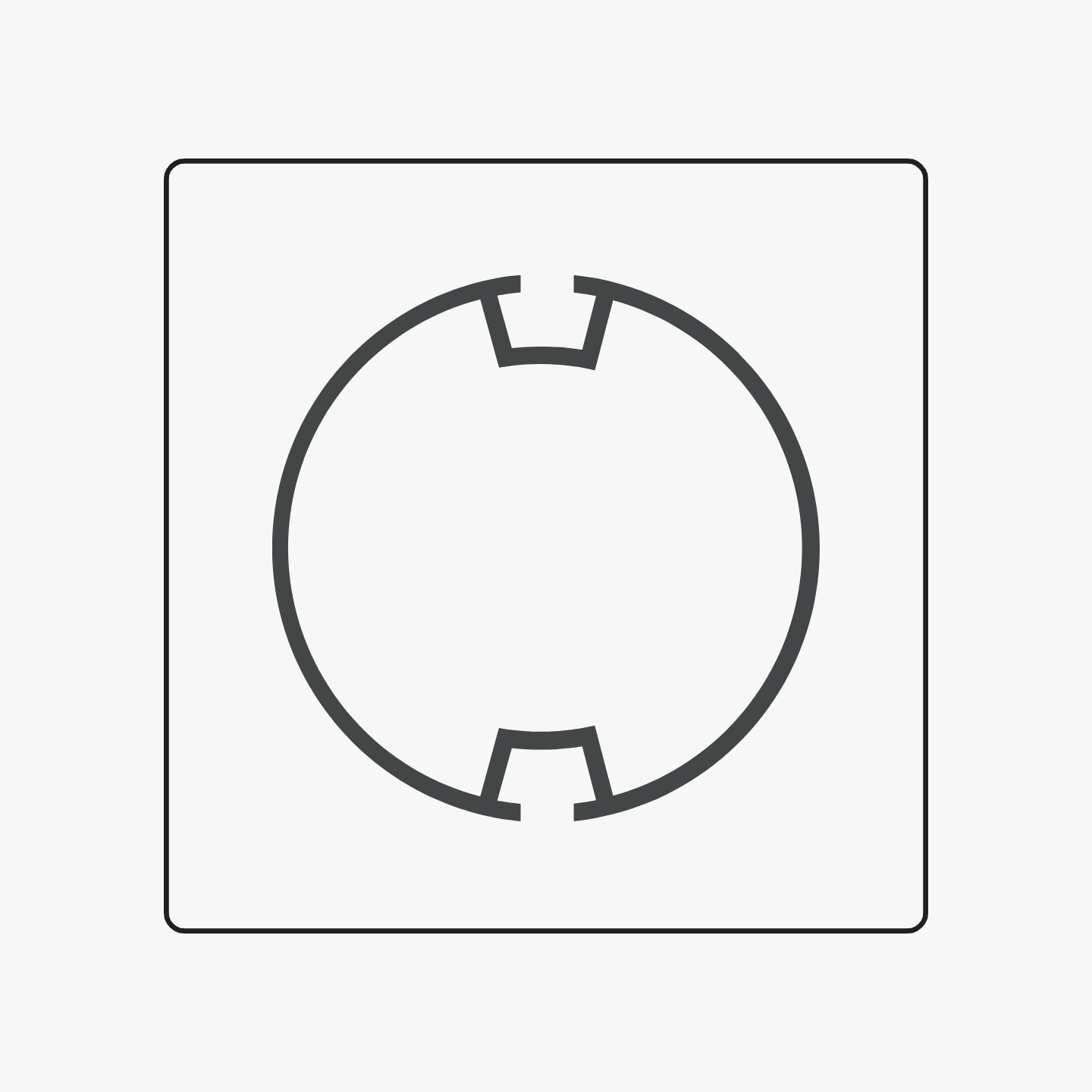
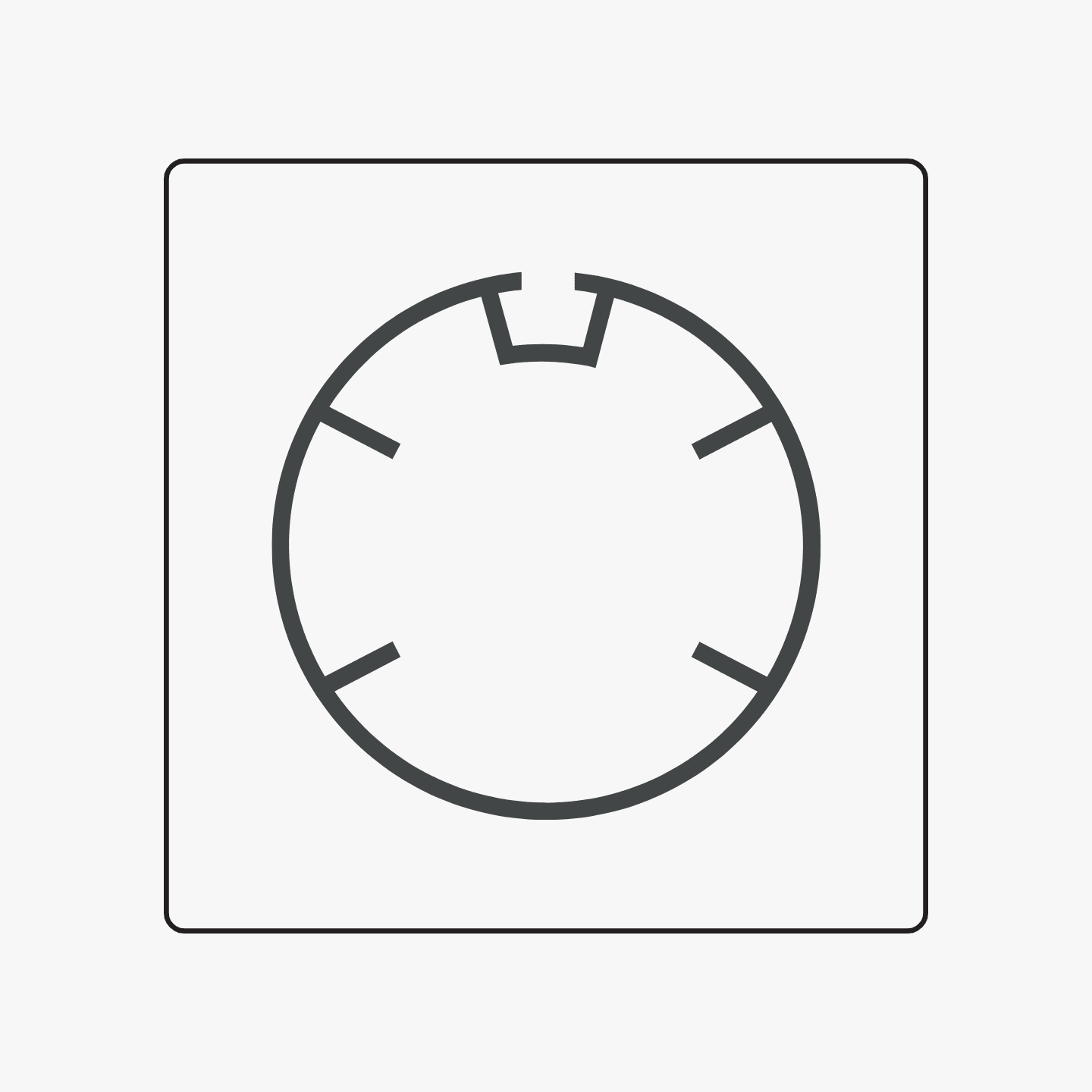
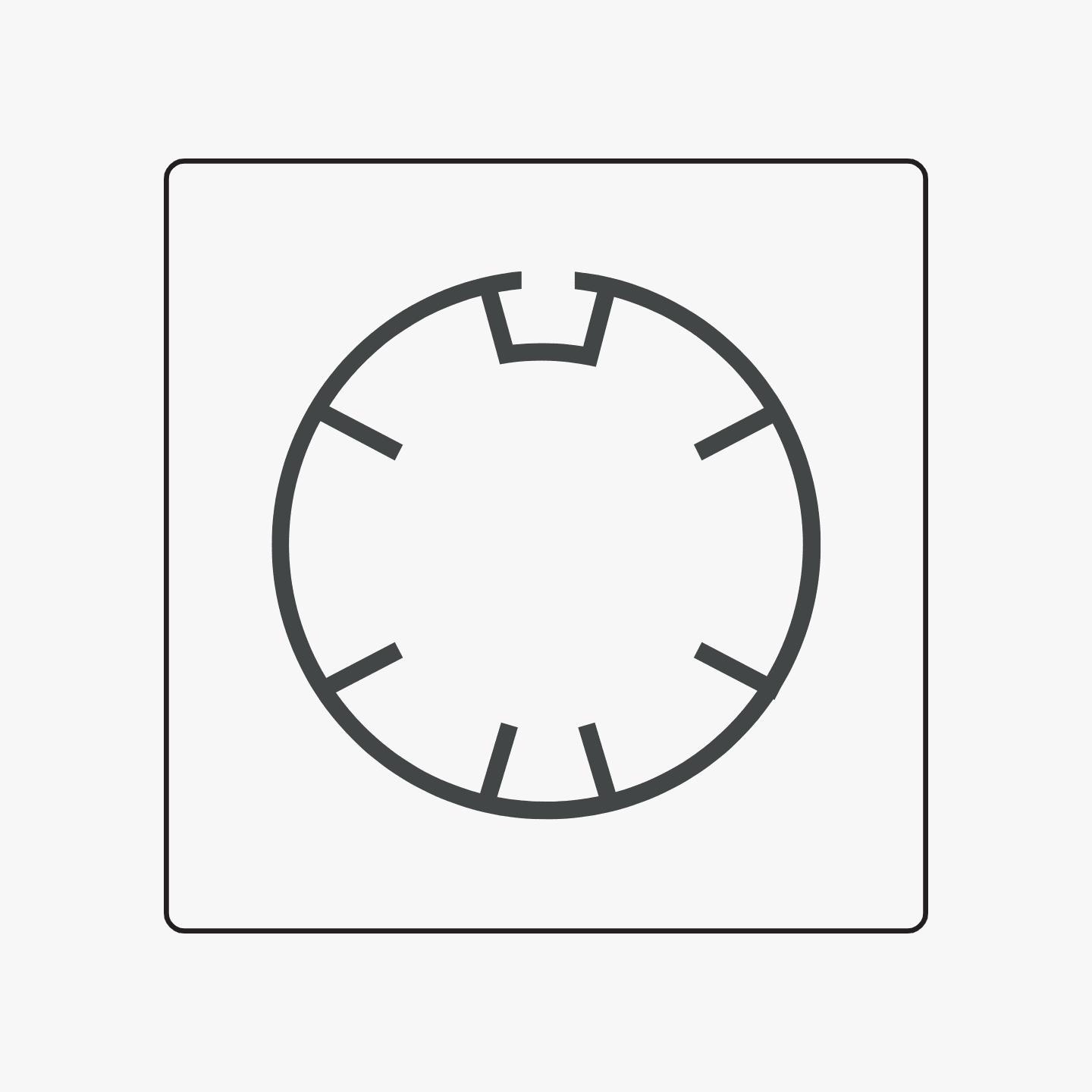
Have you checked whether your existing blinds are compatible with DIYblinds motors? Check whether your roller blind tube matches one of these profiles:

Louvolite 40 mm
Louvolite 40 mm
Rollease Acmeda S45 Light 38mm
Rollease Acmeda S45 Standard 38mm
Rollease Acmeda S45 Heavy Duty 38mm
None of these
None of these
Your existing blinds are compatible with the Somfy motors we offer at DIYblinds. Explore the motorisation range below to upgrade your blinds.

Somfy Sonesse 30 2.0 Nm battery motor

Somfy Sonesse 30 2.0 Nm battery motor

Choose your setup: your motor is compatible with both DIYblinds options:

The Somfy Sonesse 30 WireFree RTS 2/20 Li-ion is smooth and quiet operation at 44 dBA. Fits blinds 710mm wide and above. Backed by a 5-year warranty.
Your existing blinds are compatible with both Orbis & Somfy motors we offer at DIYblinds. Explore the motorisation range below to upgrade your blinds.

Orbis 1.1/20 (1.1nM) battery motor

Orbis 1.1/20 (1.1nM) battery motor

Choose your setup: your motor is compatible with both DIYblinds options:

The Orbis 1.1/20 (1.1nM) battery motor is a rechargeable battery-powered motor for simple, quiet automation for smaller roller blinds.
Orbis 2/20 (2.0nM) battery motor

Orbis 2/20 (2.0nM) battery motor

Choose your setup: your motor is compatible with both DIYblinds options:

The Orbis 2/20 (2.0nM) battery motor is a rechargeable battery-powered motor for smooth, quiet automation of medium-sized roller blinds.
Somfy Sonesse 30 2.0 Nm battery motor

Somfy Sonesse 30 2.0 Nm battery motor

Choose your setup: your motor is compatible with both DIYblinds options:

The Somfy Sonesse 30 WireFree RTS 2/20 Li-ion is smooth and quiet operation at 44 dBA. Fits blinds 710mm wide and above. Backed by a 5-year warranty.
Your existing blinds are compatible with both Orbis & Somfy motors we offer at DIYblinds. Explore the motorisation range below to upgrade your blinds.

Orbis 1.1/20 (1.1nM) battery motor

Orbis 1.1/20 (1.1nM) battery motor

Choose your setup: your motor is compatible with both DIYblinds options:

The Orbis 1.1/20 (1.1nM) battery motor is a rechargeable battery-powered motor for simple, quiet automation for smaller roller blinds.
Orbis 2/20 (2.0nM) battery motor

Orbis 2/20 (2.0nM) battery motor

Choose your setup: your motor is compatible with both DIYblinds options:

The Orbis 2/20 (2.0nM) battery motor is a rechargeable battery-powered motor for smooth, quiet automation of medium-sized roller blinds.
Somfy Sonesse 30 2.0 Nm battery motor

Somfy Sonesse 30 2.0 Nm battery motor

Choose your setup: your motor is compatible with both DIYblinds options:

The Somfy Sonesse 30 WireFree RTS 2/20 Li-ion is smooth and quiet operation at 44 dBA. Fits blinds 710mm wide and above. Backed by a 5-year warranty.
Your existing blinds are compatible with both Orbis & Somfy motors we offer at DIYblinds. Explore the motorisation range below to upgrade your blinds.

Orbis 1.1/20 (1.1nM) battery motor

Orbis 1.1/20 (1.1nM) battery motor

Choose your setup: your motor is compatible with both DIYblinds options:

The Orbis 1.1/20 (1.1nM) battery motor is a rechargeable battery-powered motor for simple, quiet automation for smaller roller blinds.
Orbis 2/20 (2.0nM) battery motor

Orbis 2/20 (2.0nM) battery motor

Choose your setup: your motor is compatible with both DIYblinds options:

The Orbis 2/20 (2.0nM) battery motor is a rechargeable battery-powered motor for smooth, quiet automation of medium-sized roller blinds.
Somfy Sonesse 30 2.0 Nm battery motor

Somfy Sonesse 30 2.0 Nm battery motor

Choose your setup: your motor is compatible with both DIYblinds options:

The Somfy Sonesse 30 WireFree RTS 2/20 Li-ion is smooth and quiet operation at 44 dBA. Fits blinds 710mm wide and above. Backed by a 5-year warranty.
It looks like your blinds may not be compatible with a Somfy motor. To be sure, please send us a photo of your blinds here.

Orbis
Orbis
Somfy
Somfy

What you'll need to install

People Icon

1 people

Time Icon

5-10 mins

Tools

  • your step ladder

Before you get going

Is your Orbis motor charged?

You'll need to fully charge your battery powered motor before you start. See I need some extra help at the bottom of this page.

Go through your custom kit and make sure everything listed below is there.

If you’ve already ordered motorisation parts, please confirm your custom kit includes all the parts you ordered.

A

Your Orbis motor of choice:

Orbis 1.1/20 (1.1nM) battery motor
Orbis 2/20 (2.0nM) battery motor

B

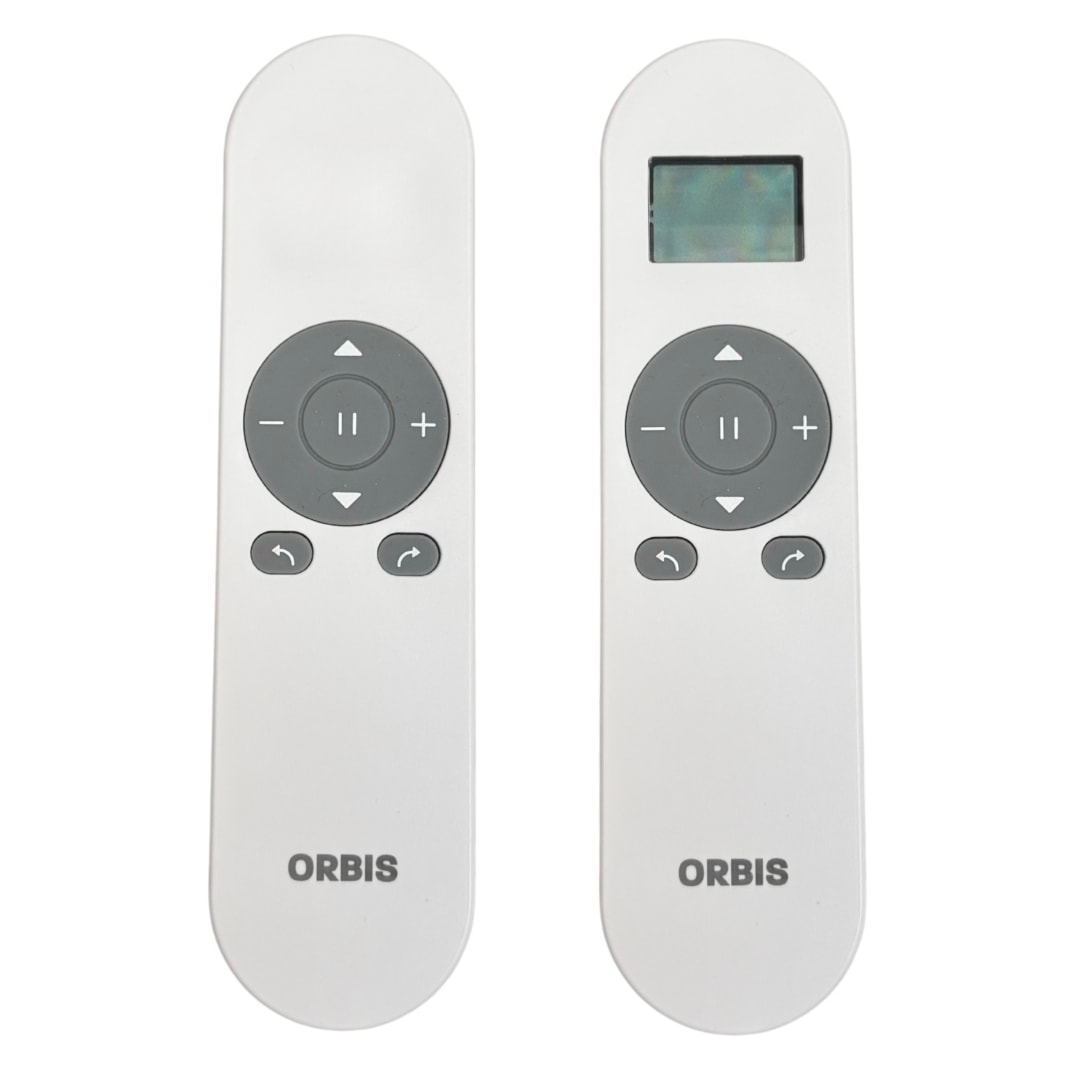
Your Orbis remote of choice (1 or 15 channel):

Please note: Each motor must be assigned to a single channel on your Orbis remote. The number of remotes you have is tailored to your personal needs:

Orbis 1 channel remote: Ideal for bedrooms or any single-motor room.
Orbis 15 channel remote: Best for whole-home setups and home-automation plans. You can keep one remote per room or program multiple motors onto a single remote. The 15-channel option is a cost-effective choice if you don’t need a remote in every room, making it ideal for living areas with several motors or when you want to group and control multiple blinds together.

C

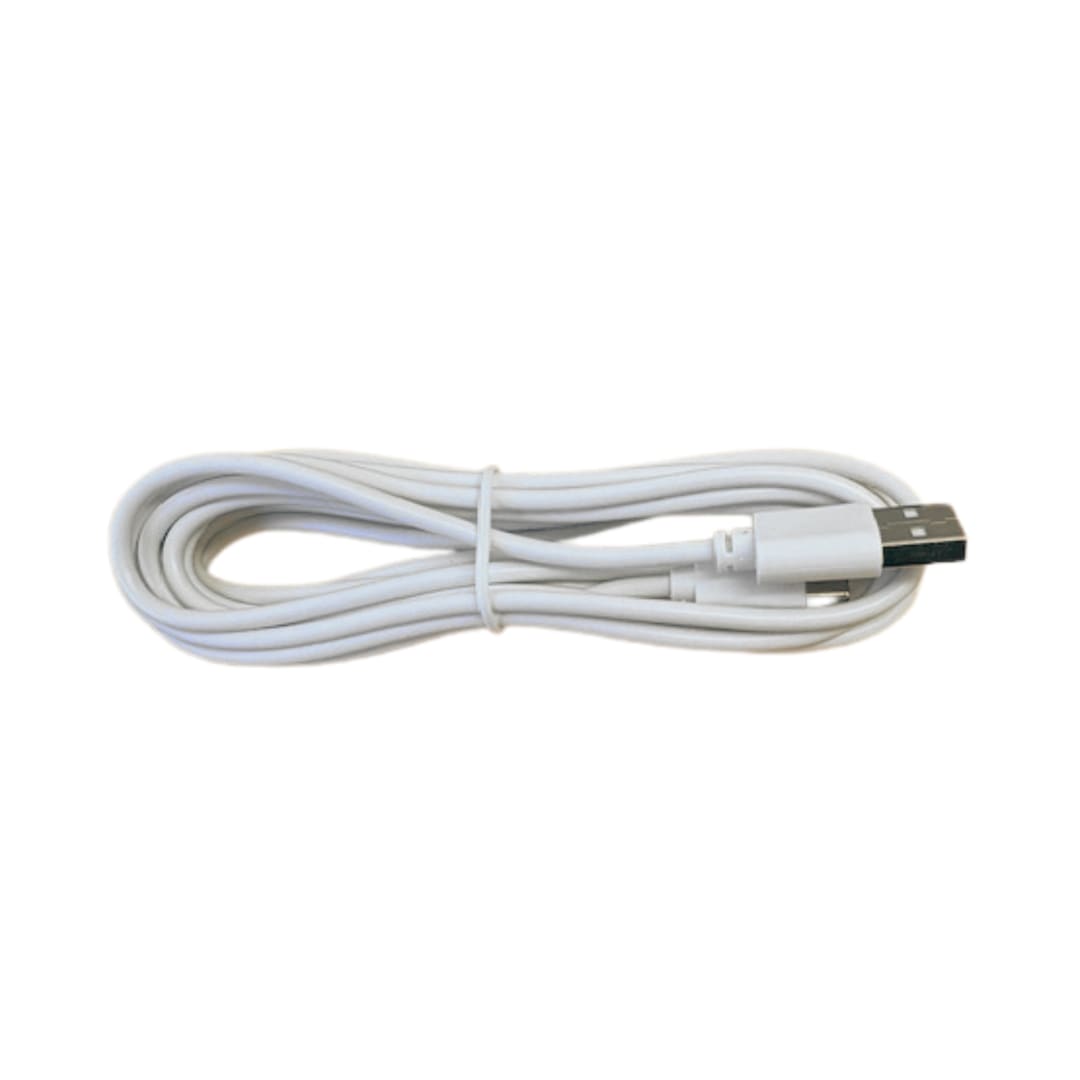
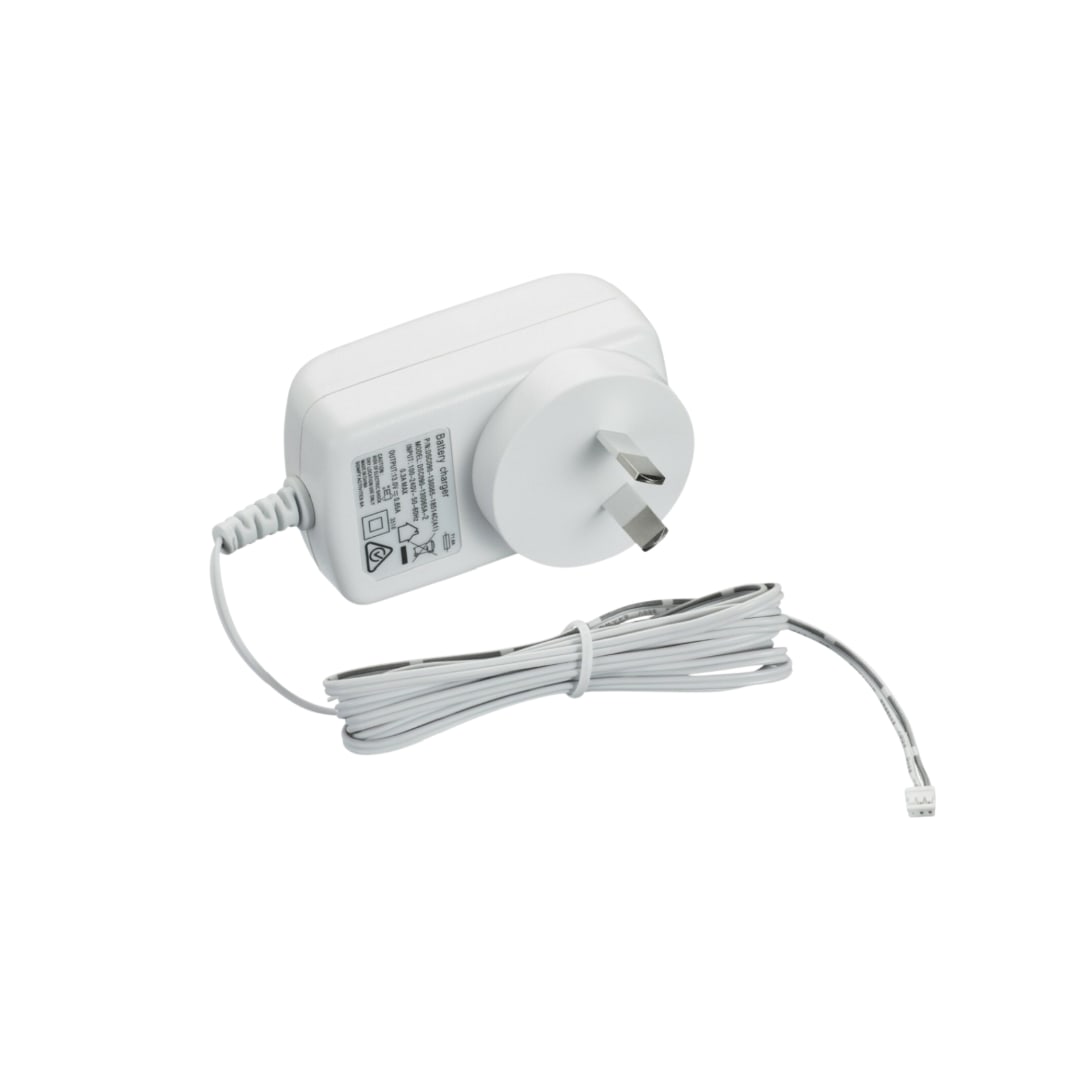
Your Orbis battery charging cable

Please note:If you have multiple motorised curtains or blinds, you don’t need a separate charger for each motor. We recommend one charger for every three motors, allowing you to charge more than one at a time if needed. Each charging cycle takes approximately 8 hours.

1
Unclip your blind and remove your chain drive

A

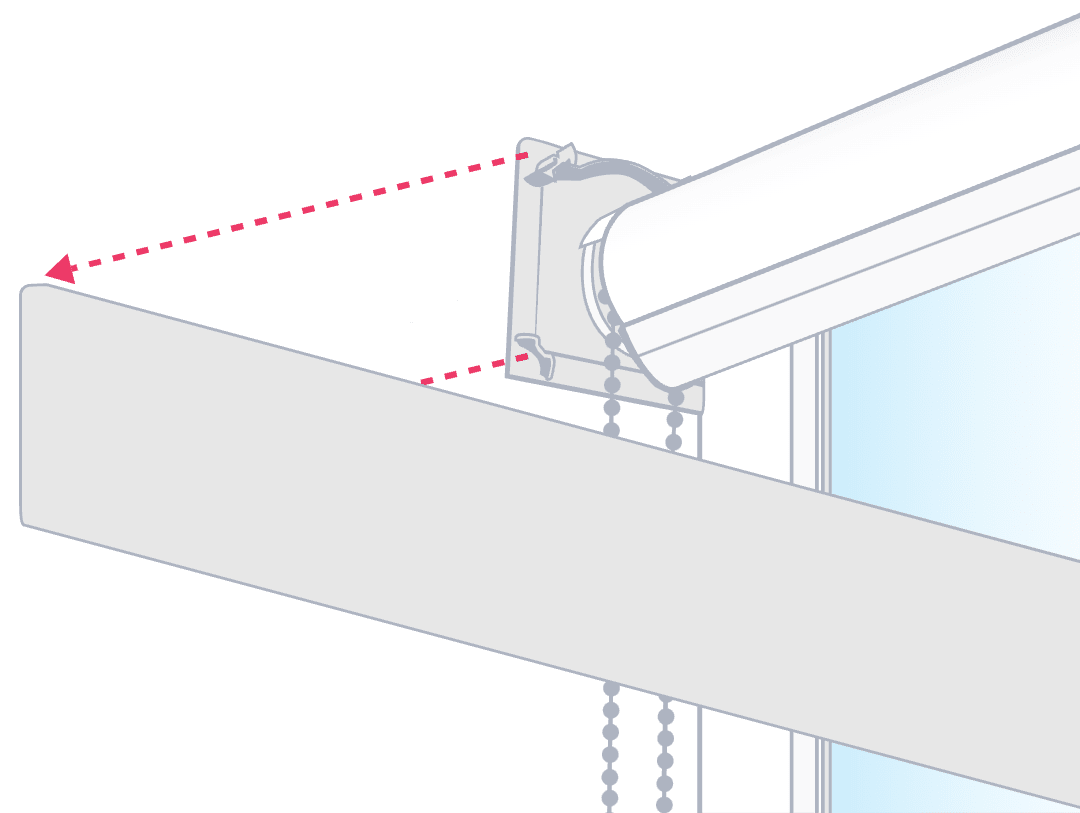
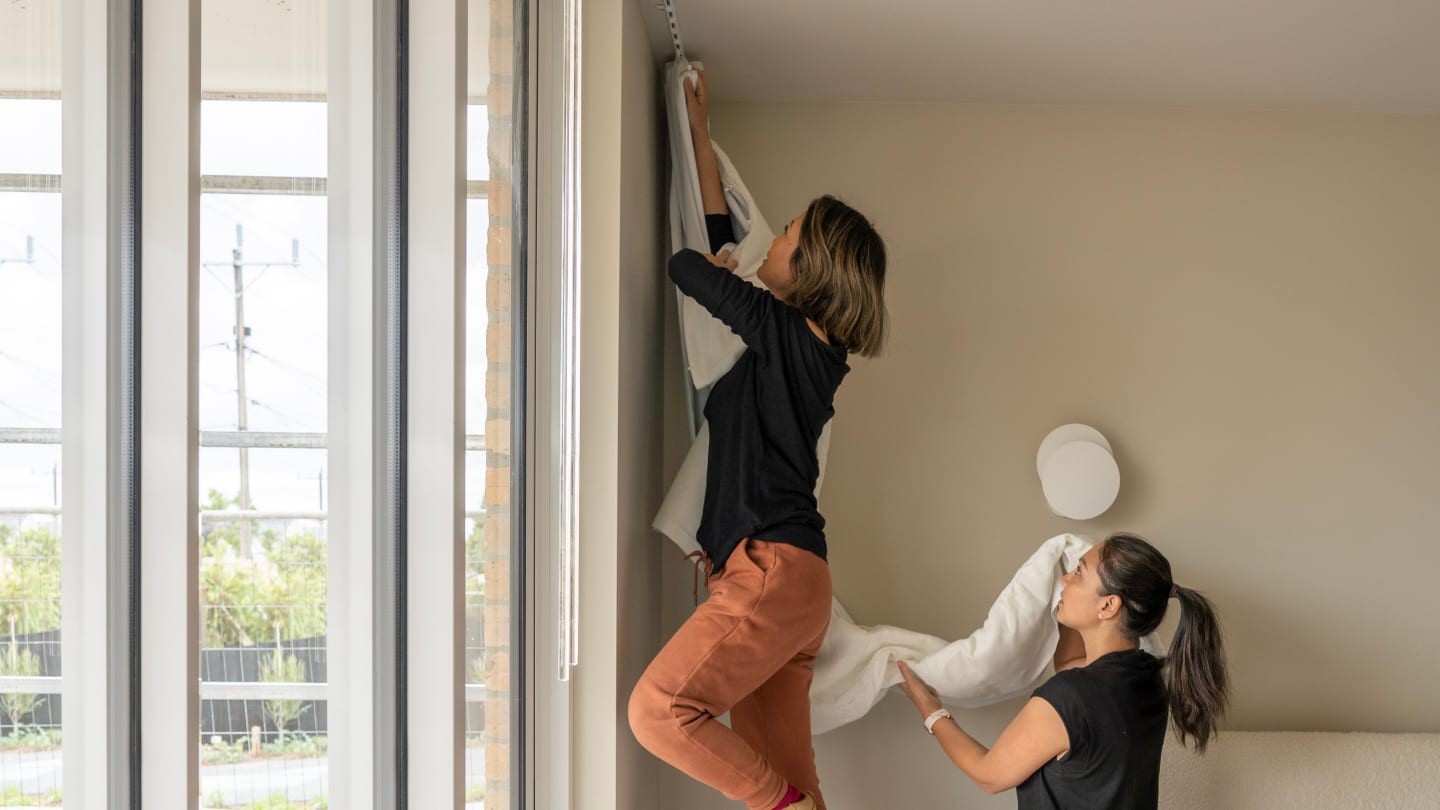
If you have a pelmet unclip it.

B

Take the pin end side of your roller blind out of the bracket. It should come out easily. DIY Blinds roller blinds have a clear plastic cog. Rotate the cog anti-clockwise to retract the pin away from the bracket, which will help you remove it.

Take the chain drive end of your roller blind out of the bracket.

C

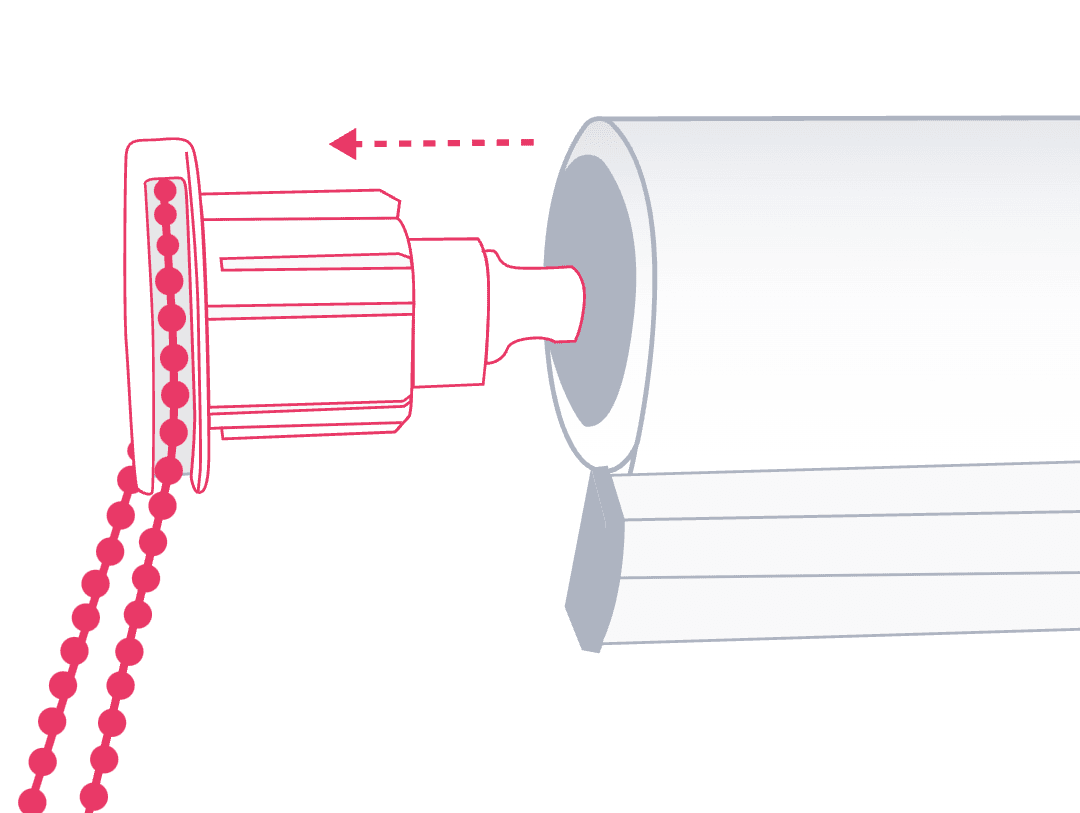
Remove the chain drive from your roller blind with a gentle tug.

2

Insert your motor

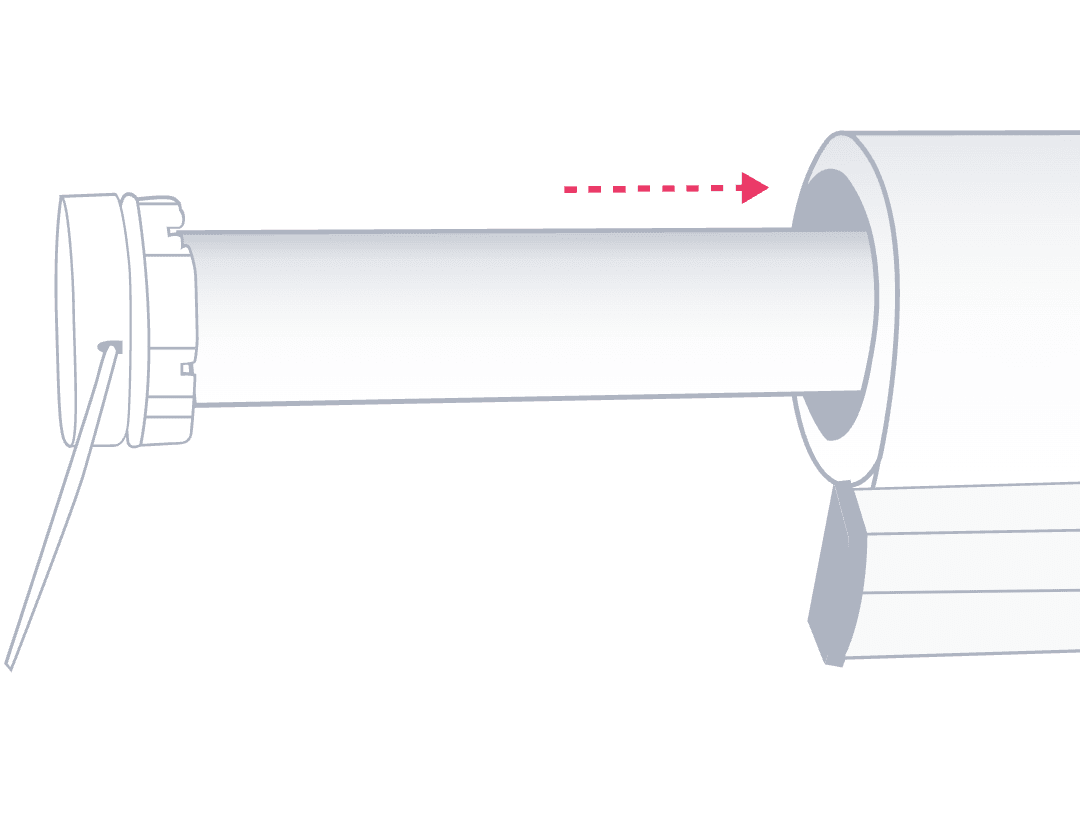
Grab your Orbis motor and slide it into the chain drive end of your roller blind. Be sure to line up your adapter and the tube profile so it slides in easily. Your motor will be flush with the tube when inserted correctly.

Remember to charge your battery motor before you insert it. See I need some extra help at the bottom of this page.

3

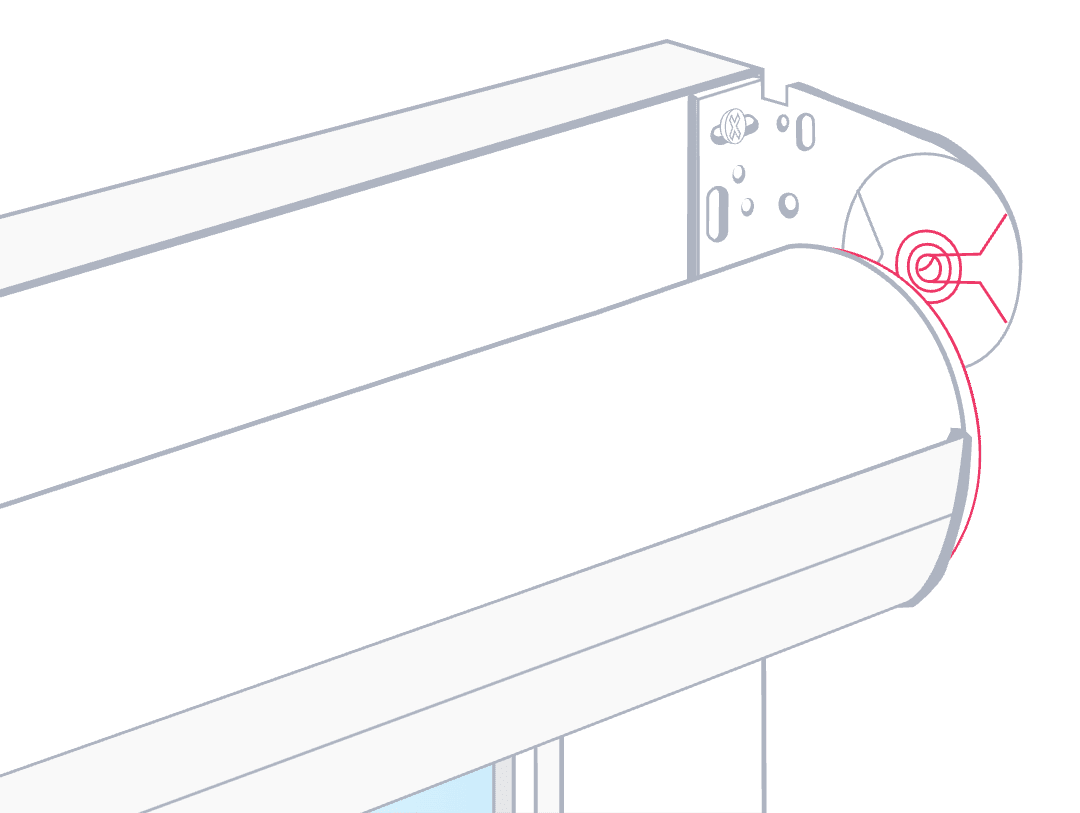
Point your charging port down

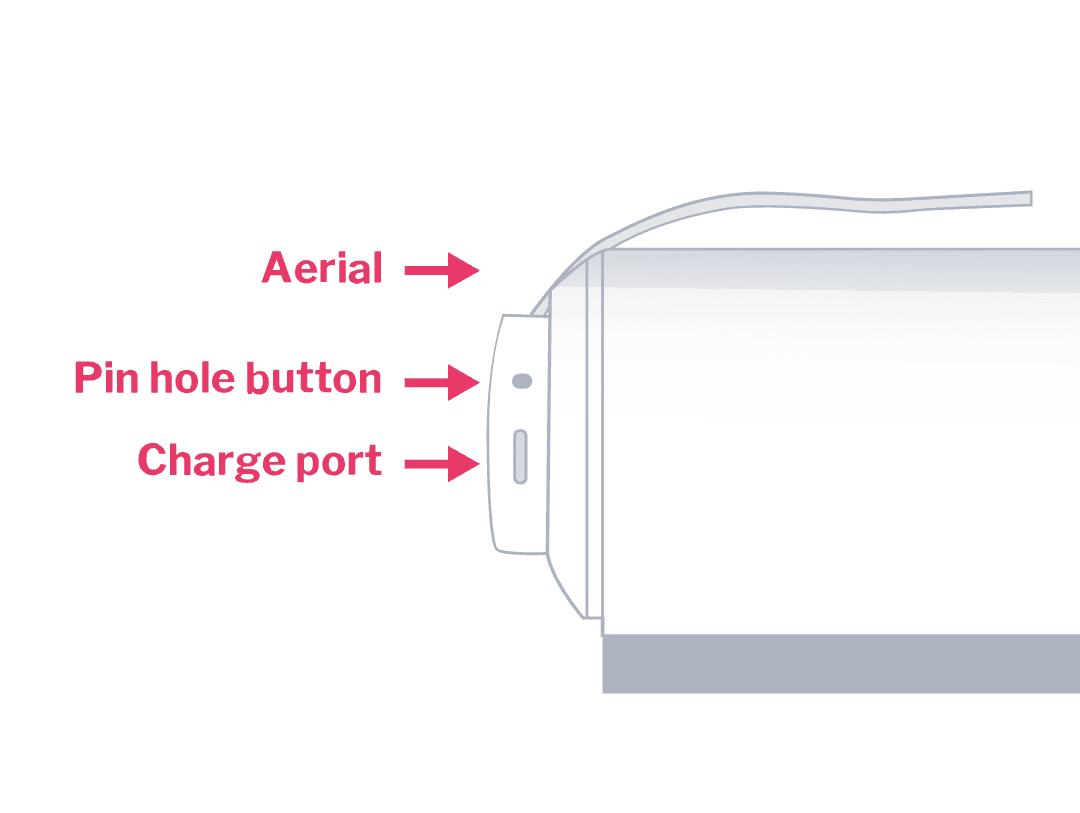
Make sure the charging port on your motor is pointing down to the ground, so you can easily recharge your motor.

4

Put your blind back up

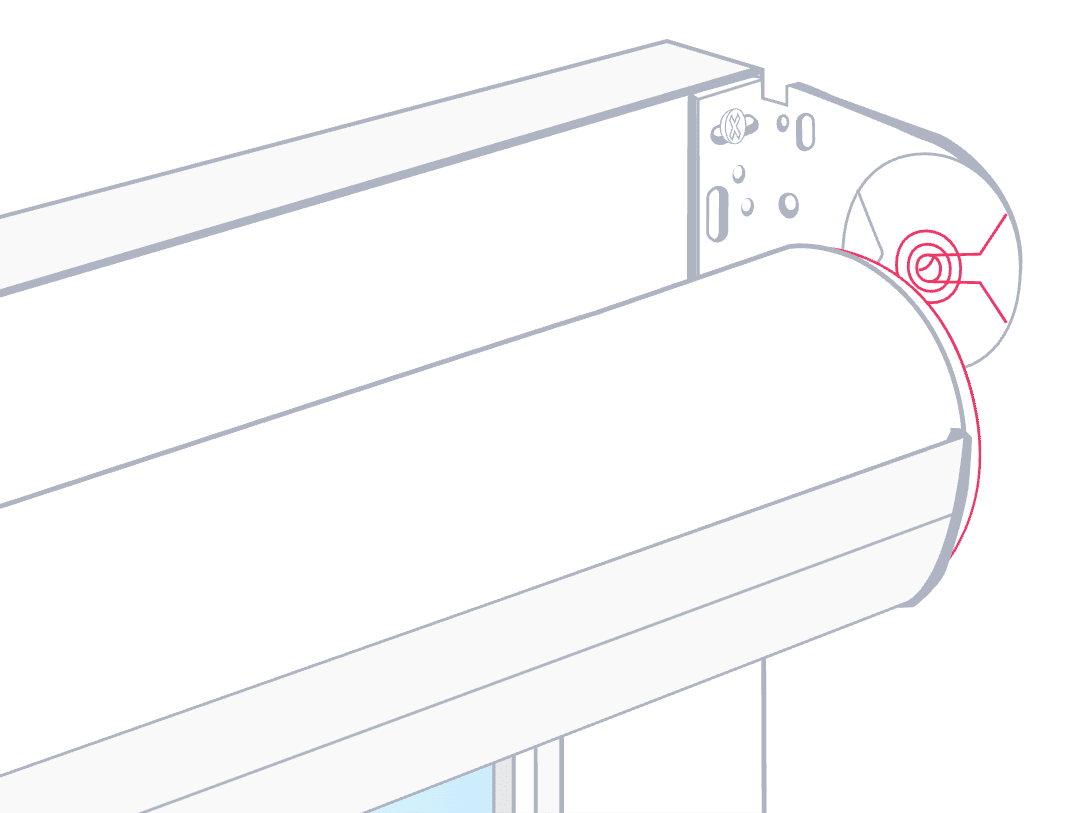
Pick up your roller blind. Gently slot the motor end into the chain drive bracket and slot the pin end into the pin end bracket. When you hear a click it's secure. If you have a pelmet attach it to one bracket then use a small amount of force to clip in the other side. You can carefully tape your aerial to the wall behind your roller blind (face fit blinds) or down the inside edge of your recess (recess fit blinds) so it's hidden out of view. Make sure the aerial isn't touching your roller blind, so it doesn't get damaged when you open and close your blinds.

5

Set up your controls

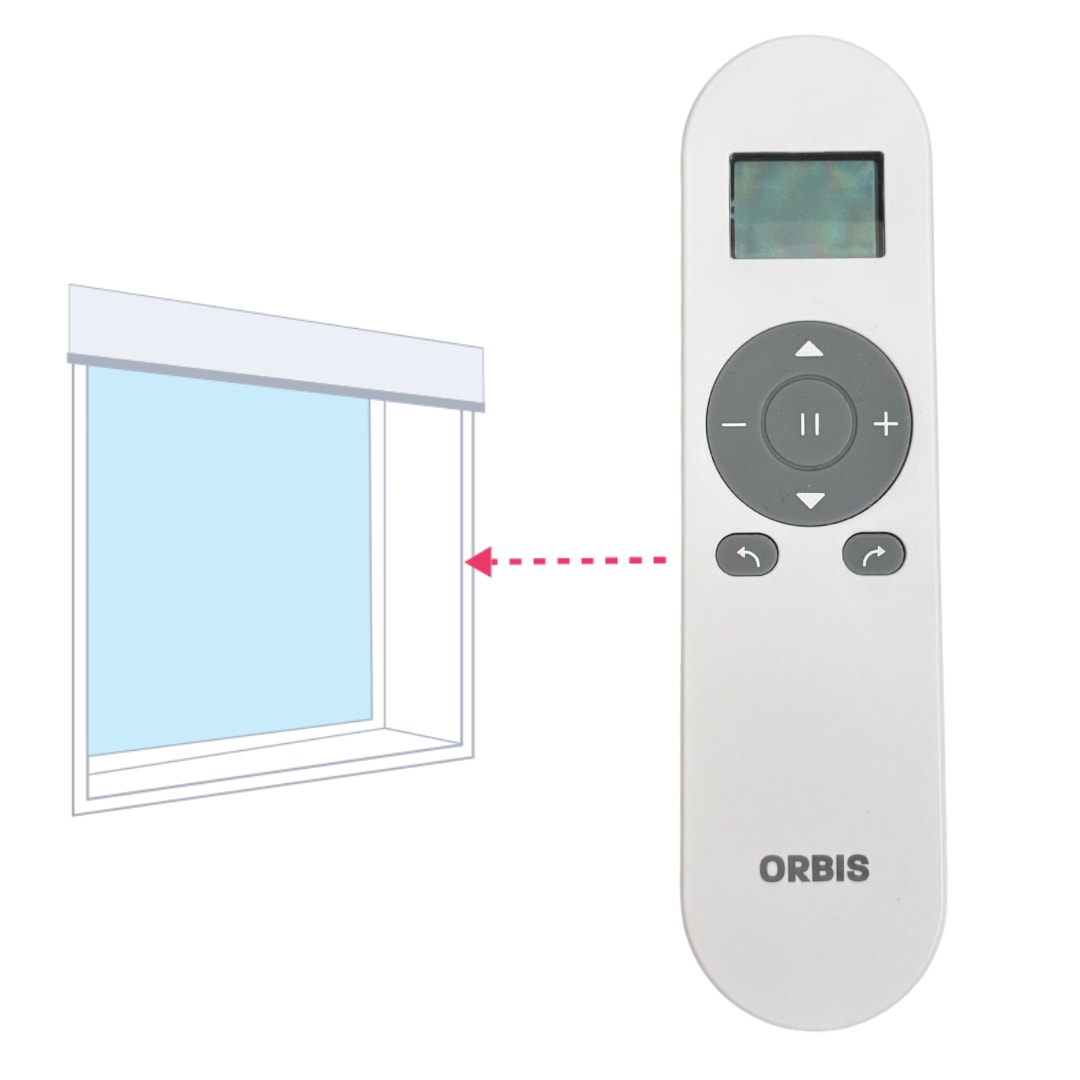
You're all done retrofitting motorisation! Head over to our guides to set up your controls so you can start using your motorised blinds.

Set up your Orbis remote control.

I need some extra help

How do I charge my blinds motor battery?

New battery powered motors need to be fully charged before you use them.

Grab your Orbis power charger and connect it to the charging port on your motor head. When the LED on the motor head turns solid green, it's ready to go and you can disconnect the charger.

How to retrofit roller blinds with motorisation

Before you get going

Is your Somfy motor charged?

You'll need to fully charge your battery powered motor before you start. See I need some extra help at the bottom of this page.

Go through your custom kit and make sure everything listed below is there.

If you’ve already ordered motorisation parts, please confirm your custom kit includes all the parts you ordered.

A

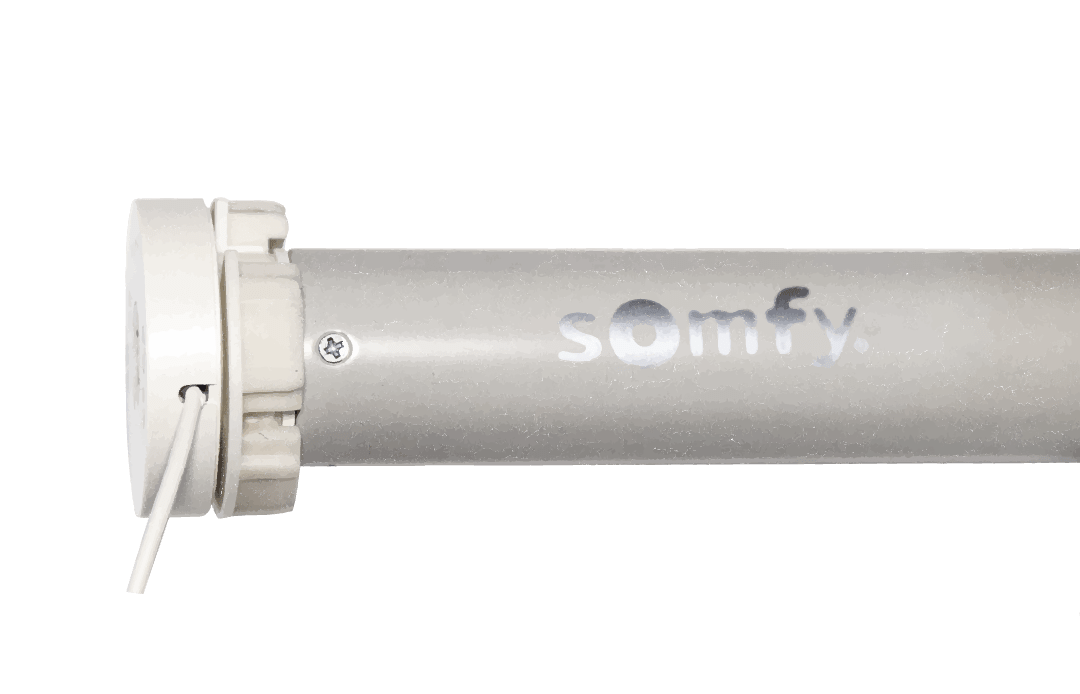
Your Somfy motor of choice:

Somfy Altus 28
Somfy Sonesse 30 WireFree RTS 2/20 Li-ion

B

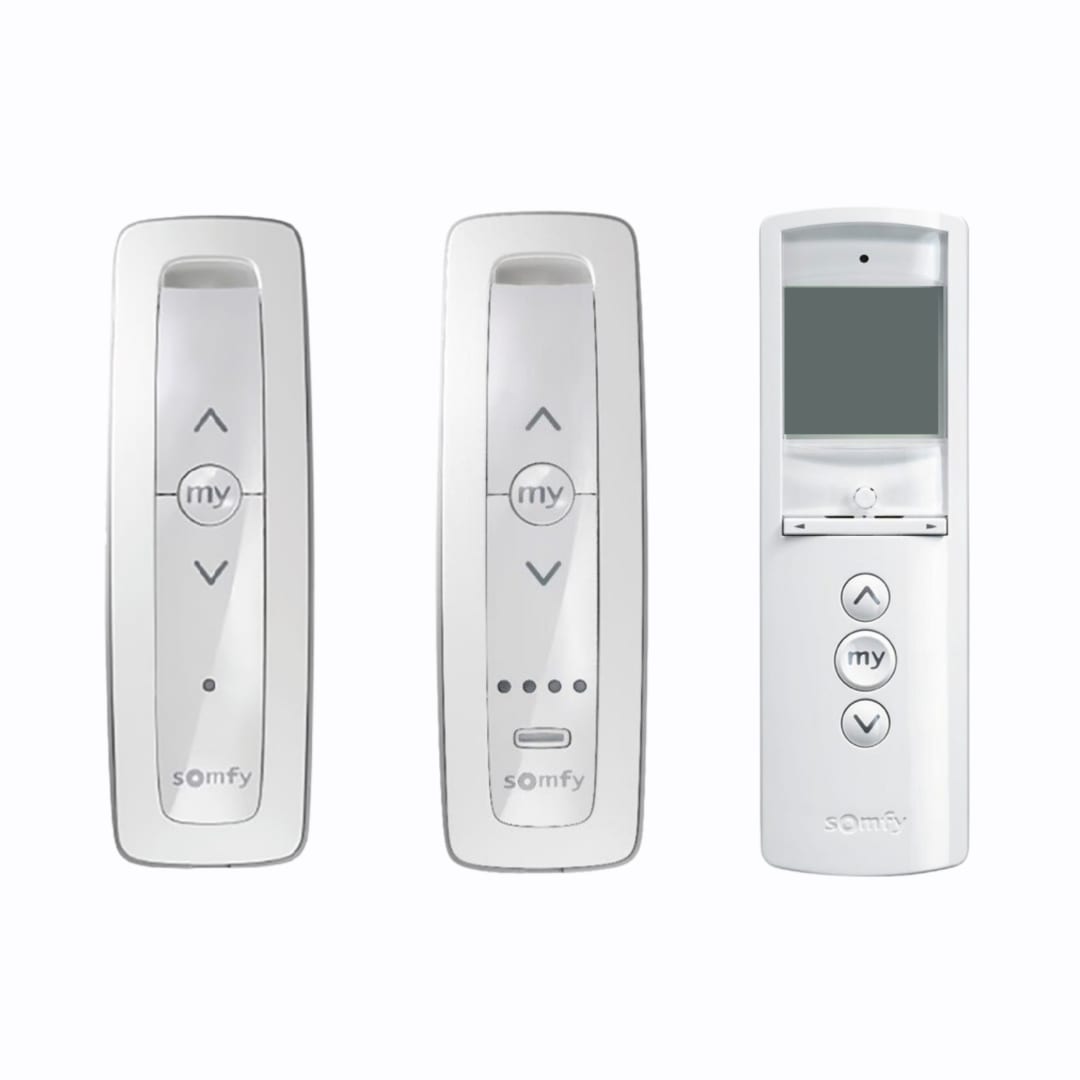
Your Somfy remote of choice (1, 5 or 16 channel):

Please note: Each motor must be assigned to a single channel on your Somfy remote. The number of remotes you have is tailored to your personal needs:

Somfy Situo 1 RTS Pure 1 channel remote: Ideal for bedrooms or any single-motor room.
Somfy Situo 5 RTS Pure 5 channel remote: Great for living areas with several motors, or when you want to group and control multiple blinds together.
Somfy Telis 16 RTS 16 channel remote: Best for whole-home setups and home-automation plans. You can keep one remote per room, or program many motors onto a single remote. The 16 channel remote is more cost-effective if you don’t need a remote in every room.

C

Your Somfy battery charger

Please note: If you have multiple motorised curtains or blinds, you don’t need a separate charger for each motor. We recommend one charger for every three motors, allowing you to charge more than one at a time if needed. Each charging cycle takes approximately 8 hours.

What you'll need to install

People Icon

1 people

Time Icon

5-10 mins

Tools

  • your step ladder
1
Unclip your blind and remove your chain drive

A

If you have a pelmet unclip it.

B

Take the pin end side of your roller blind out of the bracket. It should come out easily. DIY Blinds roller blinds have a clear plastic cog. Rotate the cog anti-clockwise to retract the pin away from the bracket, which will help you remove it.

Take the chain drive end of your roller blind out of the bracket.

C

Remove the chain drive from your roller blind with a gentle tug.

2

Insert your motor

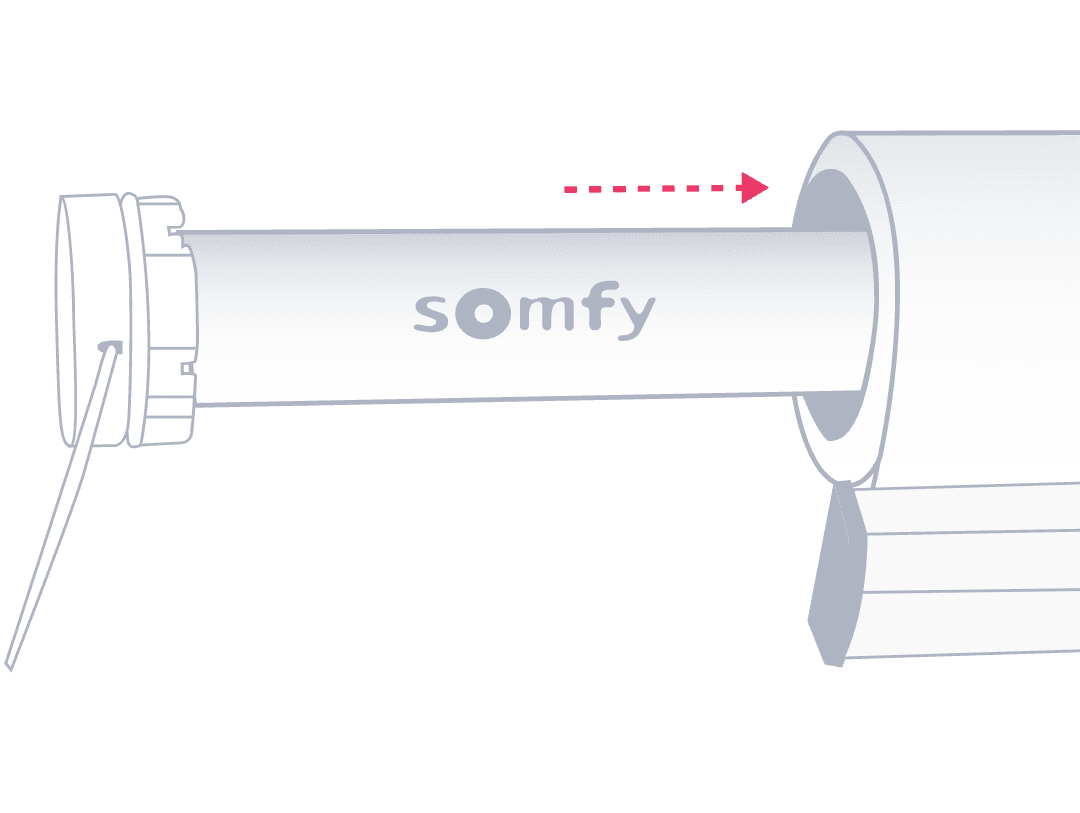
Grab your Somfy motor and slide it into the chain drive end of your roller blind. Be sure to line up your adapter and the tube profile so it slides in easily. Your motor will be flush with the tube when inserted correctly.

Remember to charge your battery motor before you insert it. See I need some extra help at the bottom of this page.

3

Point your charging port down

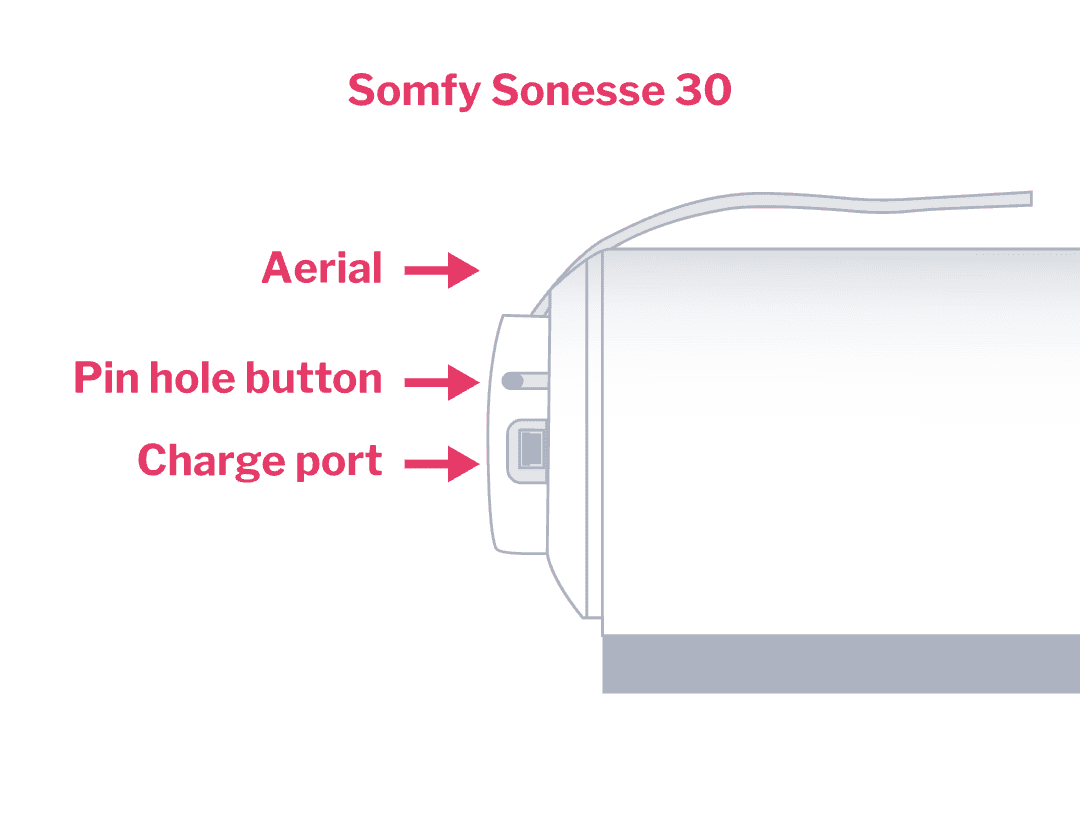
Make sure the charging port on your motor is pointing down to the ground, so you can easily recharge your motor.

4

Put your blind back up

Pick up your roller blind. Gently slot the motor end into the chain drive bracket and slot the pin end into the pin end bracket. When you hear a click it's secure. If you have a pelmet attach it to one bracket then use a small amount of force to clip in the other side. You can carefully tape your aerial to the wall behind your roller blind (face fit blinds) or down the inside edge of your recess (recess fit blinds) so it's hidden out of view. Make sure the aerial isn't touching your roller blind, so it doesn't get damaged when you open and close your blinds.

5

Set up your controls

You're all done retrofitting motorisation! Head over to our guides to set up your controls so you can start using your motorised blinds.

Set up your Somfy remote control.

I need some extra help

How do I charge my blinds motor battery?

New battery powered motors need to be fully charged before you use them.

Grab your Somfy power charger and connect it to the charging port on your motor head. When the LED on the motor head turns solid green, it's ready to go and you can disconnect the charger.

We’re here to help with any questions
Support

We’re here to help with any questions

Whether you're midway through installing your blinds or just getting started, our team is here to help. From measuring guides to installation tips, we’ve got answers to make things simple and stress-free. Contact us on 1300 918 390 (AEDT).