Regional? Order by 11 Nov for XMAS

Check
Start here for motorisation help— check your kit is complete, see if your blinds can be upgraded, and find answers to common questions.
Curtains
Curtains
Roller Blinds
Roller Blinds
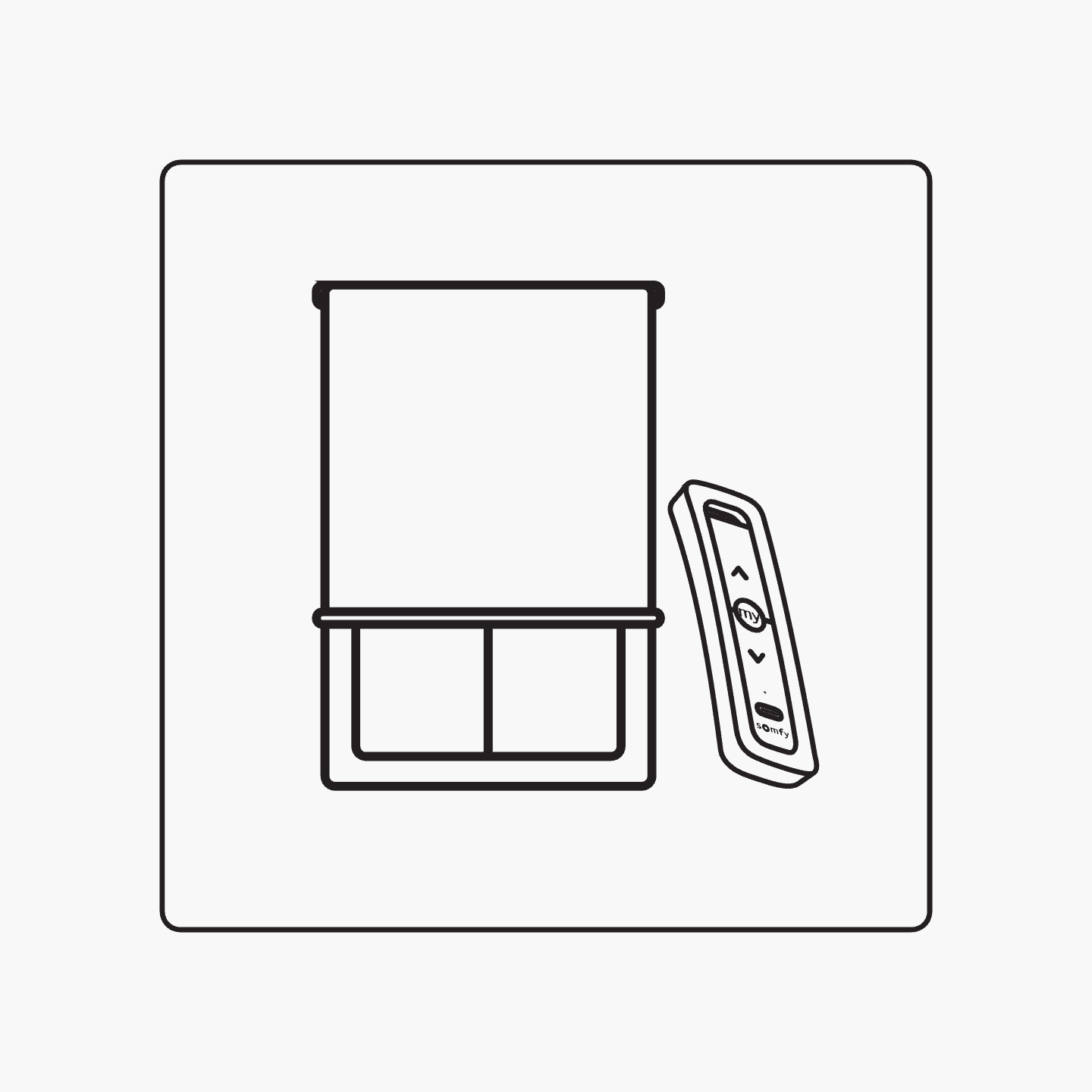
Retrofit blinds - Adding motorisation to your current roller blinds
Please confirm your custom kit includes all the parts you ordered, including any optional motorisation add-ons.
A

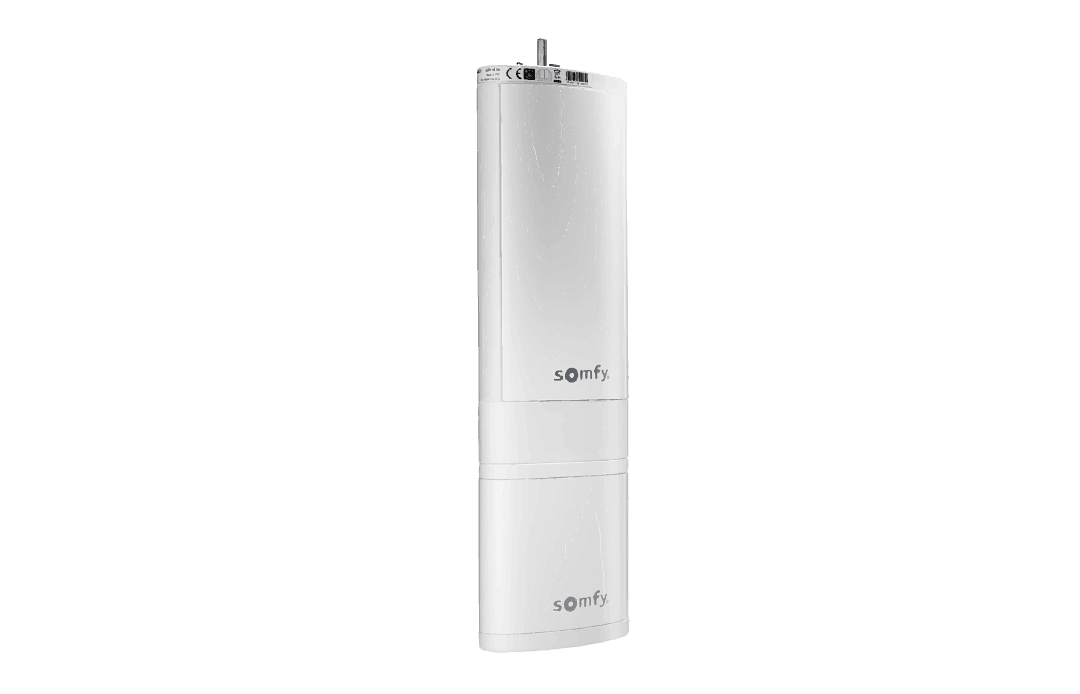
Your Somfy motor of choice:

Somfy Movelite WireFree 35 RTS
Somfy Glydea

Please note: If you’ve ordered the Somfy Glydea (wired motorisation), your electrician will need to follow these steps to install the Molex cables in the correct position. Check out our step-by-step guide here.
B

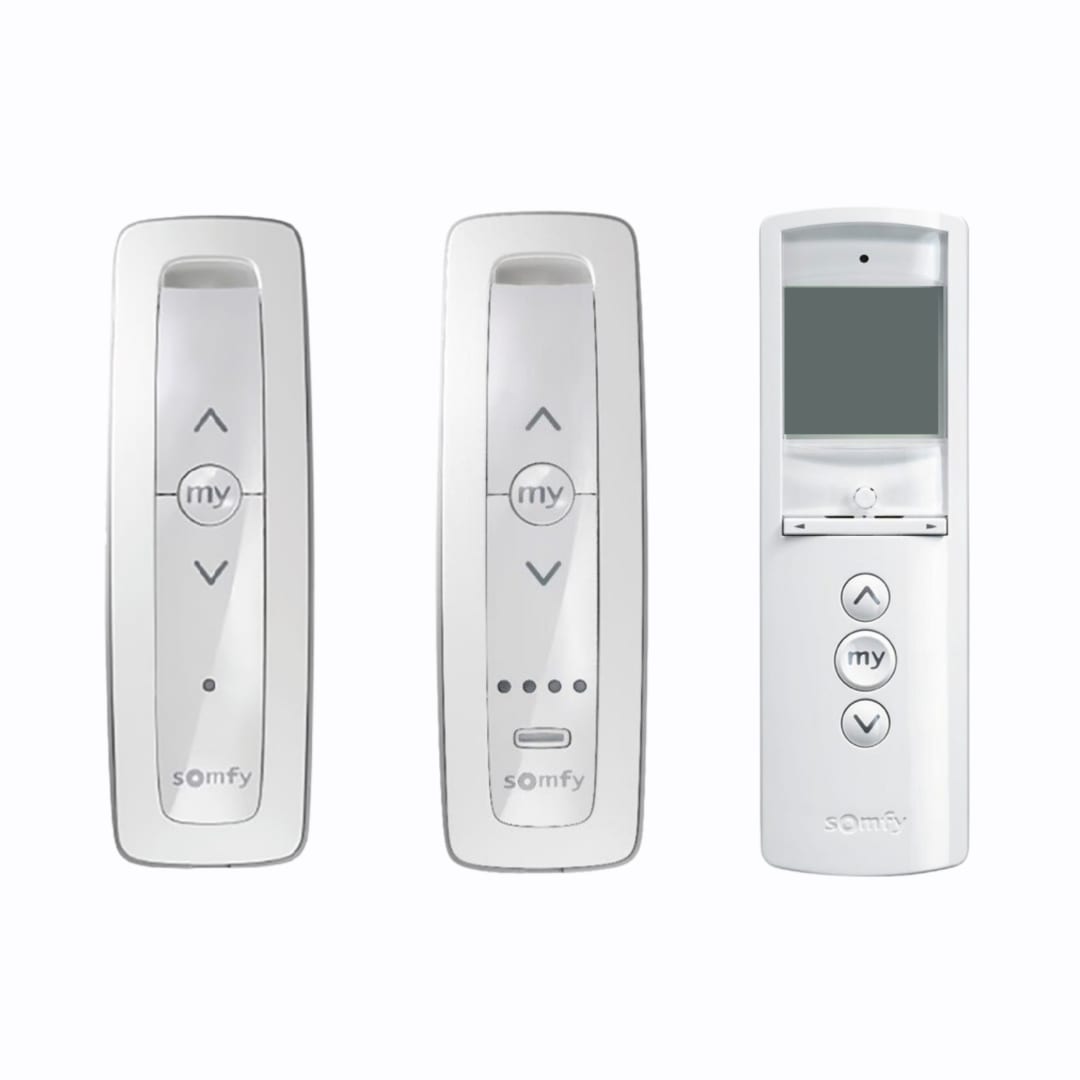
Your Somfy remote of choice (1, 5 or 16 channel):

Please note: Each motor must be assigned to a single channel on your Somfy remote. The number of remotes you have is tailored to your personal needs:
Somfy Situo 1 RTS Pure 1 channel remote:Ideal for bedrooms or any single-motor room.
Somfy Situo 5 RTS Pure 5 channel remote:Great for living areas with several motors, or when you want to group and control multiple blinds together.
Somfy Telis 16 RTS 16 channel remote:Best for whole-home setups and home-automation plans. You can keep one remote per room, or program many motors onto a single remote. The 16 channel remote is more cost-effective if you don’t need a remote in every room.

C

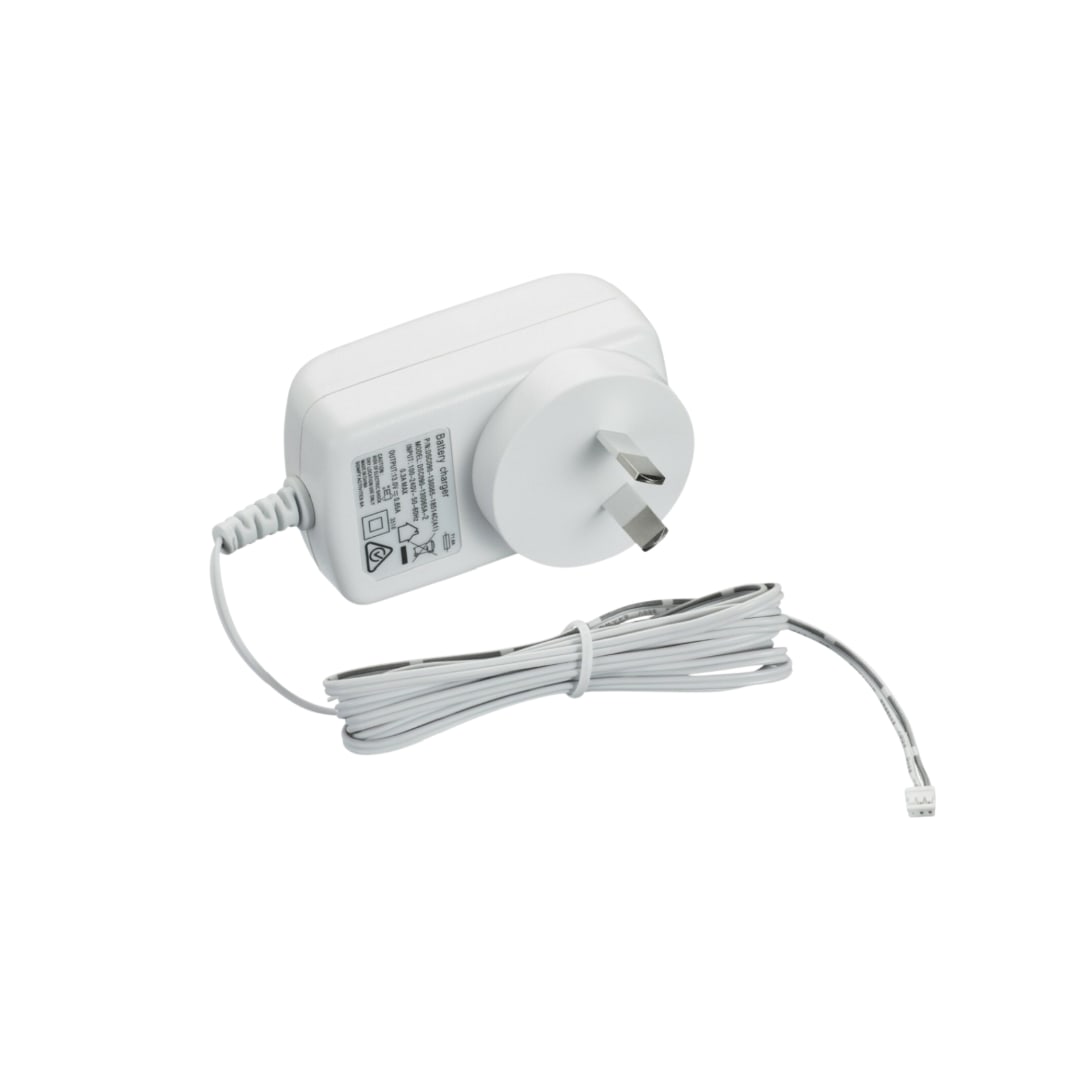
Your Somfy battery charger (battery motors): Please note: If you have multiple motorised curtains or blinds, you don’t need a separate charger for each motor. We recommend one charger for every three motors, allowing you to charge more than one at a time if needed. Each charging cycle takes approximately 8 hours.
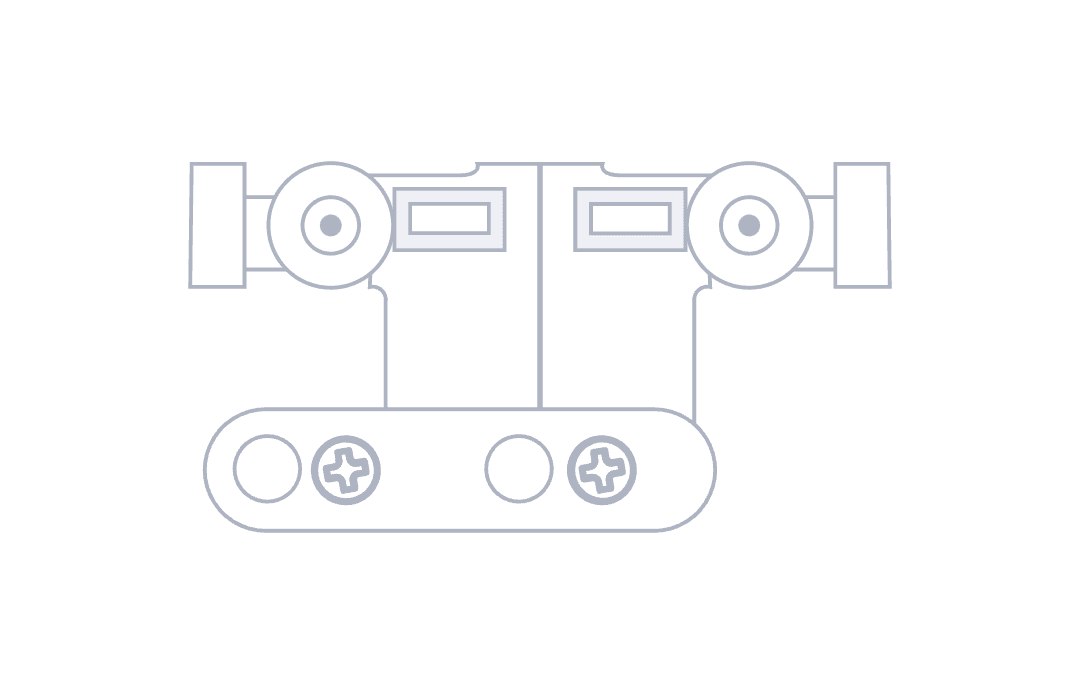
D

Your master carrier(s) (attached to your track) and lock
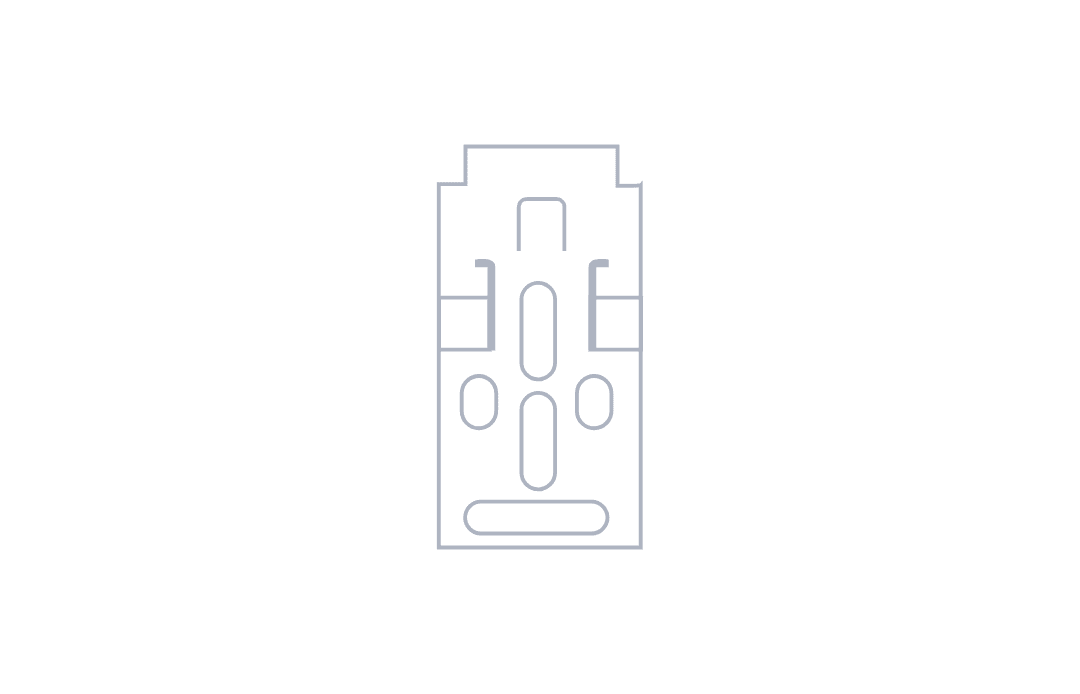
E

Brackets (ceiling mount)
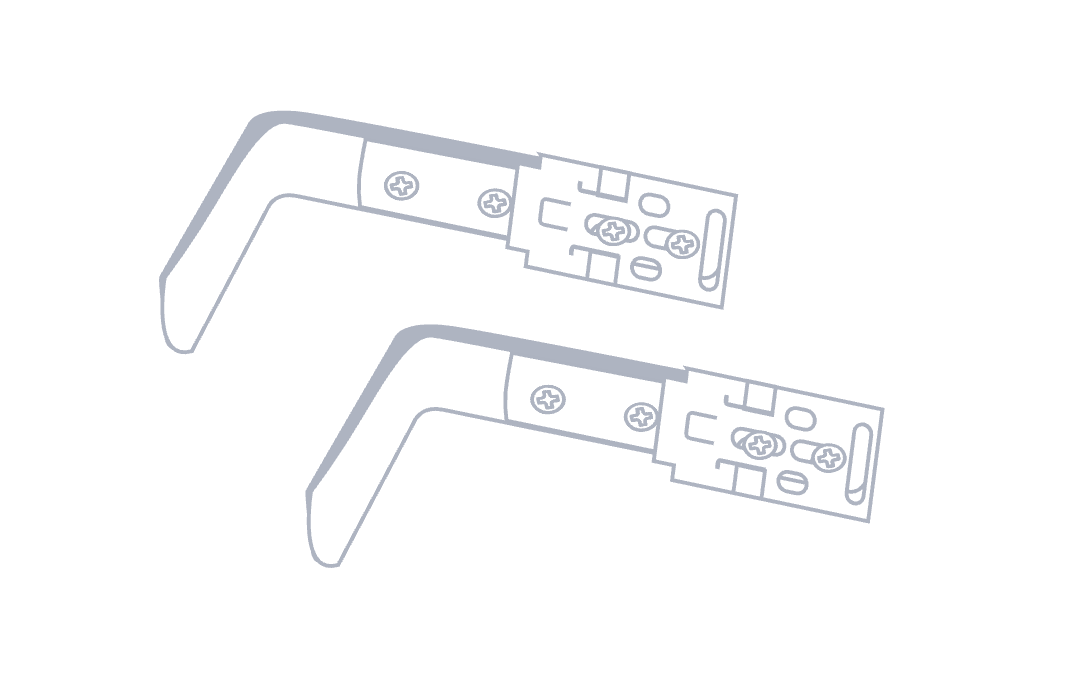
F

Brackets (face mount)
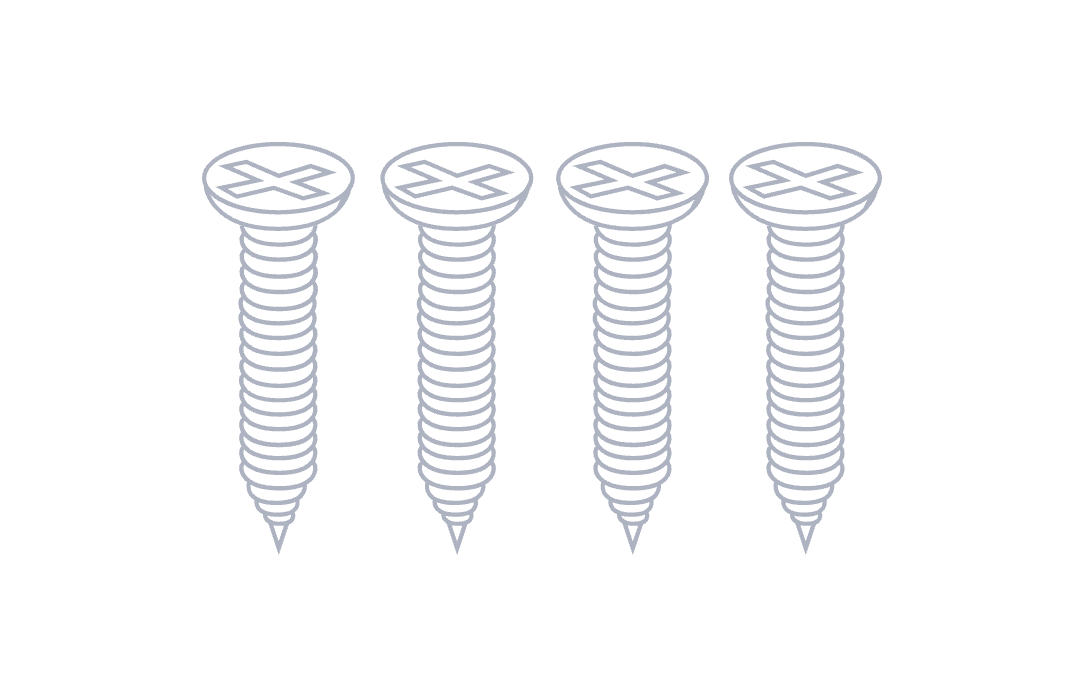
G

Screws
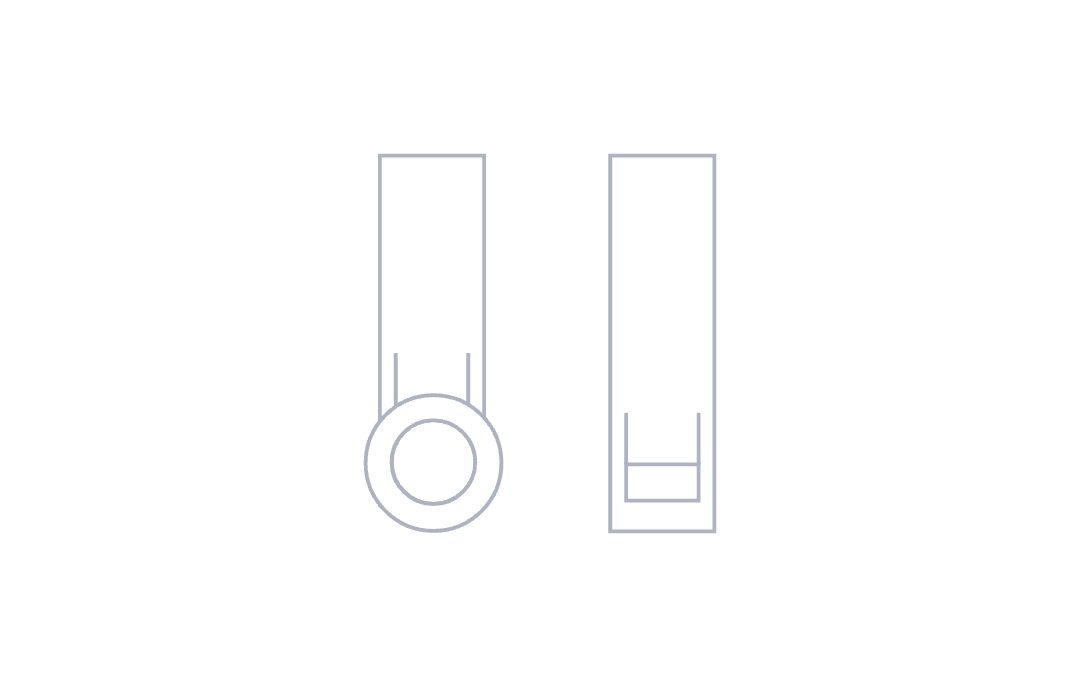
H

Motor hooks
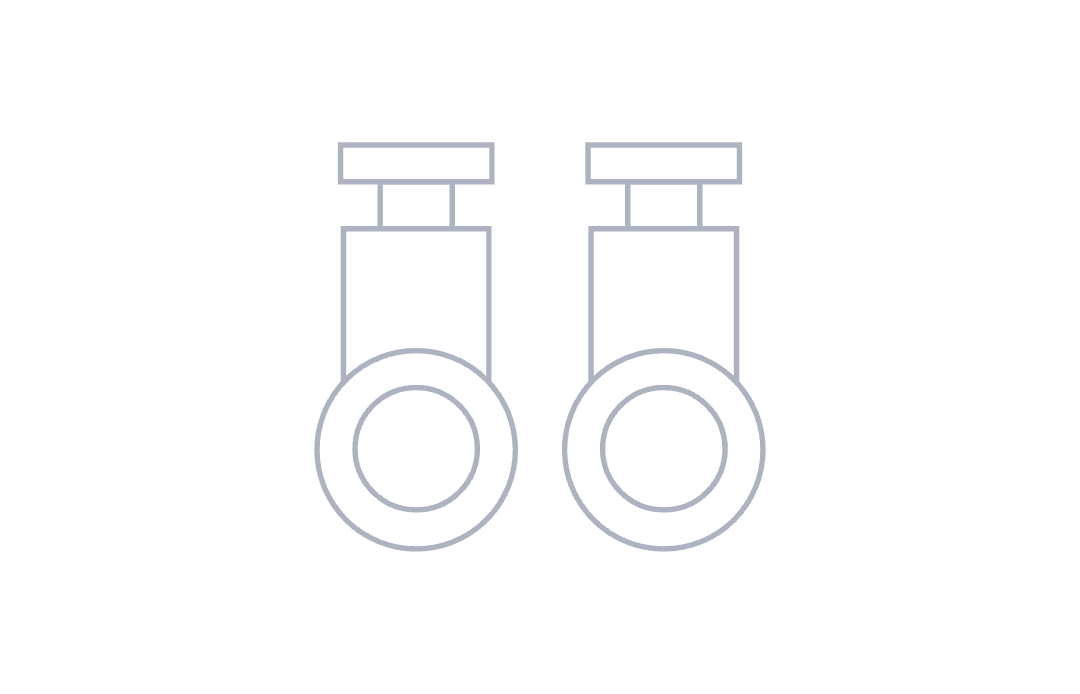
I

For S fold curtains: Spare pendants
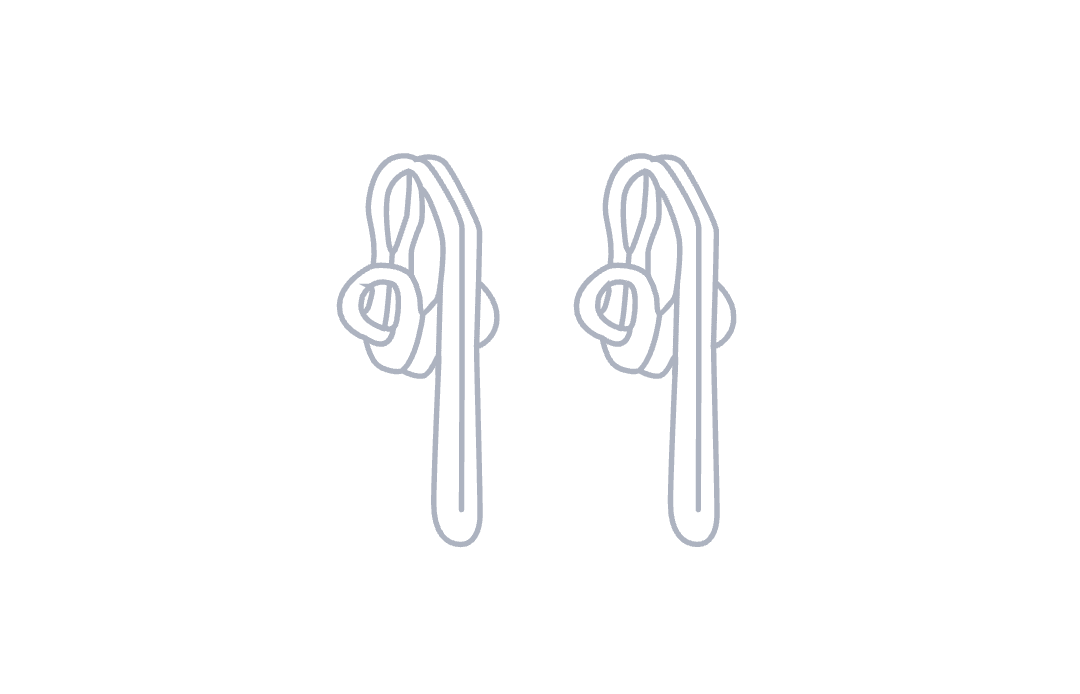
J

For pleated curtains: Spare hooks
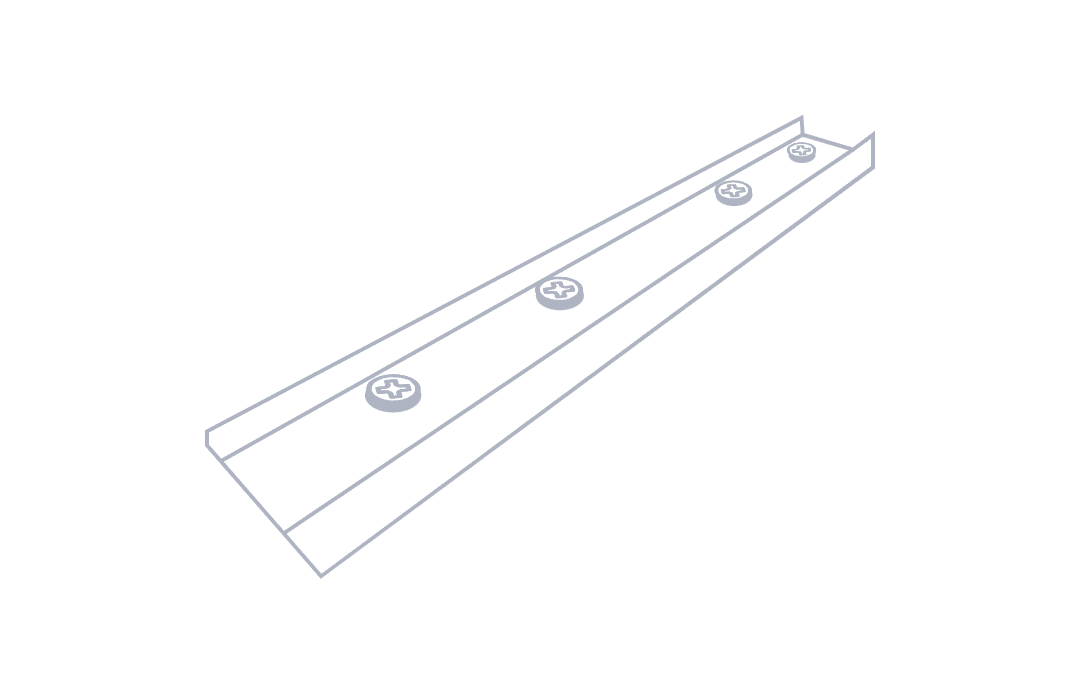
K

For track made in 2 or more pieces: Track joiner
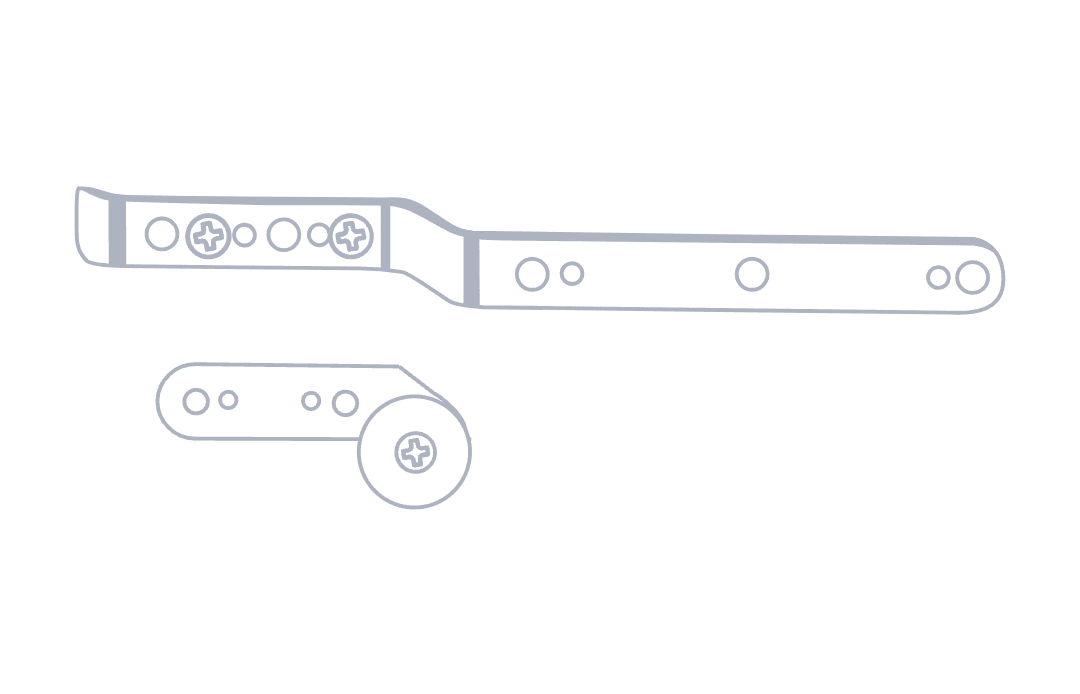
L

Your lead arm
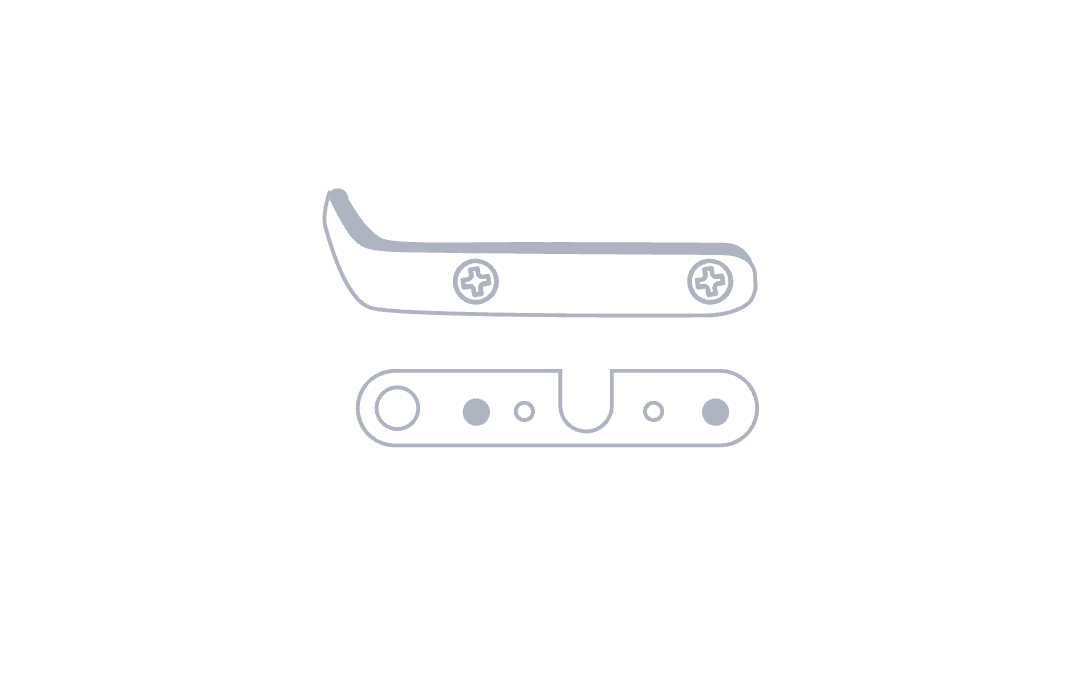
M

Your secondary arm (centre opening curtains)
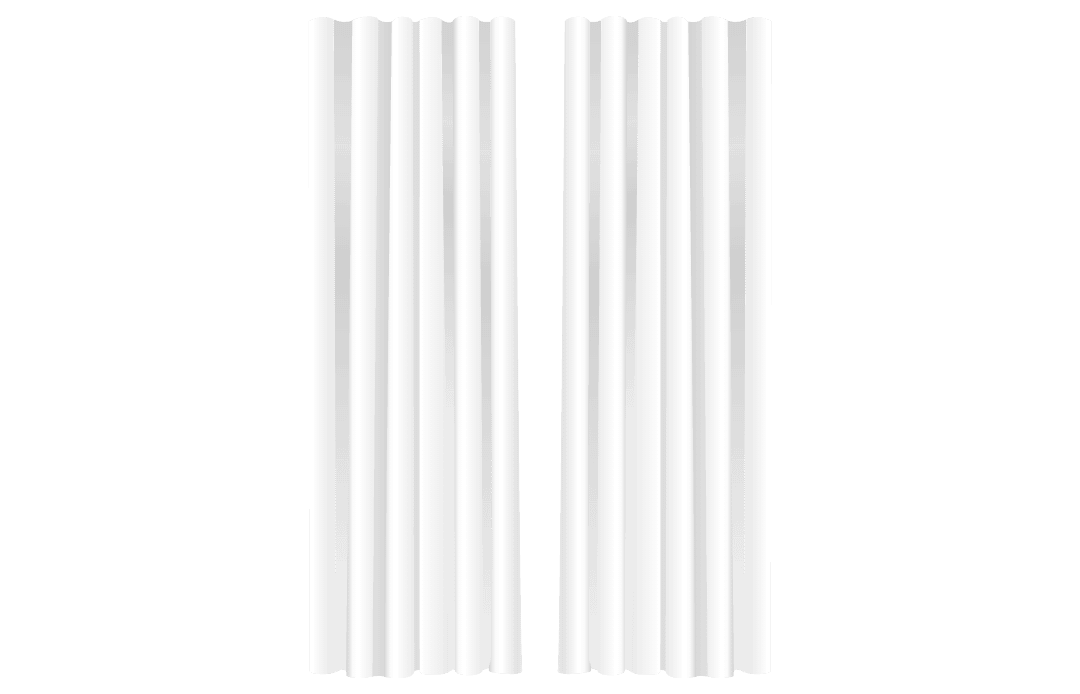
N

Your curtain panels

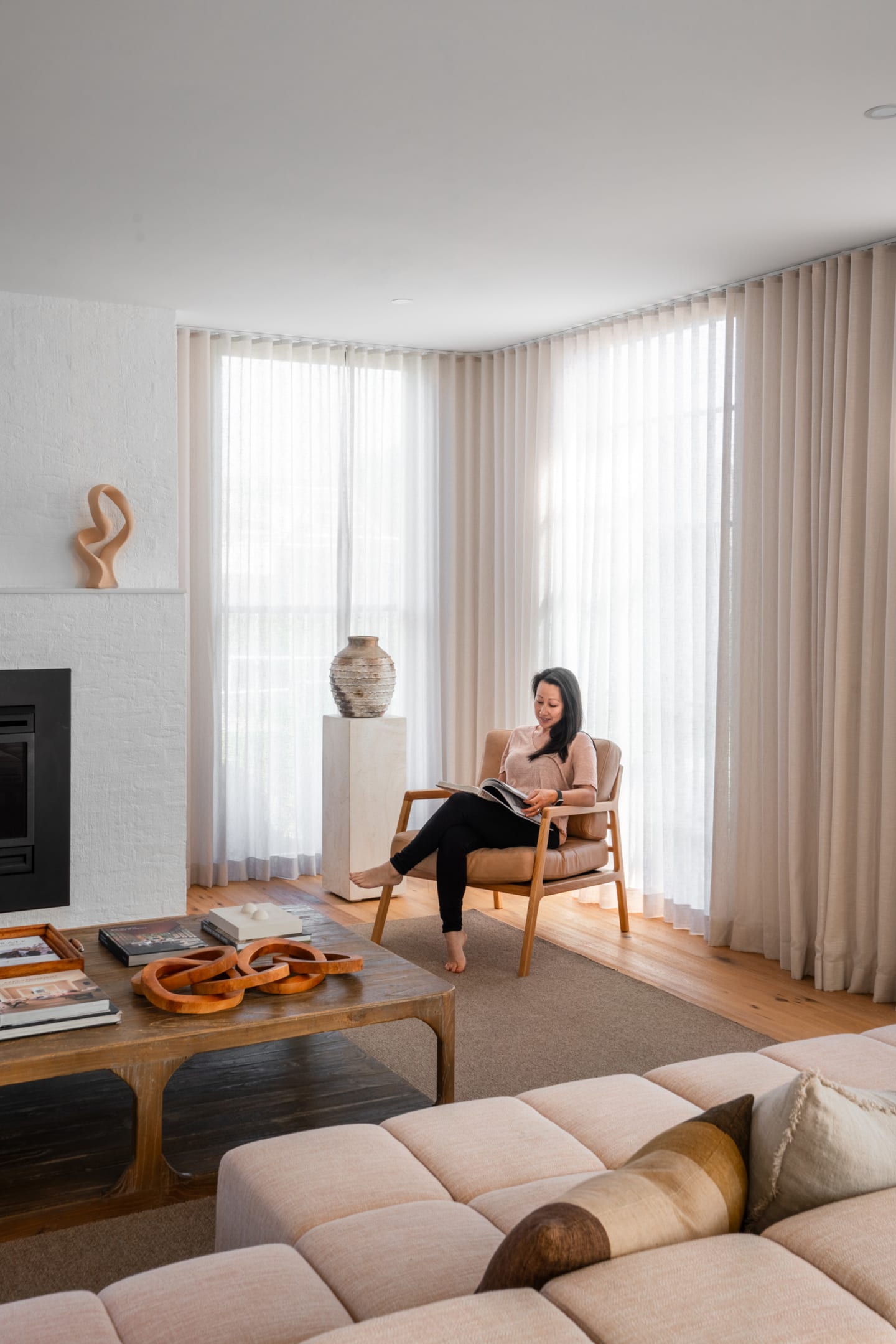
Need help installing motorised curtains?

View our step-by-step installation guide here, and learn how to set up your Somfy remote here.

For installation questions or any other general enquiries, please contact us here.
Need help installing motorised curtains?
Orbis
Orbis
Somfy
Somfy
Please confirm your custom kit includes all the parts you ordered, including any optional motorisation add-ons.

A

Your roller blind, powered by the Orbis motor of your choice, seamlessly built into the design.

Orbis 1.1/20 (1.1nM) wire free
Orbis 2/20 (2.0nM) wire free

B

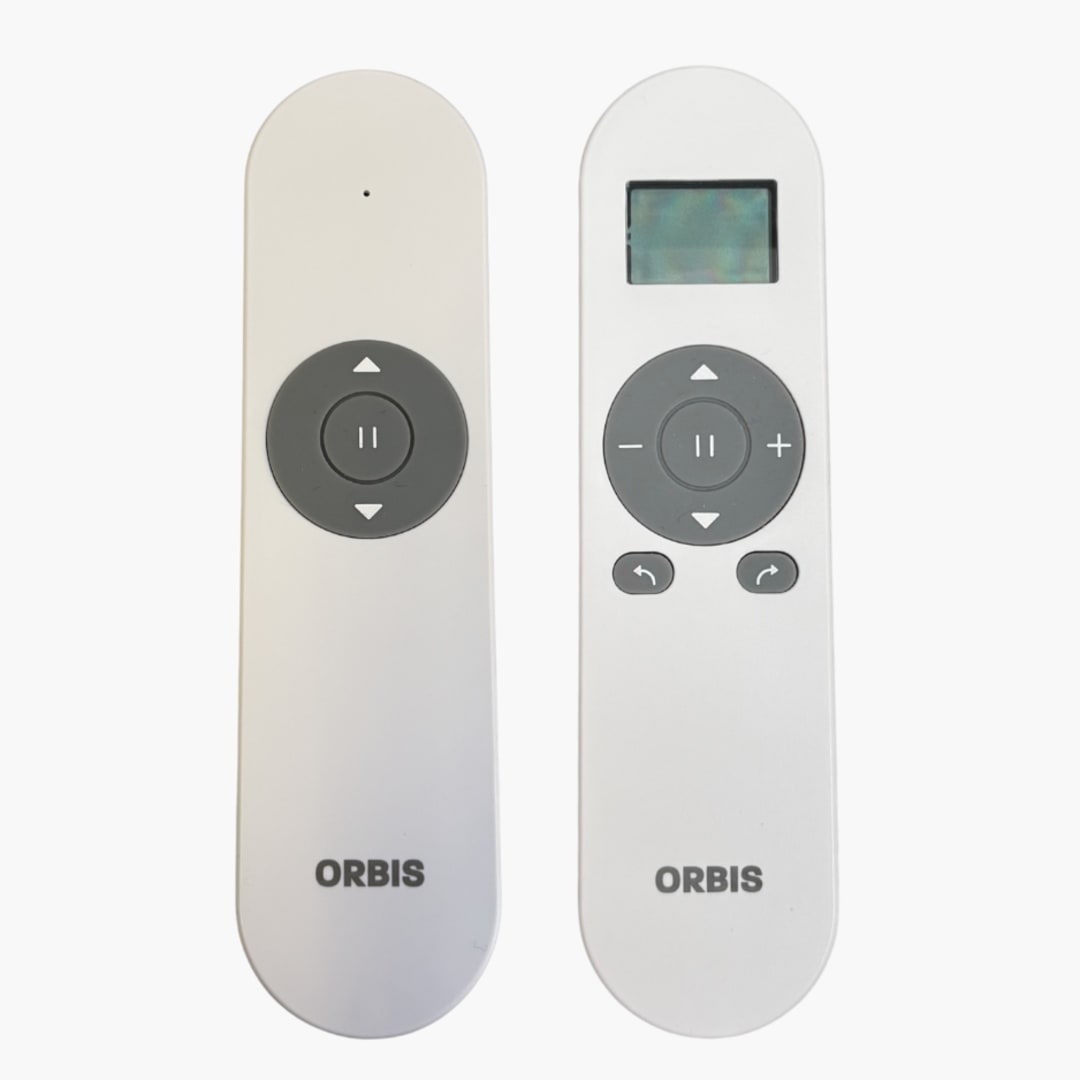
Your Orbis remote of choice (1 or 15 channel):

Please note: Each motor must be assigned to a single channel on your Orbis remote. The number of remotes you have is tailored to your personal needs:

Orbis 1 channel remote: Ideal for bedrooms or any single-motor room.
Orbis 15 channel remote: Best for whole-home setups and home-automation plans. You can keep one remote per room or program multiple motors onto a single remote. The 15-channel option is a cost-effective choice if you don’t need a remote in every room, making it ideal for living areas with several motors or when you want to group and control multiple blinds together.

C

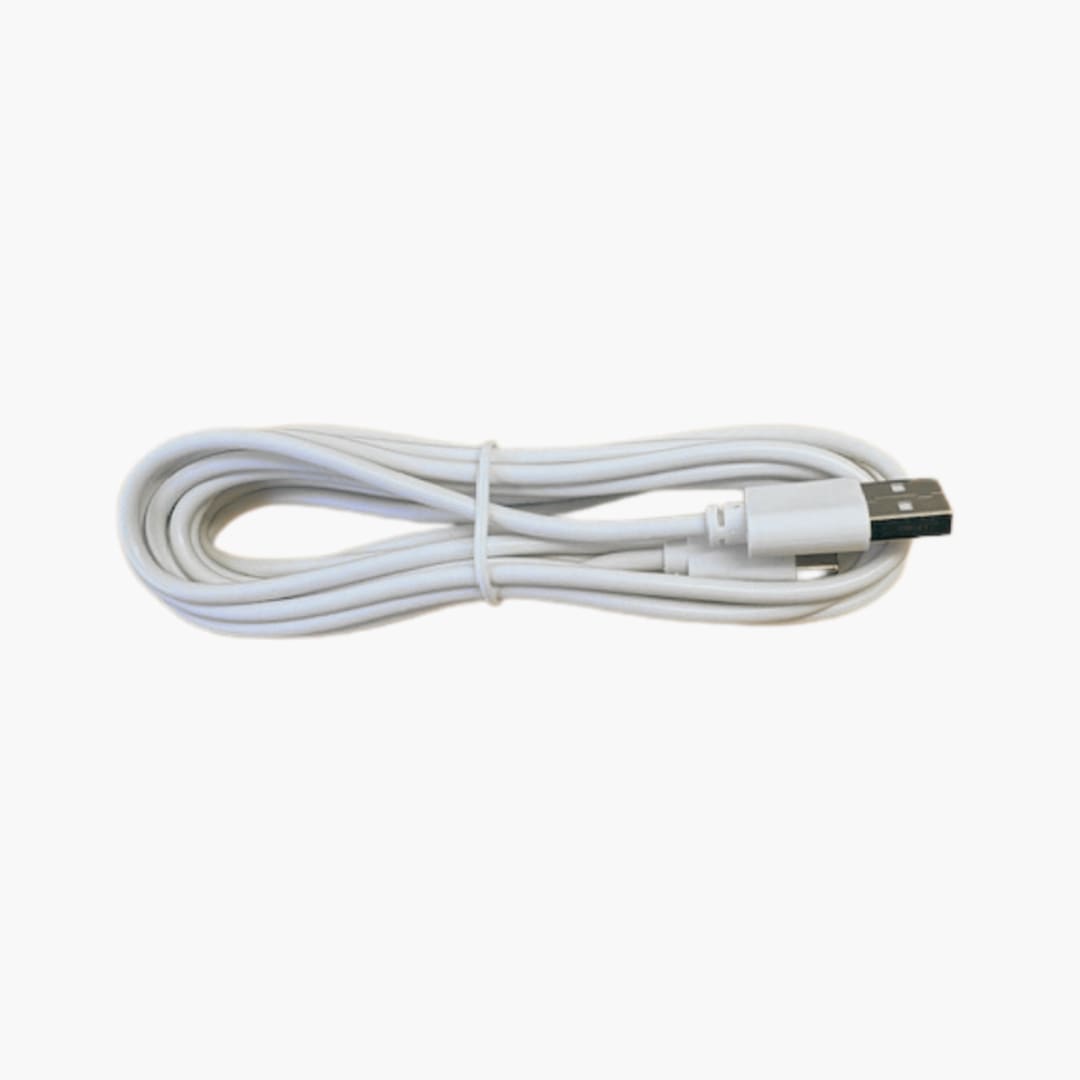
Your Orbis battery charging cable Please note: If you have multiple motorised curtains or blinds, you don’t need a separate charger for each motor. We recommend one charger for every three motors, allowing you to charge more than one at a time if needed. Each charging cycle takes approximately 8 hours.

Need help installing motorised roller blinds?

View our step-by-step installation guide here, and learn how to set up your Orbis remote here.

For installation questions or any other general enquiries, please contact us here.

Need help installing motorised roller blinds?
Please confirm your custom kit includes all the parts you ordered, including any optional motorisation add-ons.

A

Your roller blind, powered by the Somfy motor of your choice, seamlessly built into the design.

Sonesse 30 WireFree RTS 2/20 Li-ion
Somfy Sonesse 40
Somfy Altus 40

Please note: If you’ve ordered the Somfy Sonesse 40 or Somfy Altus 40 (wired motorisation), your electrician will need to follow these steps to install the Molex cables in the correct position. Check out our step-by-step guide here.

B

Your Somfy remote of choice (1, 5 or 16 channel):

Please note: Each motor must be assigned to a single channel on your Somfy remote. The number of remotes you have is tailored to your personal needs:

Somfy Situo 1 RTS Pure 1 channel remote:Ideal for bedrooms or any single-motor room.
Somfy Situo 5 RTS Pure 5 channel remote:Great for living areas with several motors, or when you want to group and control multiple blinds together.
Somfy Telis 16 RTS 16 channel remote:Best for whole-home setups and home-automation plans. You can keep one remote per room, or program many motors onto a single remote. The 16 channel remote is more cost-effective if you don’t need a remote in every room.

C

Your Somfy battery charger (only for battery powered motors, in case they need charging)

Please note: If you have multiple motorised curtains or blinds, you don’t need a separate charger for each motor. We recommend one charger for every three motors, allowing you to charge more than one at a time if needed. Each charging cycle takes approximately 8 hours.

Need help installing motorised roller blinds?

View our step-by-step installation guide here, and learn how to set up your Somfy remote here.

For installation questions or any other general enquiries, please contact us here.
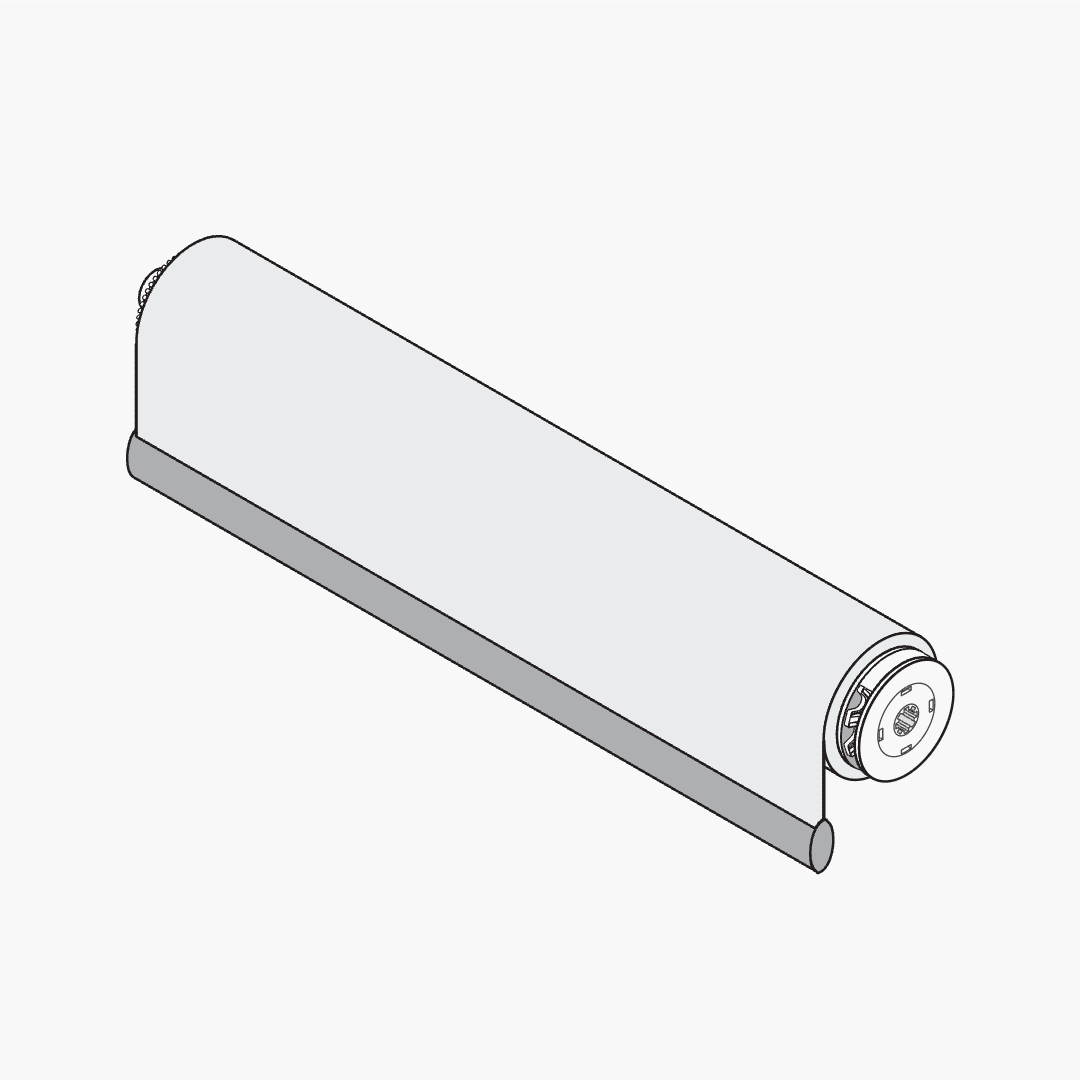
Need help installing motorised roller blinds?

Step 1: Check compatibility Have you checked whether your blinds can be retrofitted with motorisation? Different manufacturers use different tubes and components, so we can only retrofit certain models—and only blinds wider than 700mm.

Step 2: Tell us where your blinds were purchased To confirm compatibility, please select where you purchased your blinds:

DIYblinds
DIYblinds
Somewhere else
Somewhere else
Your existing blinds are compatible with all motors we offer at DIYblinds. Explore the motorisation range below to upgrade your blinds.

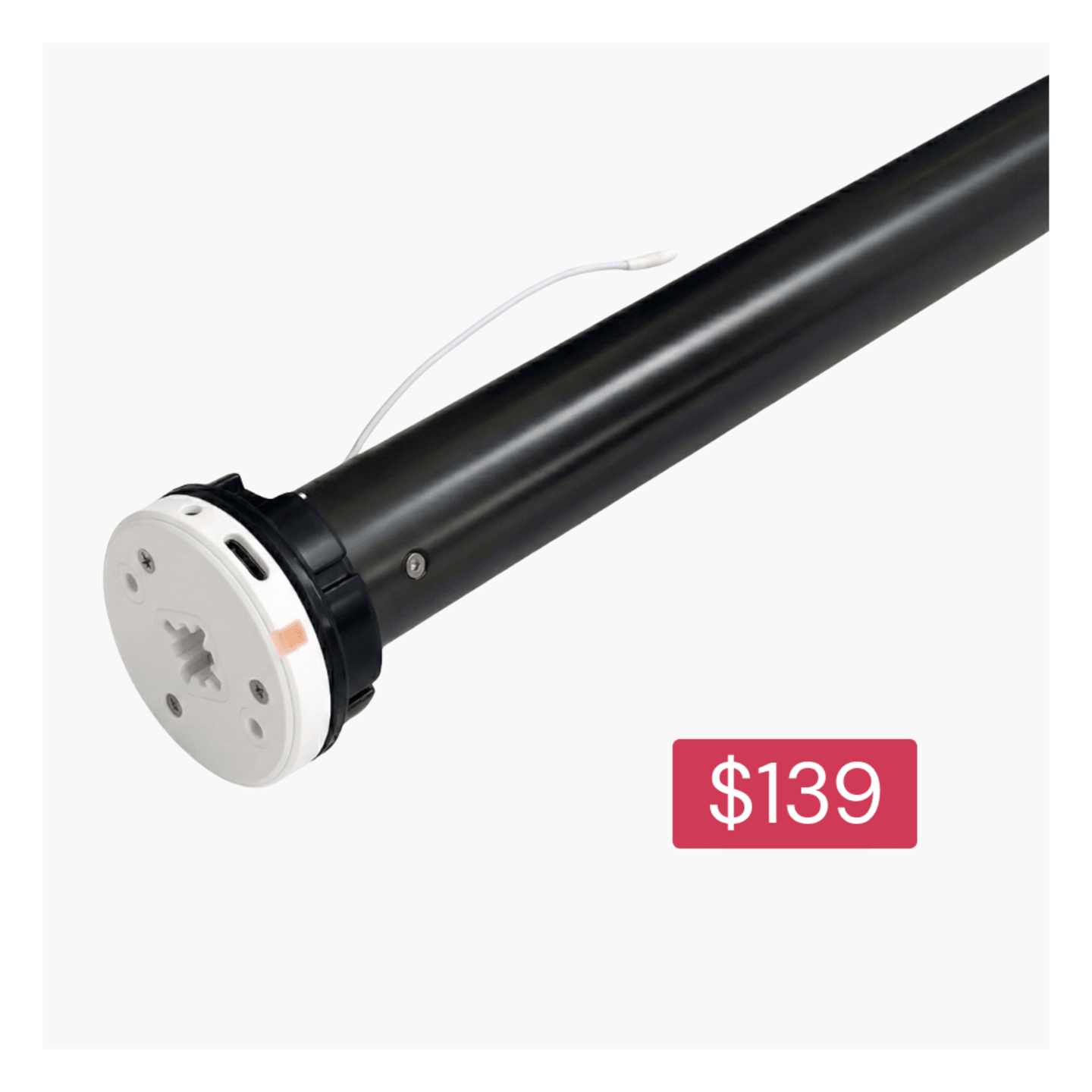
Orbis 1.1/20 (1.1nM) battery motor

Orbis 1.1/20 (1.1nM) battery motor

Choose your setup: your motor is compatible with both DIYblinds options:

The Orbis 1.1/20 (1.1nM) battery motor is a rechargeable battery-powered motor for simple, quiet automation for smaller roller blinds.
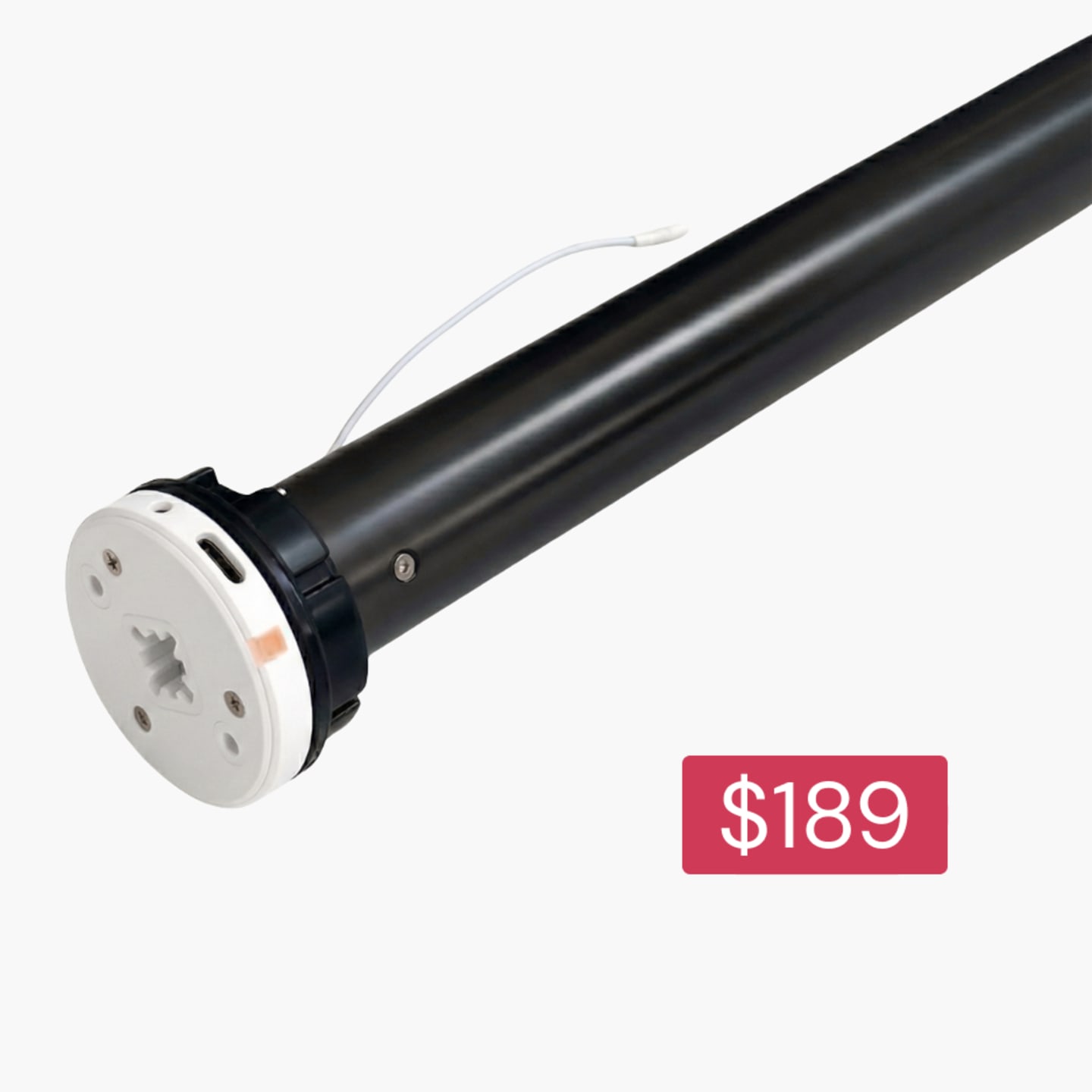
Orbis 2/20 (2.0nM) battery motor

Orbis 2/20 (2.0nM) battery motor

Choose your setup: your motor is compatible with both DIYblinds options:

The Orbis 2/20 (2.0nM) battery motor is a rechargeable battery-powered motor for smooth, quiet automation of medium-sized roller blinds.
Somfy Sonesse 30 2.0 Nm battery motor

Somfy Sonesse 30 2.0 Nm battery motor

Choose your setup: your motor is compatible with both DIYblinds options:

The Somfy Sonesse 30 WireFree RTS 2/20 Li-ion is smooth and quiet operation at 44 dBA. Fits blinds 710mm wide and above. Backed by a 5-year warranty.
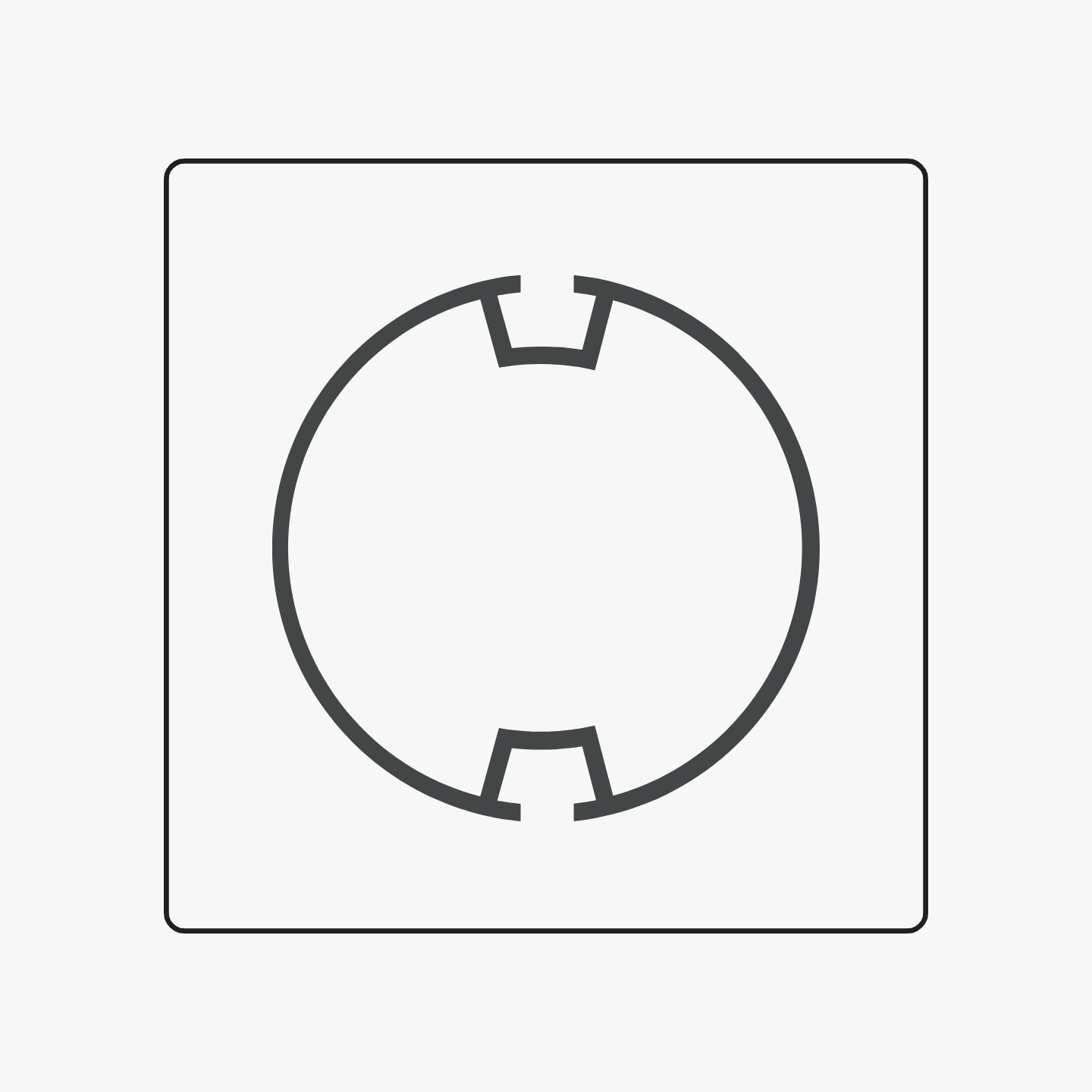
Have you checked whether your existing blinds are compatible with DIYblinds motors? Check whether your roller blind tube matches one of these profiles:

Louvolite 40 mm
Louvolite 40 mm
Rollease Acmeda S45 Light 38mm
Rollease Acmeda S45 Standard 38mm
Rollease Acmeda S45 Heavy Duty 38mm
None of these
None of these
Your existing blinds are compatible with the Somfy motors we offer at DIYblinds. Explore the motorisation range below to upgrade your blinds.

Somfy Sonesse 30 2.0 Nm battery motor

Somfy Sonesse 30 2.0 Nm battery motor

Choose your setup: your motor is compatible with both DIYblinds options:

The Somfy Sonesse 30 WireFree RTS 2/20 Li-ion is smooth and quiet operation at 44 dBA. Fits blinds 710mm wide and above. Backed by a 5-year warranty.
Your existing blinds are compatible with both Orbis & Somfy motors we offer at DIYblinds. Explore the motorisation range below to upgrade your blinds.

Orbis 1.1/20 (1.1nM) battery motor

Orbis 1.1/20 (1.1nM) battery motor

Choose your setup: your motor is compatible with both DIYblinds options:

The Orbis 1.1/20 (1.1nM) battery motor is a rechargeable battery-powered motor for simple, quiet automation for smaller roller blinds.
Orbis 2/20 (2.0nM) battery motor

Orbis 2/20 (2.0nM) battery motor

Choose your setup: your motor is compatible with both DIYblinds options:

The Orbis 2/20 (2.0nM) battery motor is a rechargeable battery-powered motor for smooth, quiet automation of medium-sized roller blinds.
Somfy Sonesse 30 2.0 Nm battery motor

Somfy Sonesse 30 2.0 Nm battery motor

Choose your setup: your motor is compatible with both DIYblinds options:

The Somfy Sonesse 30 WireFree RTS 2/20 Li-ion is smooth and quiet operation at 44 dBA. Fits blinds 710mm wide and above. Backed by a 5-year warranty.
Your existing blinds are compatible with both Orbis & Somfy motors we offer at DIYblinds. Explore the motorisation range below to upgrade your blinds.

Orbis 1.1/20 (1.1nM) battery motor

Orbis 1.1/20 (1.1nM) battery motor

Choose your setup: your motor is compatible with both DIYblinds options:

The Orbis 1.1/20 (1.1nM) battery motor is a rechargeable battery-powered motor for simple, quiet automation for smaller roller blinds.
Orbis 2/20 (2.0nM) battery motor

Orbis 2/20 (2.0nM) battery motor

Choose your setup: your motor is compatible with both DIYblinds options:

The Orbis 2/20 (2.0nM) battery motor is a rechargeable battery-powered motor for smooth, quiet automation of medium-sized roller blinds.
Somfy Sonesse 30 2.0 Nm battery motor

Somfy Sonesse 30 2.0 Nm battery motor

Choose your setup: your motor is compatible with both DIYblinds options:

The Somfy Sonesse 30 WireFree RTS 2/20 Li-ion is smooth and quiet operation at 44 dBA. Fits blinds 710mm wide and above. Backed by a 5-year warranty.
Your existing blinds are compatible with both Orbis & Somfy motors we offer at DIYblinds. Explore the motorisation range below to upgrade your blinds.

Orbis 1.1/20 (1.1nM) battery motor

Orbis 1.1/20 (1.1nM) battery motor

Choose your setup: your motor is compatible with both DIYblinds options:

The Orbis 1.1/20 (1.1nM) battery motor is a rechargeable battery-powered motor for simple, quiet automation for smaller roller blinds.
Orbis 2/20 (2.0nM) battery motor

Orbis 2/20 (2.0nM) battery motor

Choose your setup: your motor is compatible with both DIYblinds options:

The Orbis 2/20 (2.0nM) battery motor is a rechargeable battery-powered motor for smooth, quiet automation of medium-sized roller blinds.
Somfy Sonesse 30 2.0 Nm battery motor

Somfy Sonesse 30 2.0 Nm battery motor

Choose your setup: your motor is compatible with both DIYblinds options:

The Somfy Sonesse 30 WireFree RTS 2/20 Li-ion is smooth and quiet operation at 44 dBA. Fits blinds 710mm wide and above. Backed by a 5-year warranty.
It looks like your blinds may not be compatible with a Somfy motor. To be sure, please send us a photo of your blinds here.

Need help retrofitting your roller blinds with motorisation?

View our step-by-step installation guide here, and learn how to set up your Somfy remote here.

For installation questions or any other general enquiries, please contact us here.
Need help retrofitting your roller blinds with motorisation?

Troubleshooting Motorised Roller Blinds
Orbis
Orbis
Somfy
Somfy
How do I charge my blinds motor battery?
New battery powered motors need to be fully charged before you use them.
Grab your Somfy power charger and connect it to the charging port on your motor head. When the LED on the motor head turns solid green, it's ready to go and you can disconnect the charger.

My blinds won't jog
If your blind doesn’t jog, start by checking whether the motor’s battery is low. If charging the motor doesn’t fix the issue, you’ll need to perform a factory reset and re-set up your motor. Refer to “I need some extra help” for step-by-step instructions on performing a factory reset using the Orbis remote setup guide.

My motor won't stay programmed to my Orbis remote
The most common issue is forgetting to press the ‘program’ button on the back of the remote. Please double-check that you have carefully followed every step of the programming process — if even one step is missed, the remote will not function.
If you’re still experiencing issues, please conduct a factory reset and start again. Refer to “I need some extra help” for step-by-step instructions on performing a factory reset using the Orbis remote setup guide.

Can I start over if I miss a step when setting up blinds on my Orbis remote?
Mistakes happen! No need to worry, you can easily start over if you miss a step during set up. Refer to “I need some extra help” for step-by-step instructions on performing a factory reset using the Orbis remote setup guide.

My motor has stopped responding to my Orbis remote:
Click a button on your Orbis remote, if a red LED light shows, then your remote is still active. If not you will need to replace the battery.
Please ensure you've charged your motor for a full charge cycle (8 hours). The remote should respond now, if it doesn't please follow our how to guide to reset and program your motor.

How do I charge my blinds motor battery?
New battery powered motors need to be fully charged before you use them.
Grab your Somfy power charger and connect it to the charging port on your motor head. When the LED on the motor head turns solid green, it's ready to go and you can disconnect the charger.

My blinds won't jog
If your blind doesn't jog it's an easy, one step process to reset your blind's motor.
Press and hold the button (Altus) or pin hole (Sonesse) on your motor head for 13 - 60 seconds. Your blind will jog up and down 3 times during the reset process. Now you're good to start setting up your Somfy remote.

My blind has stopped working and won't hold charge

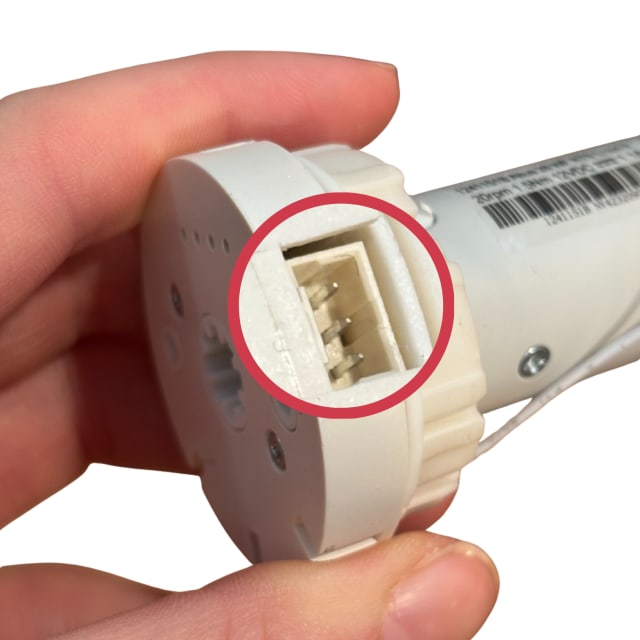
Check the motor head pins - the motor head should have 3 straight pins as shown below.

Motor pins
If any pins are bent, carefully straighten them with tweezers.
If pins are missing and your motor is within 12 months, please contact us for next steps.
If pins are missing and your motor is more than 12 months old, you will need to order a replacement motor. Connect the charging cable
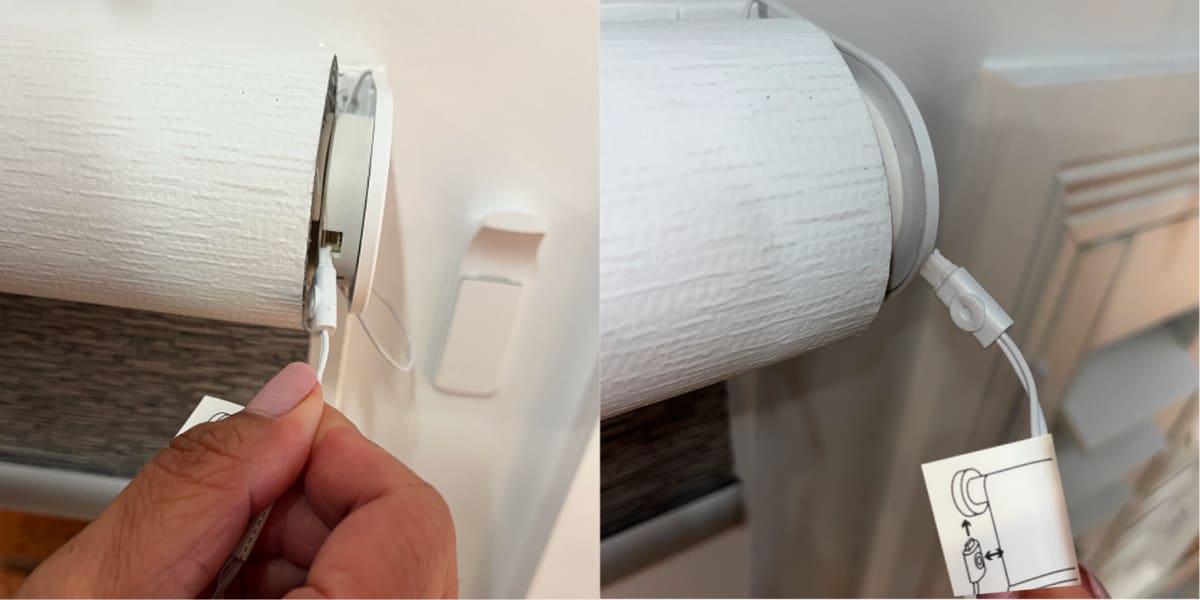
Plug the charging cable into the motor head as shown below. ⚠️ Take extra care when doing this, as the pins are very small and delicate.
Plugging charger into motor

Confirm charging

Once connected, the charger light will turn RED to indicate the blind is charging. When the blind is fully charged, the light will change to GREEN.

My motor won't stay programmed to my Somfy remote
The most common issue is forgetting to press the ‘program’ button on the back of the remote. Please double-check that you have carefully followed every step of the programming process — if even one step is missed, the remote will not function.
If you’re still experiencing issues, please reset your remote (using the steps below) and then reprogram it.

Can I start over if I miss a step when setting up blinds on my Somfy remote?
Mistakes happen! No need to worry, you can easily start over if you miss a step during set up.
To erase any settings you added, press and hold the button (Altus) or pin hole (Sonesse) on your roller blind motor head for 13 - 60 seconds. Your blind will jog up and down 3 times during the reset process. Now you can start the set up again.
For wired motors, if you make a mistake part way through set up just unplug the motor, wait for 10 seconds then plug the motor back in. Now you can start the set up again.

My motor has stopped responding to my Somfy remote:
Click a button on your Somfy remote, if a red LED light shows, then your remote is still active. If not you will need to replace the battery.
Please ensure you've charged your motor for a full charge cycle (8 hours). The remote should respond now, if it doesn't please follow our how to guide to reset and program your motor.

Need more help?

We’re here to help with any questions
Support

We’re here to help with any questions

Whether you're midway through installing your blinds or just getting started, our team is here to help. From measuring guides to installation tips, we’ve got answers to make things simple and stress-free. Contact us on 1300 918 390 (AEDT).